
UPI Launches for Kids, Payment Will Be Done Without Bank Accounts
Many children still need to borrow their parents’ phones or rely on OTPs and QR codes to complete transactions.

 Join Us
 Add as a preferred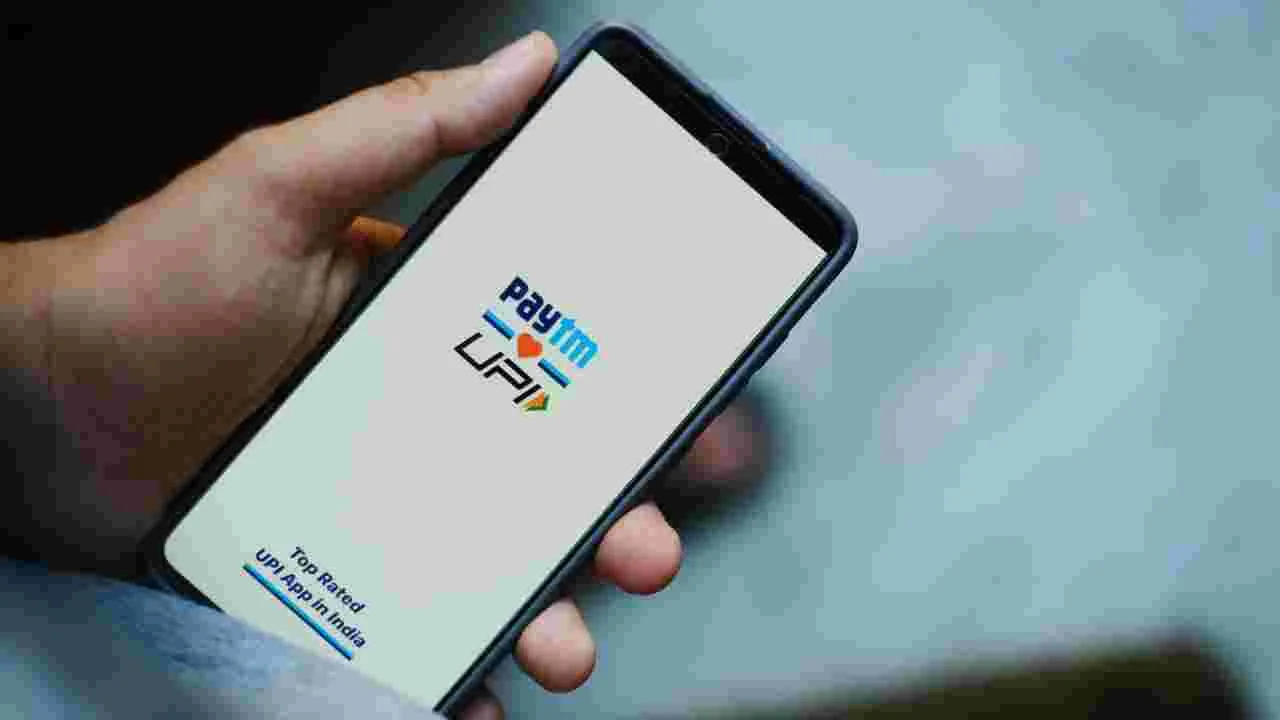
Paytm Upi
UPI For Kids: In today’s world, kids are heading to school and college to make their own purchases. They also handle payments for metro tickets, taxis, and mobile recharges independently. However, they frequently find themselves borrowing money from their parents to cover these expenses. Paytm has recently introduced a new feature in its app.
Currently, students in schools and colleges are eager to utilize digital payments for various needs such as metro rides, taxis, mobile recharges, canteen purchases, online shopping, and other minor expenses. Yet, many children still need to borrow their parents’ phones or rely on OTPs and QR codes to complete transactions.
To address this issue, Paytm has rolled out this innovative feature. Parents can now assign specific spending permissions to their children via the Paytm app. This allows kids to make UPI payments directly from their own mobile devices, while parents maintain full oversight.
As per the company, this feature is built on NPCI’s UPI Circle system. With this functionality, parents or trusted family members can provide their children with digital pocket money by linking their bank accounts. A key aspect of Paytm Pocket Money is that parents can establish spending limits. They can also monitor their child’s spending habits and locations. If needed, they can adjust the spending limit or revoke access at any time.
With security as a priority, the company has implemented several restrictions. Initially, only up to Rs 500 can be spent within the first 30 minutes after activation. The maximum spending limit during the first 24 hours is set at Rs 5,000, and no single transaction can exceed Rs 5,000. The overall monthly UPI spending cap is Rs 15,000.
How can you activate this feature?
To get started with this feature, first ensure your Paytm app is updated. Choose the “Pocket Money” option and input your child’s phone number or UPI ID. Next, establish a monthly spending limit and finalize the process using your UPI PIN. Once your child accepts the terms, the feature will be activated. The company claims this feature will assist in educating children about safe digital payments and responsible spending habits.

Sweta Mitra
Next Article
Skoda Kylaq Vs Kia Syros – Which SUV Offers Best Value Under ₹15 Lakh?
The hottest sub-compact SUV segment in the Indian automobile market is currently witnessing a fierce battle between two new European and Korean giants. If you're looking for a safe, robust, and high-tech vehicle for your family in the ₹8 lakh to ₹15 lakh budget, this


The hottest sub-compact SUV segment in the Indian automobile market is currently witnessing a fierce battle between two new European and Korean giants. If you’re looking for a safe, robust, and high-tech vehicle for your family in the ₹8 lakh to ₹15 lakh budget, this detailed and practical comparison of the Skoda Kylaq vs. Kia Syros will put an end to your confusion.
While the Skoda Kylaq is making waves with its solid German engineering, robust safety, and aggressive starting price, the Kia Syros is attracting customers with its segment-first luxury features and diesel engine power. Let’s find out in this exclusive comparison article which SUV will be the best value for money in terms of engine, features, and price.
Write a Comment