

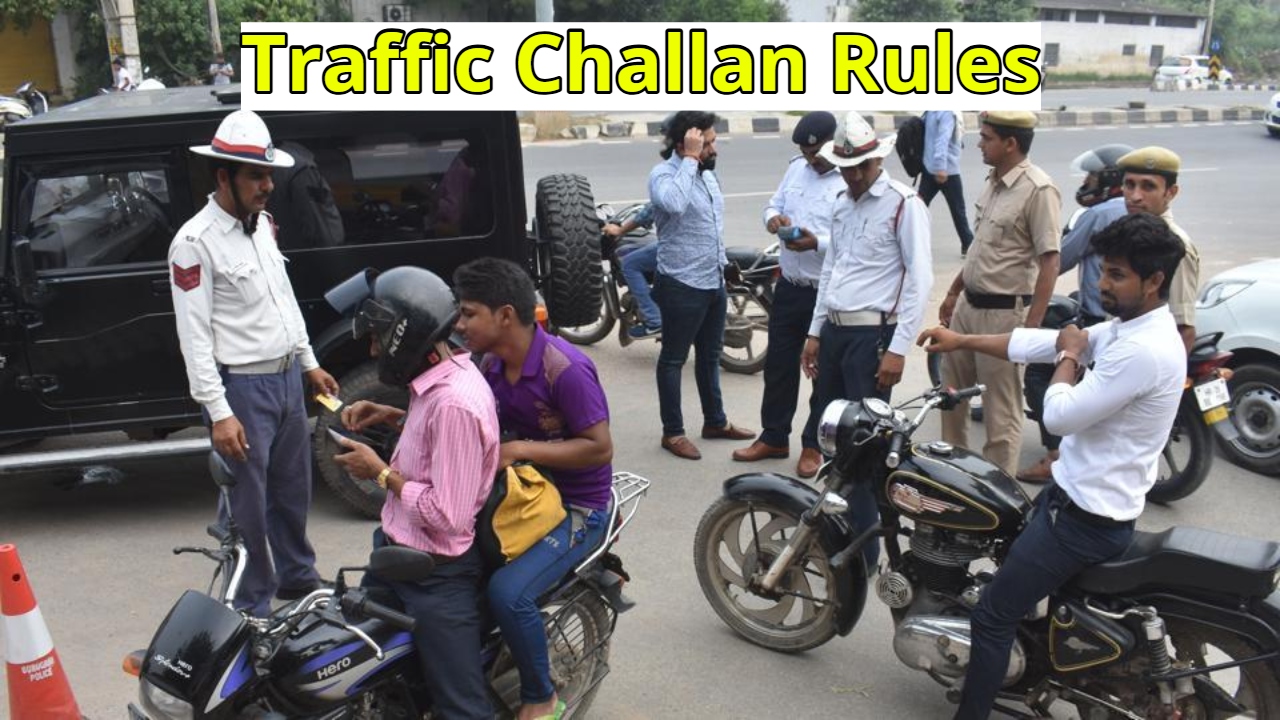
Smart traffic cameras installed on the roads these days keep a close eye on your every move. Whether jumping a red light or over speeding, you immediately receive an e-challan message on your mobile. But what if you haven’t violated any rules and still receive a hefty fine? Due to technical glitches, misreading of the number plate, or server errors, even innocent people are often issued challans.
If this has happened to you, there’s no need to worry. The traffic department has created a simple online system for challenging and cancelling a wrong challan. In this article, we’ll explore how you can file a complaint against your wrong challan and get it removed from the comfort of your home, without the need to visit an office.
Why are Wrong E-challans issued
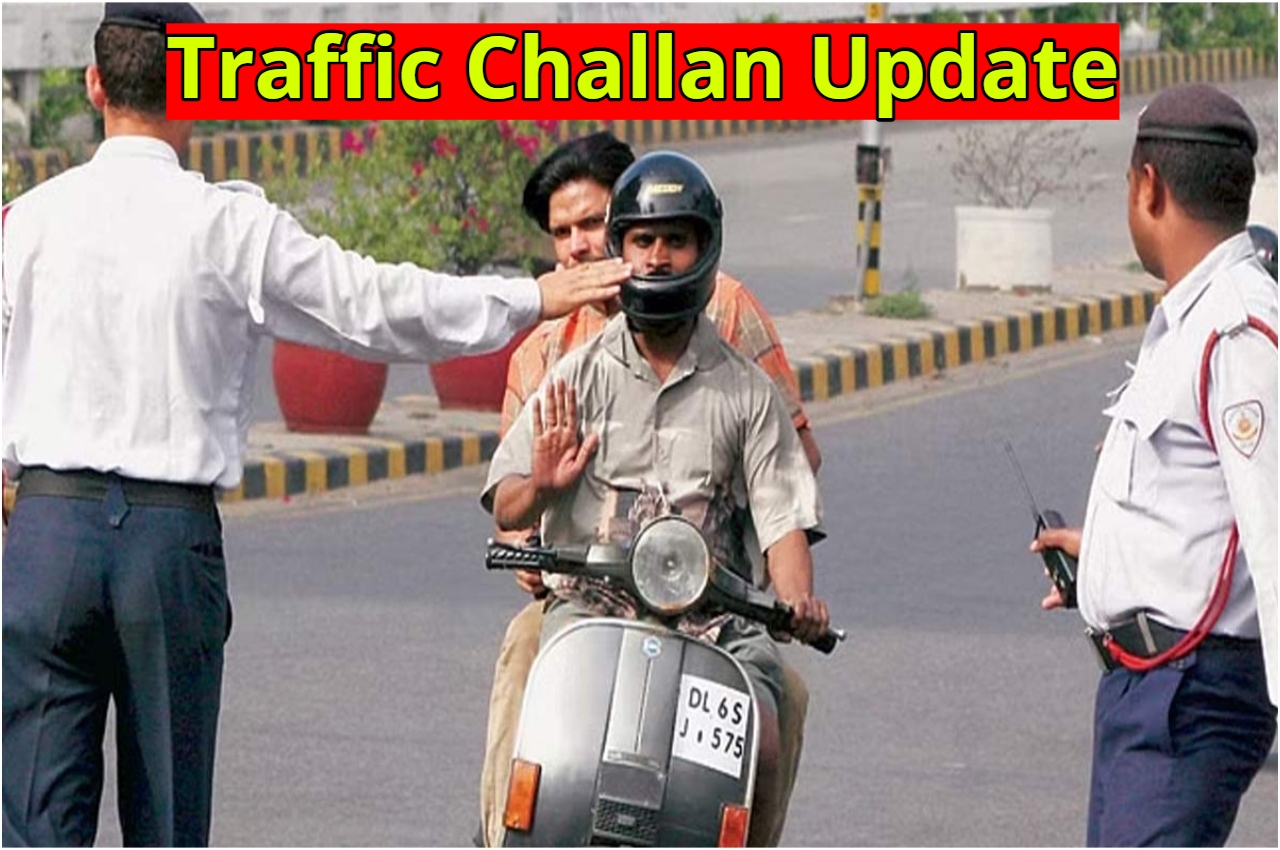
E-challans operate entirely on a digital system. When high-tech cameras installed on roads or intersections detect a vehicle violating rules, they immediately take a photo and scan the number plate using Optical Character Recognition (OCR) technology. The vehicle owner’s mobile number is then retrieved from the database, and a challan is sent.
Problems arise when the camera misreads a blurred number plate. For example, a digit on another vehicle’s number plate may appear similar to yours due to dust or light. Sometimes, server glitches can result in two challans for the same violation, or a challan for a place you’ve never been. If you’re in the right, you don’t have to silently pay the fine; you have a legal right to challenge it.
How to file a complaint about a wrong challan online
If you’ve received a wrong challan and want it cancelled, you can file a complaint by following the steps below:
- First, visit the Transport Department’s official portal, echallan.parivahan.gov.in.
- On the home page, you’ll find the option to select ‘Complaint’ or ‘Grievance’ next to ‘Check Challan Status’. Click on it.
- Here, you’ll need to fill out a form, including your name, mobile number, email address, and, most importantly, your challan number and driving license (DL) number.
- Next, select the city and exact location where the challan message was received.
- Then, in the ‘Description’ box, clearly and simply explain why the challan is incorrect. The most important part is uploading evidence.
- Upload photos or documents to prove your innocence. For example, if the vehicle was parked at home at the time, attach a screenshot of the home’s CCTV footage, the vehicle’s GPS location, or your office attendance register.
- Finally, enter the captcha code and submit the form. You’ll receive a ‘Ticket ID’, which will help you track the status of your complaint in the future.
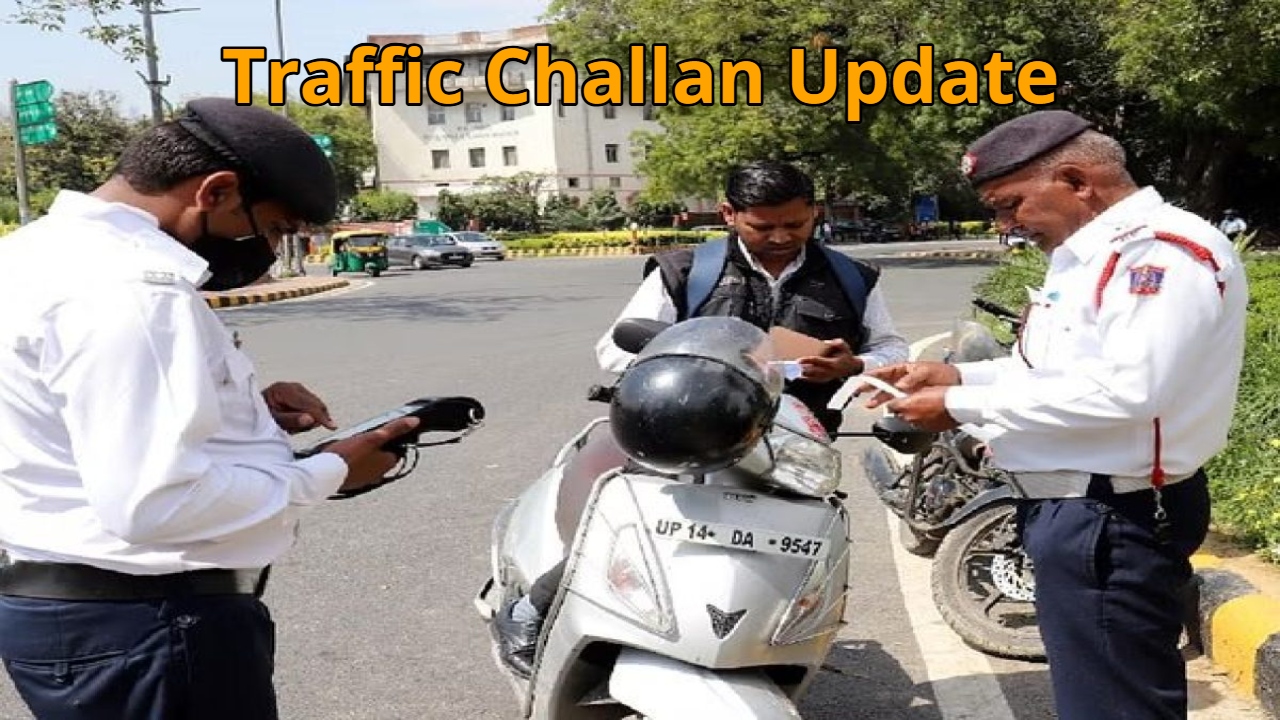
You can also seek solutions through email and phone
If you’re uncomfortable using the website, you can also email the Traffic Police’s central helpdesk directly. Send an email from your registered email address to helpdesk-echallan@gov.in. It’s mandatory to include your vehicle number, challan number, and any digital evidence supporting your defence.
You can also seek assistance by calling the helpline number +91-120-4925505 during working days. Remember, filing a complaint correctly and at the right time not only saves you money but also prevents your driving record from being tarnished.