

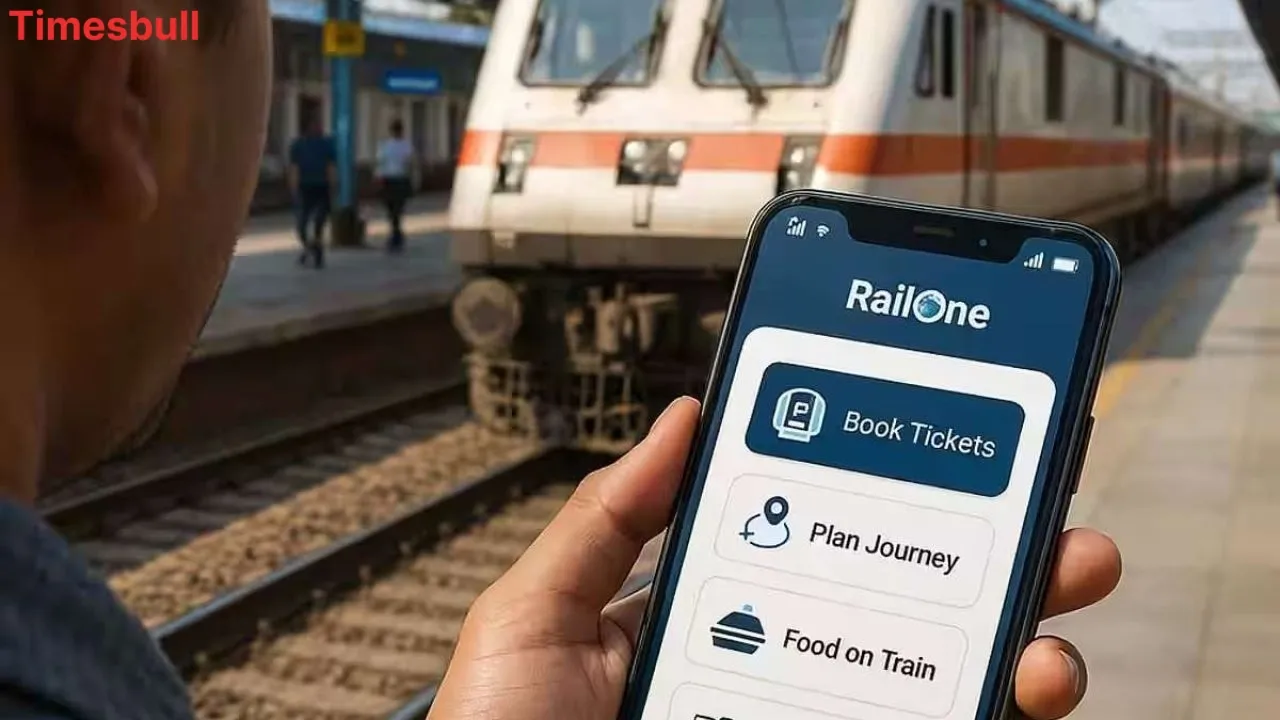
Railway ticket booking has become even easier now. Till now, people used to use only the IRCTC app; now the railways have launched their new ‘RailOne’ super app. It is being called an ‘all-in-one’ app, because with its help, you will be able to do 9 types of work from one place. Everything from reservations to general and platform tickets can be booked in it. Let us know what this new app is and how you can book all types of tickets with its help.
What is the RailOne app
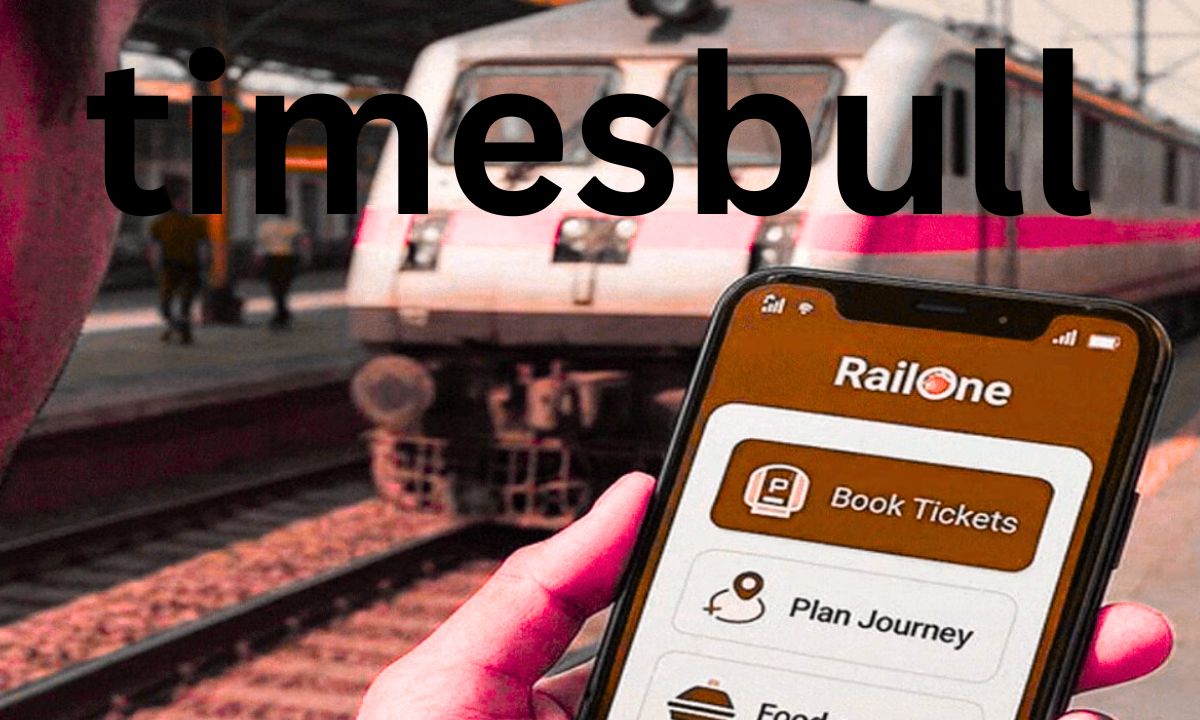
The RailOne app has been introduced by the railways as an ‘all-in-one super app’. This app is now available for download on the Play Store and App Store. With this one app, you will be able to do 9 different things, such as reservation, general ticket booking, platform ticket booking, and even get a monthly or season pass. This app has been created to provide all kinds of facilities to the passengers in one place.
How to make a reservation
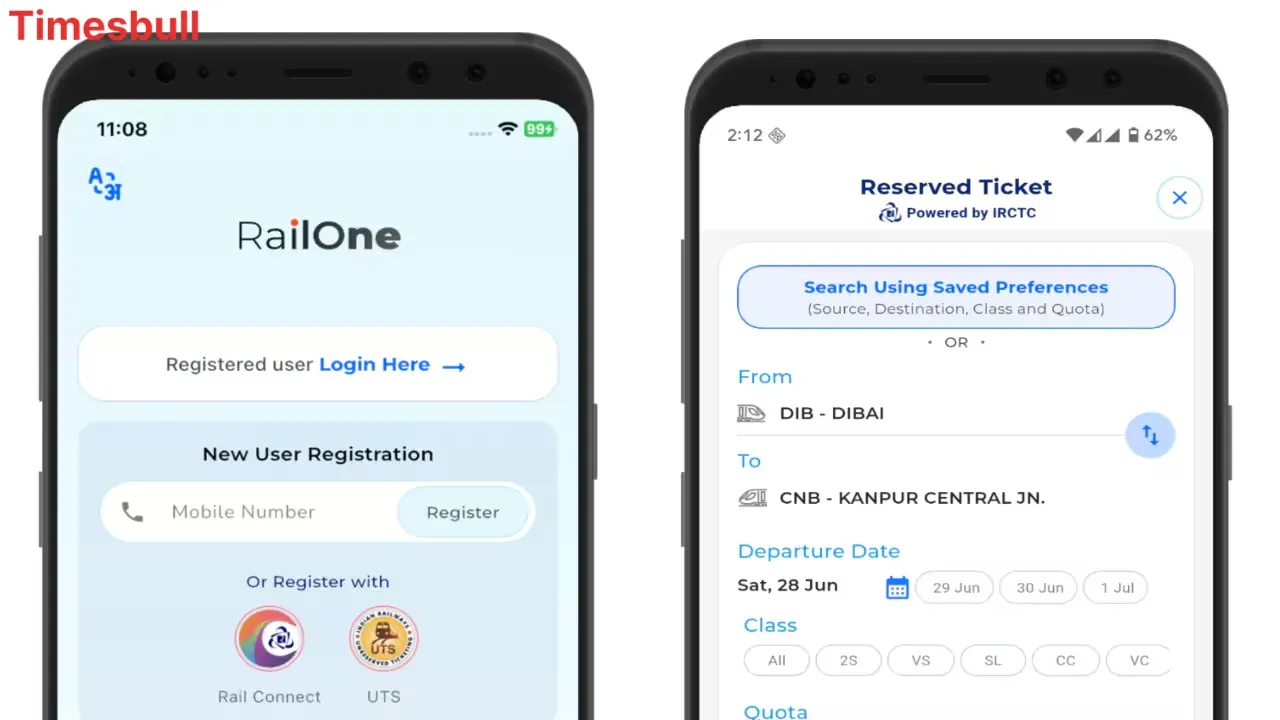
In the RailOne app, you can create a new account or link your existing IRCTC account. After logging in to the app, on the home screen, you will find the first option ‘Search Train’ in the ‘More Offers’ section. With the help of this, you can book tickets.
Fill in the names of the stations from where you want to start the journey in ‘From’ and the stations where you want to go in ‘To’.
You will see a list of all the trains running on that route. Choose the train and class (such as sleeper, AC, etc.) as per your convenience.
Now you have to fill in all the passenger information.
You can make a payment through UPI, debit/credit card, or net banking. Your ticket will be booked as soon as the payment is made.
You can view the ticket information in the app itself, download it, or send it on WhatsApp/email.
How to book an unreserved (general) ticket
To book an unreserved ticket, you need to select the second option, ‘Unreserved’ given in the ‘Journey Planner’ section.
Here, you can select ‘From Station’ and ‘To Station’. This app can also detect your location; just keep the GPS on.
After this, you choose the type of train (Mail/Express, Superfast) and the number of passengers.
After making the payment, your ticket will be confirmed. You can view the ticket or download the PDF by going to the ‘My Tickets’ section of the app.
How to book a platform ticket
You can also book platform tickets on the RailOne app.
Select the third option, ‘Platform’ in the ‘Journey Planner’ section.
Select the name of the station for which the platform ticket is required, and the number of people.
After making the payment, you can view or download your platform ticket in the app.
This app can prove to be a game-changer for railway travellers, as it makes the process of ticket booking very simple and convenient.
Latest News
- Free Bus Travel for Women Starts June 1, Know ID Rules and Many More

- How to Replace Siri with ChatGPT on iPhone: Step-by-Step iOS Setup
- Petrol-Diesel Price Today: 24 मई को कितना बदला पेट्रोल-डीजल का भाव, चेक करें 1 लीटर की कीमत

- America Update: व्हाइट हाउस के दरवाजे पर 25 राउंड फायरिंग से मची खलबली, संदिग्ध हमलावर की मौत

- Tata Tiago Facelift Launching Soon – Aggressive Design And High-Tech Cabin Revealed

- LPG Gas Connection Transfer Made Easy, Learn the Complete Process

- New Honda City Facelift 2026 Launched – Sporty Coupe Look And ADAS Safety Revealed

- 8th Pay Commission: केंद्रीय कर्मचारियों की बढ़ेगी बंपर सैलरी! आयोग ने उठाया यह बड़ा कदम

- China: चीन के कोयला खदान में भयंकर विस्फोट, 90 लोगों की गई जान, पीएम मोदी ने भी जताया दुख

- Weather warning – Heavy Rain, thunderstorms, lightning Alerts for 13 States Over Next 3 Days

