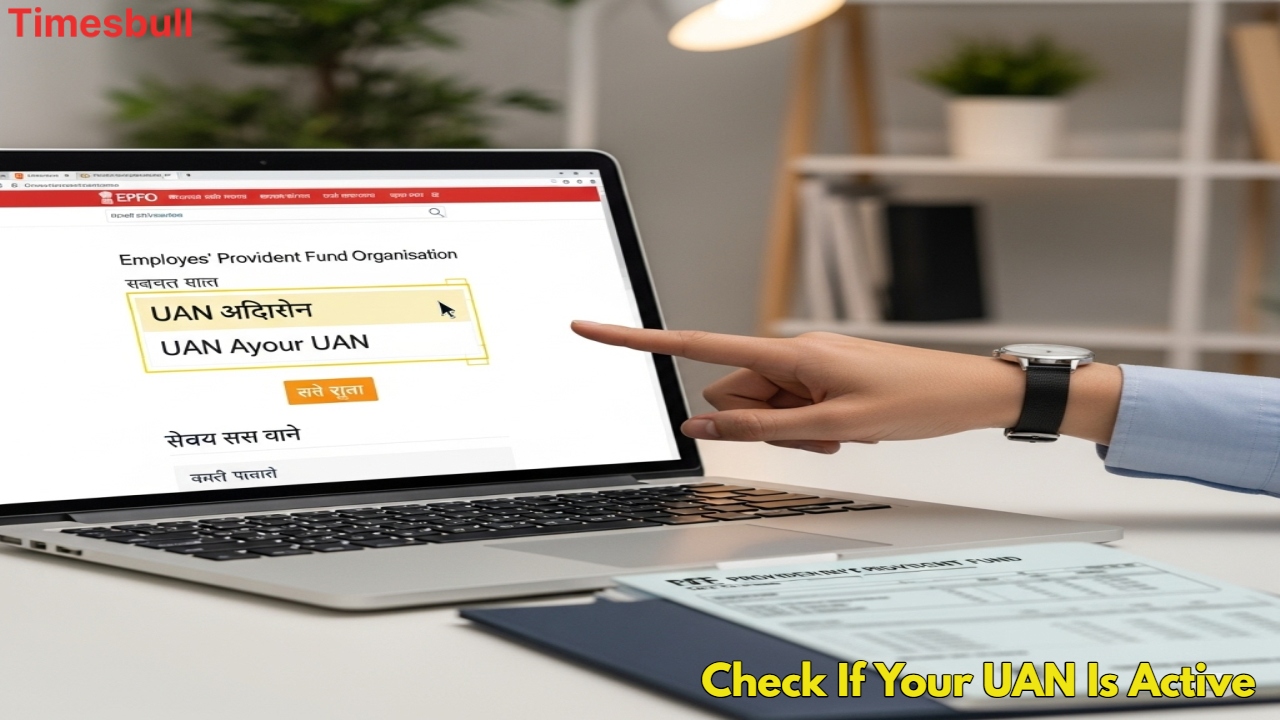
Crores of employed people in the country have a PF account, which works like a savings account. In this, 12% of the employee’s salary is deposited, and the employer, i.e., the company, also contributes the same amount. You also get a good interest on this deposit amount. If you suddenly need money, you can withdraw money from your PF account. But to use the PF account properly, it is very important to have a UAN, i.e., Universal Account Number, active. If your UAN is not active, then you will neither be able to see your passbook nor make any claim. Let us know how to find out whether your UAN has been generated or not, and if it has, then whether it is active or not.
UAN has been generated or not, find out like this

If you want to know whether your UAN has been generated or not, then it is very easy to find out. For this, you have to visit the EPFO website.
First of all, go to the official website of EPFO.
On the homepage, you will find the option of ‘Know your UAN’; click on it.
Enter your mobile number (which is linked to Aadhaar and PF account). After this, an OTP will come to your mobile; enter it.
Now enter the name, date of birth, Aadhaar number, and PAN number.
If your UAN has been generated, it will appear on your screen. If UAN is not created, ‘Record Not Found’ will appear on the screen.
An easy way to know whether UAN is active or not
Checking whether your UAN is active or not is also very simple. For this, you also have to use the EPFO website.

Go to the EPFO website.
On the homepage, you will find the option of ‘Activate UAN’; click on it.
Enter your mobile number, Aadhaar number, or PAN number.
An OTP will come to your mobile; enter it.
Know the status
If your UAN is already active, its information will appear on the screen.
If it is not active, you will get the option to activate it from there.
Only after UAN is activated can you view your PF account passbook and make online claims. This process is the most important step for all your PF-related work.