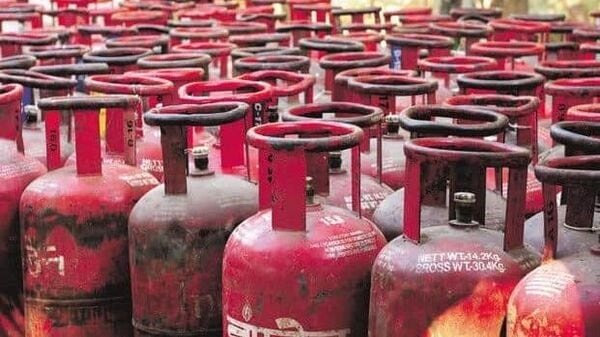
LPG Gas Connection – There are many people who do not have LPG gas connection. Earlier, they had to visit different offices for this. However, now there is no need to run around so much.
You can apply for LPG gas connection online from your home
If there is less internet service in your area, you can also apply for a new gas connection by visiting an offline government office.
How to apply online?
If you want to apply for a new LPG gas connection (LPG gas connection online), then follow the steps given below.
Step 1- First of all, you have to go to the official website of the LPG gas connection you want to install.
Step 2- After which, by entering the details asked here, generate login credentials.
Step 3- You will receive these login credentials in the message.
Step 4- Login by entering these login credentials.
Step 5- After which you will get the option of new LPG gas connection here.
Step 6- Click on it and enter all the required information.
Step 7- Along with this, the document will also have to be registered.
Step 8- After all this, click on Submit and save the page for future use.
Recently, the gas agency was asking for KYC. You can do this too sitting at home.
How to do online KYC?
If your gas agency is also asking for KYC, then you can apply for it online.
Step 1- First of all you have to visit the website or app of the gas agency.
Step 2- Along with this you will also have to download Aadhaar FaceRD.
Step 3- After login into the app, here you have to find the option of e-KYC.
Step 4- Click on this option and fill in the required details.
STEP 5- After this you will be asked for permission to open your camera.
STEP 6- Then you will indirectly reach the Aadhaar app.
Step 7- Finally click the photo, submit and tap it.
In this way, you can apply for gas online from home. Cylinder can also be booked online. Along with this, you also get the option of online payment while booking the cylinder. You can also make payment online at the time of cylinder delivery.
Latest News
- NEET UG 2026 – Haryana & Bihar Announce Free Bus Service for Candidates on June 20-21

- PM Kisan 23rd Installment: Farmers to get Rs 2000 in June? Know Here

- Best Premium Smartwatches Under ₹10,000: Upgrade to Luxury Metallic Builds, AMOLED Screens, and In-Built GPS

- Maruti Dzire CNG Continues Dominance – Fuel Efficient Sedan Wins Indian Families

- Vivo Y600 Turbo Set to Debut: Featuring a 165Hz Display, Dimensity 8500, and a Massive 9,020mAh Battery

- HMD Vibe 2 5G Debuts in India with 6000mAh Battery & 50MP Camera: Get It For Just ₹9,499 With Launch Offers

- 8th Pay Commission लागू होते ही कितना हो जाएगा फिटमेंट फैक्टर, चेक करें अपडेट

- Oppo Find X9 Ultra Launched in India: Check Reliance Digital Price, Bank Offers, and Flagship Specs

- Electricity Bill Saving– How to Save Power During Summer Heat? Here Are the Few Tips

- Gold-Silver Rate – Gold ₹44,396 per 10 grams & Silver ₹1,85,462 per kg cheaper from the Peak