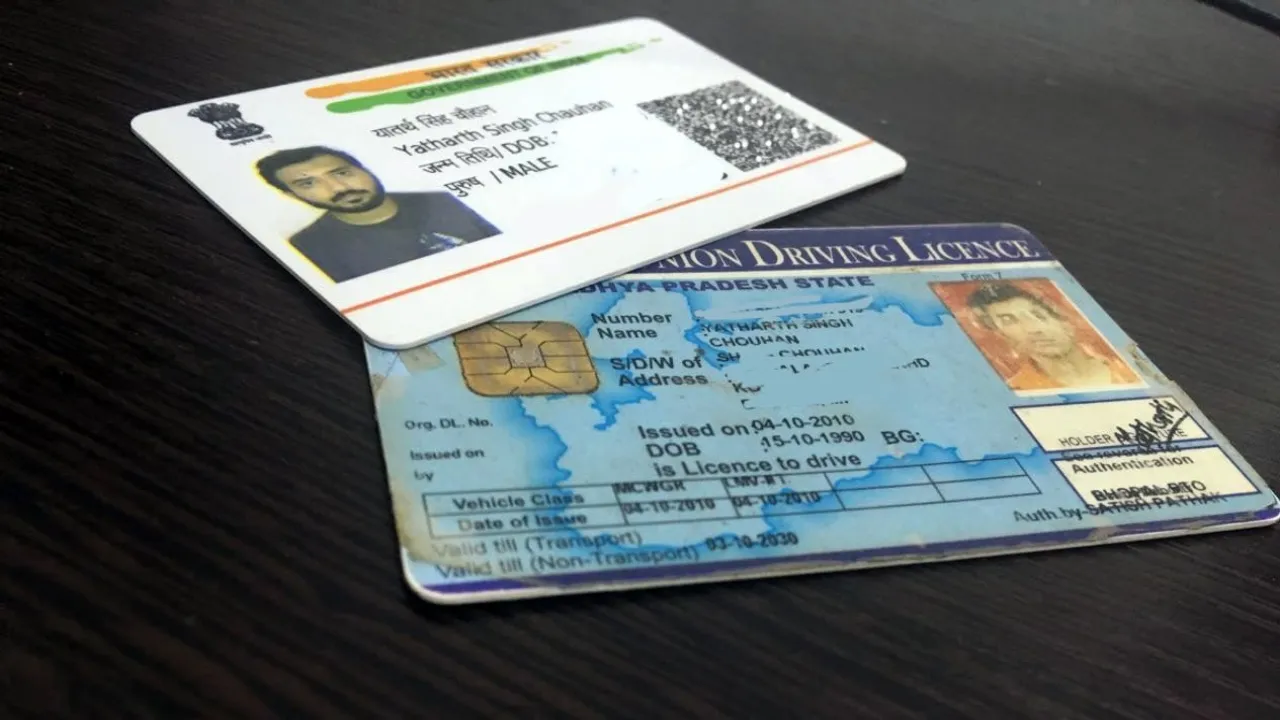
Driving License Link Aadhaar online: If you drive a vehicle on the road, having a driving license is essential. If you don’t have a driving license, you may be fined. The government has clearly instructed that your driving license should be linked to your mobile number. This allows any government instructions to be communicated to you, and you can avail of transportation services without any interruption. Linking your mobile number to your driving license is also crucial to curb fraud.
Read Here: FASTag Inactive Alert: Trouble at Toll Plazas if You Don’t Do This
How to update your mobile number?
First, you need to visit the parivahan.gov.in portal.
Then, click on the “Update Mobile Number” option.
After that, you will need to fill in your vehicle or driving license details, including registration number, date of birth, chassis number, etc.
After this, you can update your mobile number by verifying it with an OTP sent to your Aadhaar-linked mobile number.
How to link your driving license?
First, scan the Sarathi QR code provided on the portal or go to the linked page.
Then, fill in your driving license number, date of birth, state name, and captcha code.
After that, verify with an OTP.
Then, click on submit and complete the process.
Read Here: Credit Card Benefits – 5 Credit Card Benefits Every User Should Know
If you have already completed the process, you don’t need to do anything, but if you haven’t, complete it as soon as possible to avoid any problems in the future. If your mobile number is not updated, you will not receive important notices or information. This can lead to delays in challans, registration renewals, or other services.
Latest News
- Gold Price Weekly – Check 24K, 22K & 18K Metro City Gold Rates

- Weather Warning – Heavy to Heavy Rain Alert for 19 States Next 48 Hours, Full State-Wise Weather Forecast

- Maruti’s Premium Hatchback Set For Big Upgrade – New Baleno Spotted On Test

- LSG vs PBKS – Sachin Tendulkar Pens Emotional Note as Son Arjun Impresses on Lucknow Debut

- LSG vs PBKS Highlights: Shreyas Iyer 101 Keeps PBKS Playoff Hopes Alive

- SBI FD– How to Get Rs 1,00,000 Interest in Just 2 Years? Know Here

- Bank Holiday Alert: अगले सप्ताह कितने दिन बंद रहेंगे बैंक? जाने से पहले चेक करें लिस्ट

- PAN Card–From Banking to Property Deals, Major PAN rules changed
- New Triumph Street Triple 765 RX Is Here – Limited Edition Track Monster Unveiled

- Best Budget Tablets for Students 2026 Under 20,000