

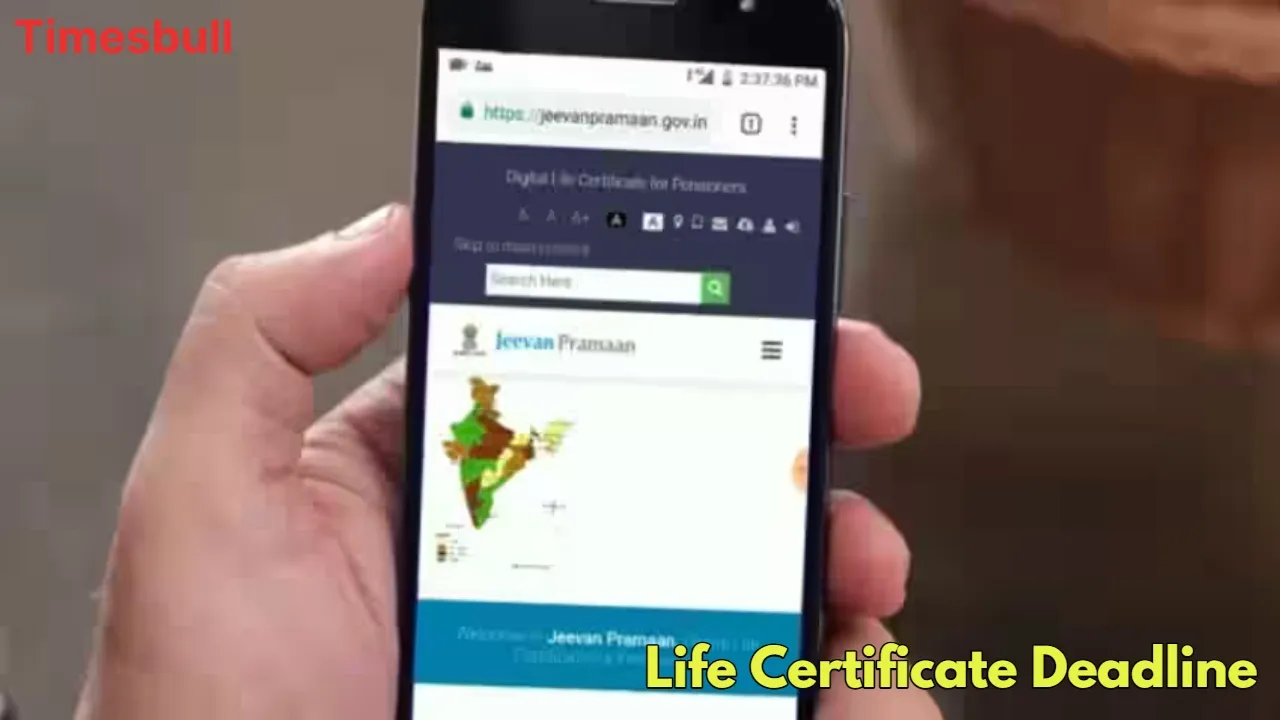
A Life Certificate is a biometric-based digital certificate that is mandatory for all retired employees of the Central Business Idea: Start These 4 Businesses With Low Investment, Then Earn Big Every Month”/gas-cylinder-why-was-the-number-of-subsidized-cylinders-reduced-government-explains-the-reaso-750917.html" class="tb-related-post-link" rel="bookmark">Gas Cylinder: Why Was the Number of Subsidized Cylinders Reduced? Government Explains the Reaso, State Government, and other government institutions. This document helps the pension disbursing agency establish that the pensioner is still alive and entitled to receive the pension.
This certificate is valid for a full year. This means that to continue receiving the pension from December, you must submit it again by November 30th. If a pensioner fails to submit it, their pension is stopped from December. However, it is a relief that upon subsequent submission, the full pension amount and outstanding arrears are credited to the account.
Submit Online from Home
You can submit the Digital Life Certificate using the Jeevan Pramaan app. You can also complete the process by visiting the nearest Jeevan Pramaan Center, bank, or Common Service Center (CSC). For registration, please have your Aadhaar, bank details, PPO number, and mobile number ready.
How to Register and Generate a Certificate on the App
First, download the official Jeevan Pramaan app and click on the “Registration” link.
Now, enter the required information, such as your Aadhaar number, name, bank account number, PPO, and mobile number.
Click ‘Send OTP’ and enter the one-time password (OTP) received on your registered mobile number.
Next, you’ll need to verify using your Aadhaar-linked biometric identification (such as a fingerprint or iris scan).
Upon successful submission, the Aadhaar authority will verify your information, and you’ll receive a unique Jeevan Pramaan ID.
After the Pramaan ID is generated
You’ll need to log in to the app again using the OTP. Select the ‘Generate Jeevan Pramaan’ option and enter your Aadhaar and mobile number. Click ‘Generate OTP’ and enter the OTP received. You’ll then need to enter your PPO number, the name of the pension disbursing agency, and other required details. The app will then ask for permission to scan your face.
Click ‘Yes’ and follow the instructions. Your face will be scanned, then you will enter the required information, then re-scan, and you will receive a Jeevan Pramaan ID number. Finally, the option to download the certificate will be activated, and you will receive a confirmation SMS on your mobile.
Call a Postman to Submit at Home

If you are uncomfortable with the digital process, this unique service from the Postal Department is extremely convenient. A doorstep service for submitting digital life certificates has been launched through the India Post Payments Bank (IPPB).
How to Make a Request
Pensioners can request a postman to visit their home by visiting the India Post Payments Bank website or downloading the PostInfo App. Upon receiving the request, a postman from the nearest post office will come to your home and complete the digital life certificate issuance process using a biometric device. The pensioner will be charged ₹70 for this service. This service ensures financial security for senior citizens.





