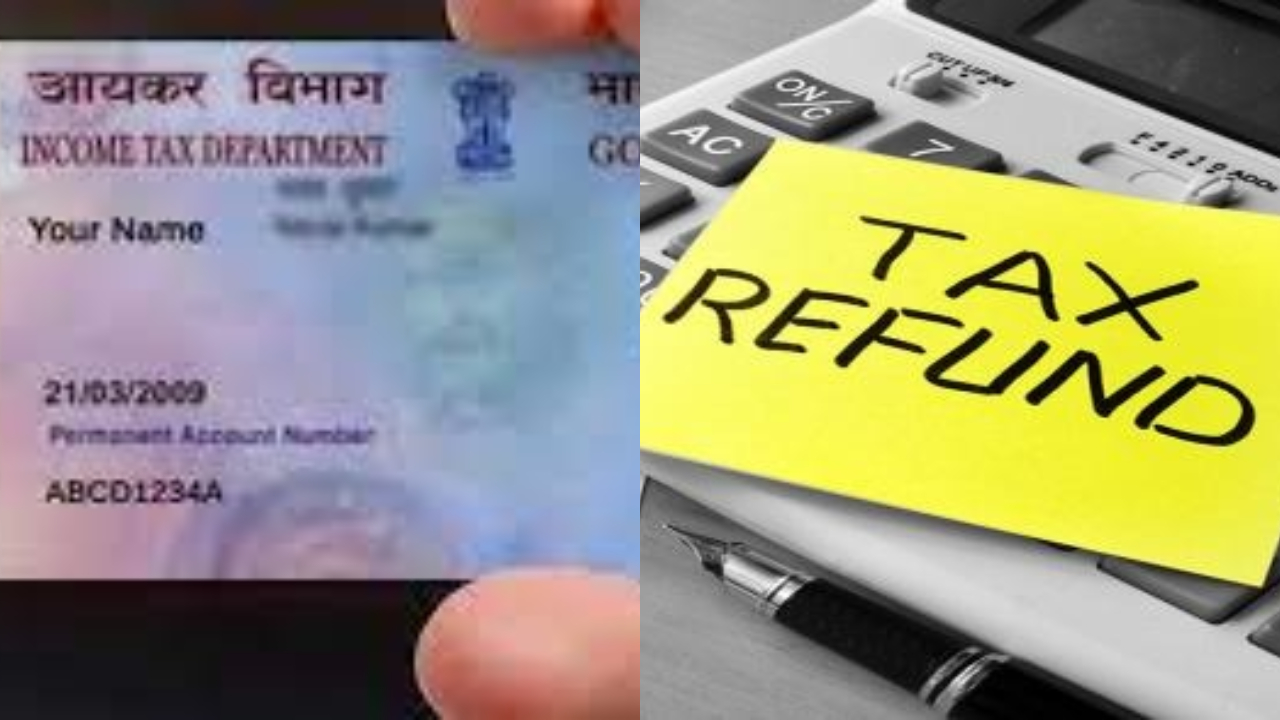
income tax refund: This year, a lot of taxpayers are finding that it’s taking longer than they thought to get their income tax Return (ITR) refunds. That’s why many are feeling anxious. A bunch of taxpayers have mentioned that even though they submitted their ITRs back in July, their refunds are still missing as of November.
The Income Tax Department has already pointed out that the delays in refunds are mainly due to verification problems, processing holdups, and mistakes in bank details. If you haven’t seen your refund yet, the simplest way to check its status is online with your PAN CARD. This allows taxpayers to see where their refund is stuck and what steps to take next.
When do you get your income tax refund?
Taxpayers start getting their refunds when the Income Tax Department figures out that the tax they paid throughout the year is more than what they actually owe. This often happens when too much TDS or TCS has been taken out, too much advance tax has been paid, or the tax due after deductions and exemptions is less than what was claimed on the return. In these situations, the extra amount gets refunded to the taxpayer. The most common reason for a refund delay is that the bank account hasn’t been pre-validated, which is now a requirement.
Delays can happen if the name on the bank account doesn’t match the PAN, the IFSC code is wrong or outdated, the bank account is closed or inactive, the PAN and Aadhaar aren’t linked, or there’s a mismatch in the income, TDS, deductions, or other details in the ITR. If the Centralized Processing Center (CPC) spots any discrepancies, they will carry out further verification, which can slow down the refund process.
How can you check the status of ITR Refund using PAN?
Step 1: Go to https://www.incometax.gov.in.
Step 2: Log in with your PAN, password, and OTP.
Step 3: Click on e-File → Income Tax Returns → View Filed Returns.
Step 4: You’ll find the refund status for all your assessment year returns here, showing whether it’s processed, issued, or still pending.
If the CPC has sent the refund, you can also verify it on the TIN-NSDL website.
https://tin.tin.nsdl.com/oltas/refund-status-pan.html
By entering your PAN and assessment year, you can find out if the refund has been sent, returned, failed, or is pending for reissue due to wrong bank details. How long does it take to get the refund after filing the ITR? The refund processing starts only after your ITR is successfully e-verified. Usually, you should receive the refund within 4–5 weeks. If it takes longer, check the refund status on the portal. Look for any discrepancies in the ITR. And don’t forget to check for any notices from the department.