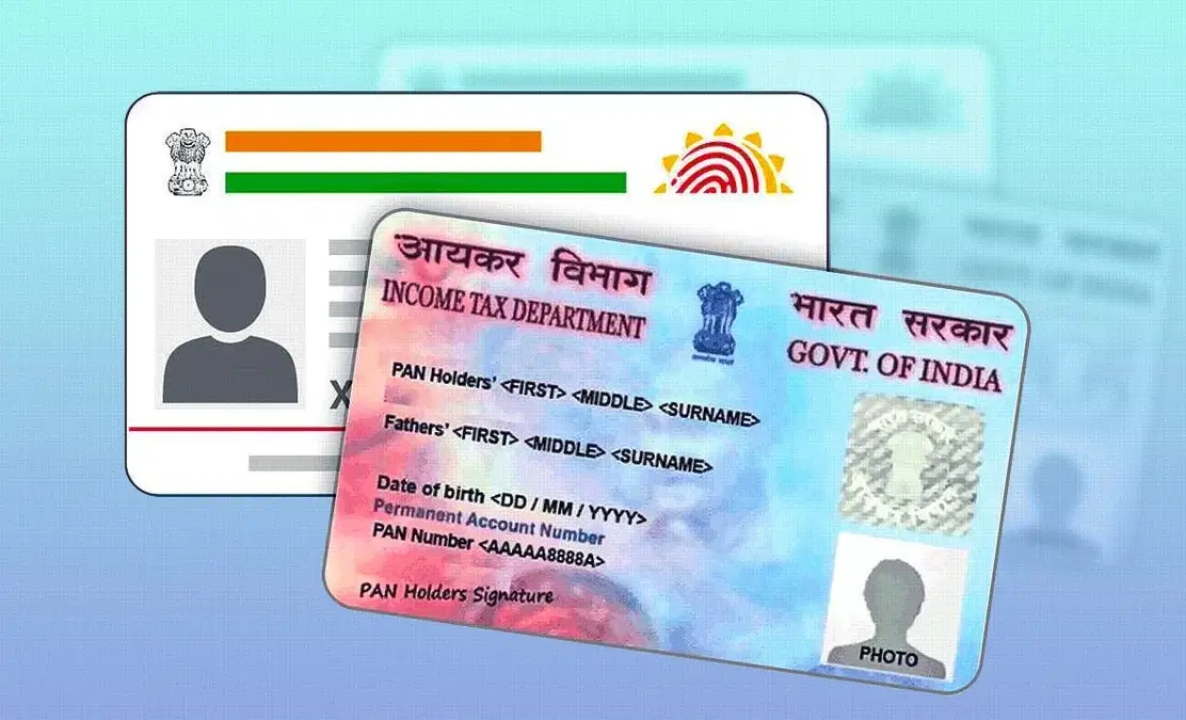
DigiLocker: DigiLocker is a government digital platform that allows users to store and access official documents online. Created by the Ministry of Electronics and IT (MeitY) under the Digital India initiative, the service eliminates the hassle of carrying physical copies of all documents. It uses your Aadhaar number for identity verification and allows you to securely store and access digital versions of government-issued documents, making them easy to use. Digital copies are as legally valid as physical documents and are accepted by departments like the Indian Railways and the Traffic Police.
How to save digital documents in DigiLocker?
Users can use the DigiLocker app to securely store their Aadhaar, PAN, and other official documents on their phones. Learn the step-by-step process for receiving or uploading your documents using DigiLocker.
Download the DigiLocker app on your Android (Google Play) or iOS (App Store) smartphone.
Select the preferred language.
Sign in with your credentials. New users can register using the mobile number linked to Aadhaar and receive an OTP.
Enter your Aadhaar number to verify and link it with DigiLocker.
Set a 6-digit security PIN.
Go to the Issued Documents section.
Select the issuing department, like UIDAI for Aadhaar, Income Tax Department for PAN.
Fetch documents by entering basic information like Aadhaar or PAN number and date of birth.
DigiLocker will fetch your documents from the government database.
The documents will be saved in Issued Documents.
You can add other documents, such as a driver’s license or birth certificate, by entering the term in the search bar. Let’s explore the steps to retrieve a driver’s license in the DigiLocker app.
Select ‘Ministry of Road Transport and Highways’ (MoRTH) as the issuer.
Enter your driving license number and other details.
Tap on Get Document, the app will fetch the license from the government database.
Now it will appear in your Issued Documents section.
How to upload documents in DigiLocker app?
- Go to Drive and tap the ‘+’ icon.
- Select the document file from your phone.
- Save the document.
Documents saved in DigiLocker have the same legal validity as physical copies and are accepted by various government departments. Users can enable App Lock or biometric authentication within the app. It is recommended to keep your DigiLocker PIN or login details confidential.