

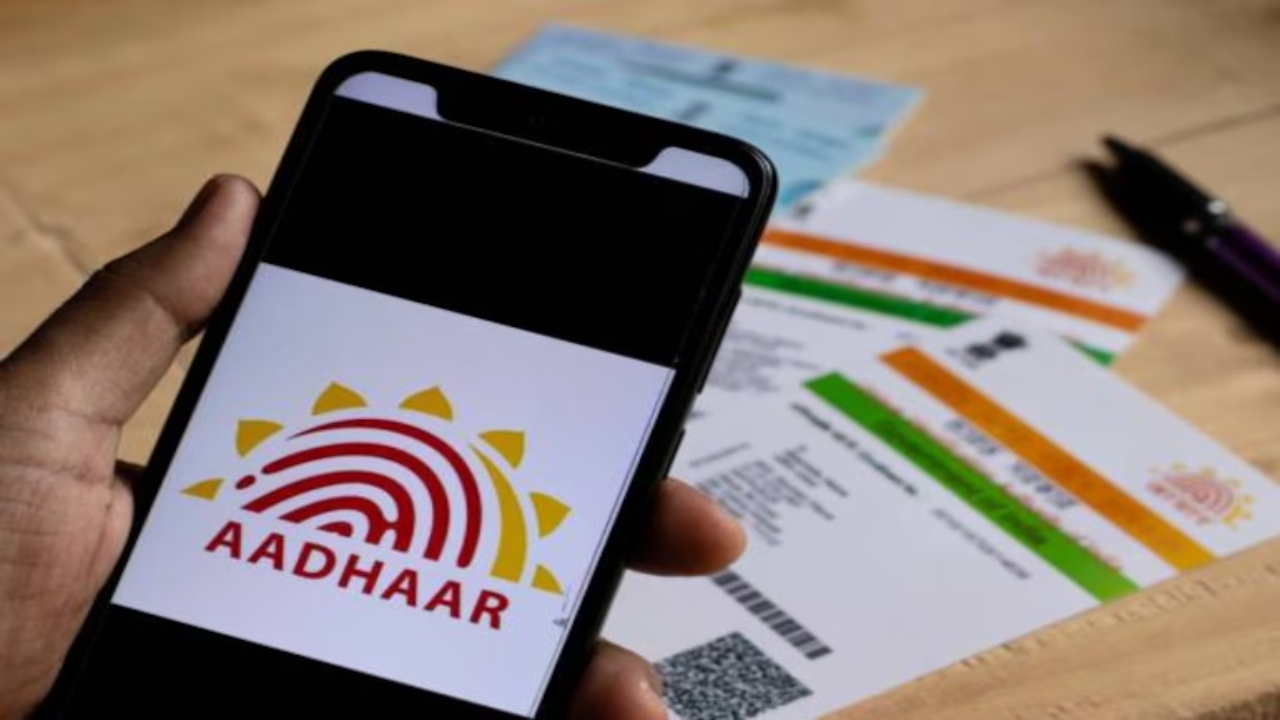
Aadhaar Card Update: Today, Aadhaar has become our identity. Without it, it becomes difficult to do any government or non-government work. If you go to any banking institution or fill out any form, then Aadhaar is required. With this, you can avail the benefits of government schemes through Aadhaar. Let us tell you that to avail many important services and government schemes, it is necessary to link your Aadhaar card with your mobile number. All the information and OTP related to Aadhaar also come on your registered mobile number. Now, think what will happen if the mobile number registered in your Aadhaar is switched off or you are not using that number? In such a situation, it becomes very important to update the new mobile number in Aadhaar as soon as possible. Let us know its complete method:
Read Here: 2 Rupee Note Will Make You a Millionaire, Know How to Earn 5 Lakhs
Process of updating the new mobile number in Aadhaar
First of all, go to the official website of India Post.
Fill in important information like your name, mobile number, and email.
Now, click on the “PPB Aadhaar Services” section.
After this, choose the option “Mobile/Email to Aadhaar Linking/Update”.
An OTP will come to the entered mobile number. Fill it.
Then click on “Confirm Service Request”.
Your request will be sent to the nearest post office.
A post office representative will come to your home and confirm your identity with a biometric device. A nominal fee will be charged for this.
Read Here: Maruti Suzuki Baleno vs Tata Altroz iTurbo: Who is the real king
Aadhaar is not linked to a mobile number
First of all, go to the UIDAI website.
After this, click on the “Book an Appointment” option.
Choose your nearest place and go to “Proceed to book appointment”.
Now fill in your mobile number and captcha code, then click on “Generate OTP”.
Enter the OTP received on the mobile and “Submit OTP and Proceed”.
Now you have to tell which information is to be updated, such as the mobile number. Fill the rest of the information and submit.
Then go to the Aadhaar service center on the scheduled date and time and get the mobile number updated.
Latest News
- Apple MacBook Neo Deal Alert: Get It For Under ₹58,000 on Amazon Right Now

- Pakistan Attack: आत्मघाती हमले से दहला पाकिस्तान, 23 लोगों की मौत, 50 से ज्यादा घायल, जानें

- Honor Magic 9 Series Leaks: Flagship Upgrades with Massive 8,000mAh Battery and 200MP Cameras

- Motorola Edge 60 Fusion Review: Mid-Range King or Outdated?

- FD Update– Breaking Your FD Early? Know the consequences

- Bank Holiday–RBI Announces Closure of SBI, HDFC and All Banks Next Week, Save the Dates

- Samsung Galaxy S26 Ultra Amazon Deal – Get ₹23,509+ Discount with Bank Offers and Exchange Benefits

- Best Scooters For College Girls 2026 – Perfect Mix Of Mileage, Style And Lightweight Design

- Kodak Matrix QLED Google TV 2026 Series Launched in India Just Under 10,999

- Senior Citizen FD Rates: सीनियर सिटीजन को यहां से मिल रहा बंपर ब्याज, जल्द करें निवेश
