

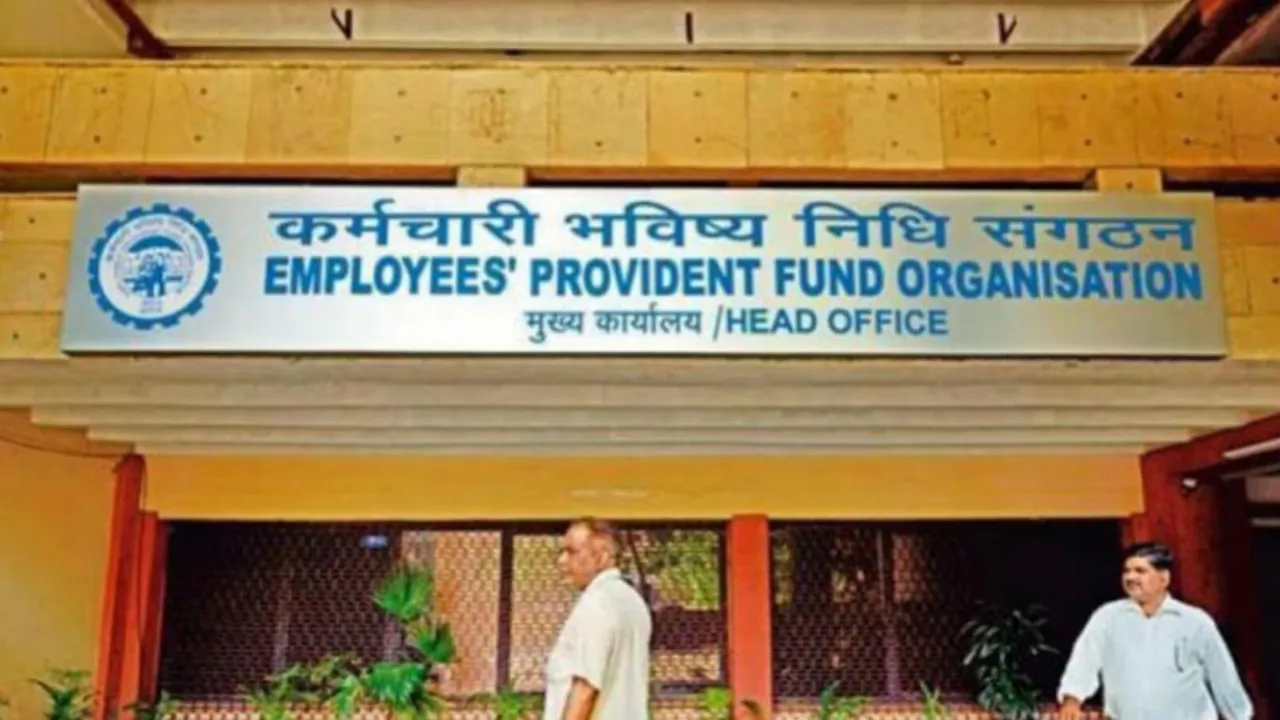
EPFO: Big news for EPFO members. If you are working and putting money into your Employees Provident Fund (EPFO) account for your future, this information is crucial for you. A minor error can be quite costly for users. The EPFO has recommended that its members verify their joining date (DoJ) and exit date in their Provident Fund (PF) account. If you find any mistakes, correct them right away. Any discrepancies in these dates could lead to losses when withdrawing PF funds or during retirement, and it may also impact your pension.
Recently, the EPFO shared on the social media platform X that “a small mistake” in these dates could affect both PF contributions and pension eligibility. Therefore, members are encouraged to address these errors promptly.
Why are DoJ and Exit Date significant?
The Date of Joining (DoJ) and Exit Date are fundamental to an employee’s PF record. The DoJ shows when the employee started with the company, while the Exit Date indicates when they left. The EPFO uses these two dates to determine the employee’s contribution period and the benefits they qualify for. Any inconsistency between these dates could affect their entire service record.
If the exit date is not updated, you won’t be able to withdraw your PF online. You won’t be able to claim pension benefits. You can’t close your old PF account. It’s important to note that in the past, only employers could update this information, which often led to delays. Now, employees can make these updates themselves by accessing the UAN portal.
What could be the consequences?
According to the EPFO, incorrect DoJ or Exit Date can lead to numerous issues.
– PF claims may be denied.
– Withdrawals could be postponed.
– PF transfers might be delayed if you switch jobs.
– Pension (EPS) calculations may be inaccurate.
– Benefits received at retirement could be diminished.
This indicates that a minor entry error can result in significant financial loss over time.
When do these mistakes occur?
These errors frequently happen during data entry by the employer. Sometimes, when an employee changes jobs, the exit date is not updated properly. Furthermore, errors can also occur when updating old records. Therefore, the EPFO advises employees to check their own data.
How to check your PF account?
You can easily check your PF account details online.
Login to the UAN portal?
Go to the ‘View Service History’ section.
See all your employers’ information there.
Check the DoJ and Exit Date carefully.
If any information appears incorrect, do not ignore it.
How to correct a mistake?
If the DoJ or Exit Date in your PF records is incorrect, you can correct it.
Login to the UAN portal
Select ‘Update Date of Exit’ or the relevant option.
Enter the correct information.
Upload the required documents.
The update will happen after the employer’s approval.
In some cases, you may also need to contact your HR or company.
Latest News
- New Honda City Facelift 2026 Launched – Sporty Coupe Look And ADAS Safety Revealed

- 8th Pay Commission: केंद्रीय कर्मचारियों की बढ़ेगी बंपर सैलरी! आयोग ने उठाया यह बड़ा कदम

- China: चीन के कोयला खदान में भयंकर विस्फोट, 90 लोगों की गई जान, पीएम मोदी ने भी जताया दुख

- Weather warning – Heavy Rain, thunderstorms, lightning Alerts for 13 States Over Next 3 Days

- UP TGT Exam City Slip 2026 Released – Download at upessc.up.gov.in, Exam June 3-4

- ATM Alert: एटीएम में फंस जाए डेबिट कार्ड तो घबराएं नहीं, फटाफट यह काम करने से होगा समाधान

- Post Office Scheme – 7.5% Interest Rate, ₹5 Lakh Becomes ₹7,24,974 in 5 Years, Start with Just ₹1,000

- Best AI Video Editing Laptops Under 60,000 INR: Top Picks Her

- Best CNG Cars: पेट्रोल के बढ़ते दाम के बीच ये सीएनजी गाड़ी खरीदकर खर्च करें कम, माइलेज भी जबरदस्त

- Samsung Stable One UI 8.5 Update to Galaxy Tab S10 FE and Tab S10 FE+

