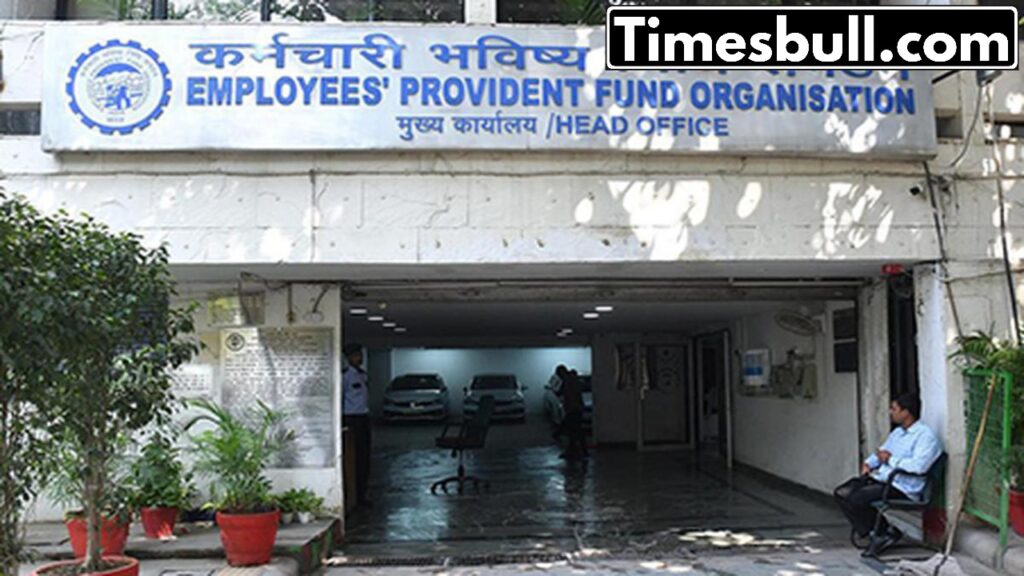
PF Claim: The Employees’ Provident Fund Organization (EPFO) has recently implemented various changes to assist PF account holders. The option to withdraw PF funds via UPI might be available starting next month. However, many individuals are expressing their frustrations about PF claim rejections on social media daily. What causes this issue? If your claim has been denied, is it important to understand the reason? The EPFO indicates that most claim rejections occur due to minor mistakes. Let’s explore these errors and how you can prevent them to easily withdraw your PF funds.
What does EPFO say about claim rejections?
According to the EPFO, the majority of claim rejections stem from basic mistakes such as mismatched details, incomplete KYC, or insufficient employer verification.
How can you prevent claim rejection? To steer clear of PF claim rejections, it is essential that your Universal Account Number (UAN) is active and linked to your Aadhaar. Your name, date of birth, and gender must match precisely across EPFO, Aadhaar, and bank records. Even the smallest inconsistency can lead to a claim rejection. The EPFO clearly states that the member details in its database are used for validation during the claim process, and any incorrect entries can hinder or delay your submission.
Carefully check your bank and PAN details. Your bank account should be active and properly linked to your UAN. Errors in the account number or IFSC code—especially following bank mergers—are among the most frequent causes of rejection. Additionally, if your service duration is under 5 years, linking your PAN is vital to avoid higher TDS.
Employer approval is crucial. Many claims are unsuccessful because the employer has not approved the KYC details, or the signed claim printouts are not submitted promptly. As per the EPFO FAQs, you need to submit a signed copy of your claim form within 15 days of online submission, or the employer may reject it.
Merge old PF accounts
If you’ve changed jobs, ensure all previous PF accounts are merged with your current UAN. Gaps in service history or missing records in the EPFO database can delay or reject claims.
What to do if the claim is rejected?
If your claim is rejected, don’t panic. Use the “Know Your Claim Status” option on the EPFO portal to find out the exact reason. Correct the problem, whether it’s a KYC mismatch or a non-approval, and then reapply.
How can you update your KYC online?
- First, log in to the UAN Member Portal using your UAN and password.
- Next, navigate to the Manage section and select Modify Basic Details.
- Make sure to enter your name, date of birth, or gender exactly as it appears on your Aadhaar.
- After that, click on Update Details; the status will then show as Pending for Employer Approval.
- Your employer will approve the changes online, and your information will be updated.
- Additionally, you can update your bank details on your own.
If you wish to change your bank account or IFSC code, you do not need your employer’s approval. You can make these updates yourself in the Manage KYC section, as long as your UAN is active and linked to Aadhaar.