


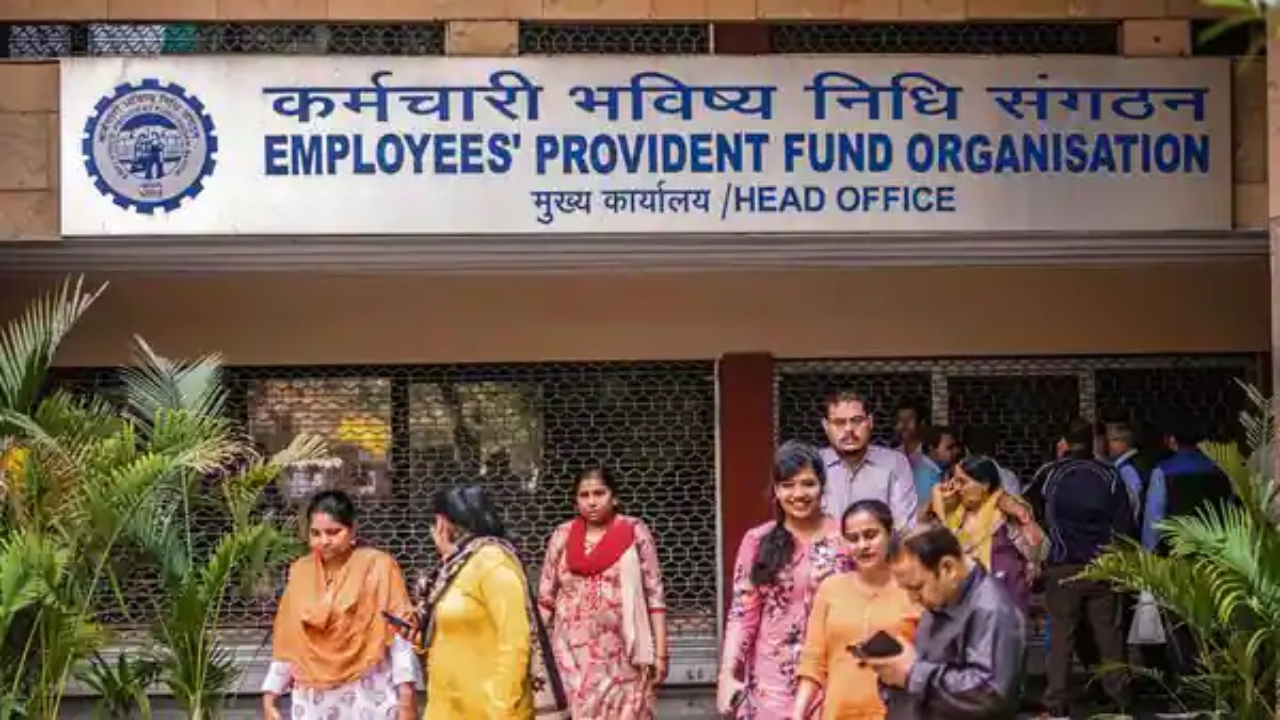
EPF: If your EPF passbook doesn’t reflect salary entries for September and October 2025, there’s no need to panic. The Employees’ Provident Fund Organisation (EPFO) has stated that the passbook entries for these months are currently being updated. This is due to the newly updated ECR ledger posting system, which is currently under development.
Therefore, your contributions may not be visible for a few days. The EPFO has stated that all entries will be visible within a few days. It has also apologized for the inconvenience. Once the update is complete, you will be able to view your EPF entries easily through the simple login and OTP process on the UAN Member e-Sewa portal or the UMANG app.
EPF interest rate
The EPF interest rate for the financial year 2024-25 has been fixed at 8.25%, which has been approved by the government. Why are EPF contributions for September and October 2025 not reflected in passbooks? According to the EPFO, entries for September and October 2025 are being updated due to the new ECR ledger posting system. This is why these contributions are not visible in passbooks for a few days. The EPFO has assured that the data will be reflected soon.
EPFO posted message
Passbook updates for the September-October 2025 pay months are in process due to revamped ECR ledger posting. Entries may not be visible for a few days. We apologize for the inconvenience.
What is EPF Passbook Lite?
EPFO has launched a new feature called Passbook Lite on its member portal. This allows members to view a simple and concise view of their contributions, withdrawals, and balances directly from the member portal, without having to visit a separate passbook portal.
How to check EPF passbook on EPFO portal?
Step 1: Visit the UAN Member e-Sewa portal
Step 2: Enter your UAN and password
Step 3: Verify the OTP received on the registered mobile
Step 4: After logging in, click on Passbook Lite and download the passbook
How to view EPF passbook on UMANG app?
Step 1: Download UMANG App and login
Step 2: Search EPFO
Step 3: Click on View Passbook
Step 4: Enter UAN
Step 5: Submit OTP
Step 6: Select your Member ID and download e-Passbook
What is required to file a claim online?
- Your UAN should be active and the mobile number linked to it should also be working.
- Your Aadhaar should be linked to the EPFO database and you should receive OTP for eKYC verification.
- Your bank account and IFSC should be updated in the EPFO database.
- If your job is less than 5 years, then PAN must also be linked to EPFO for PF Final Settlement.