


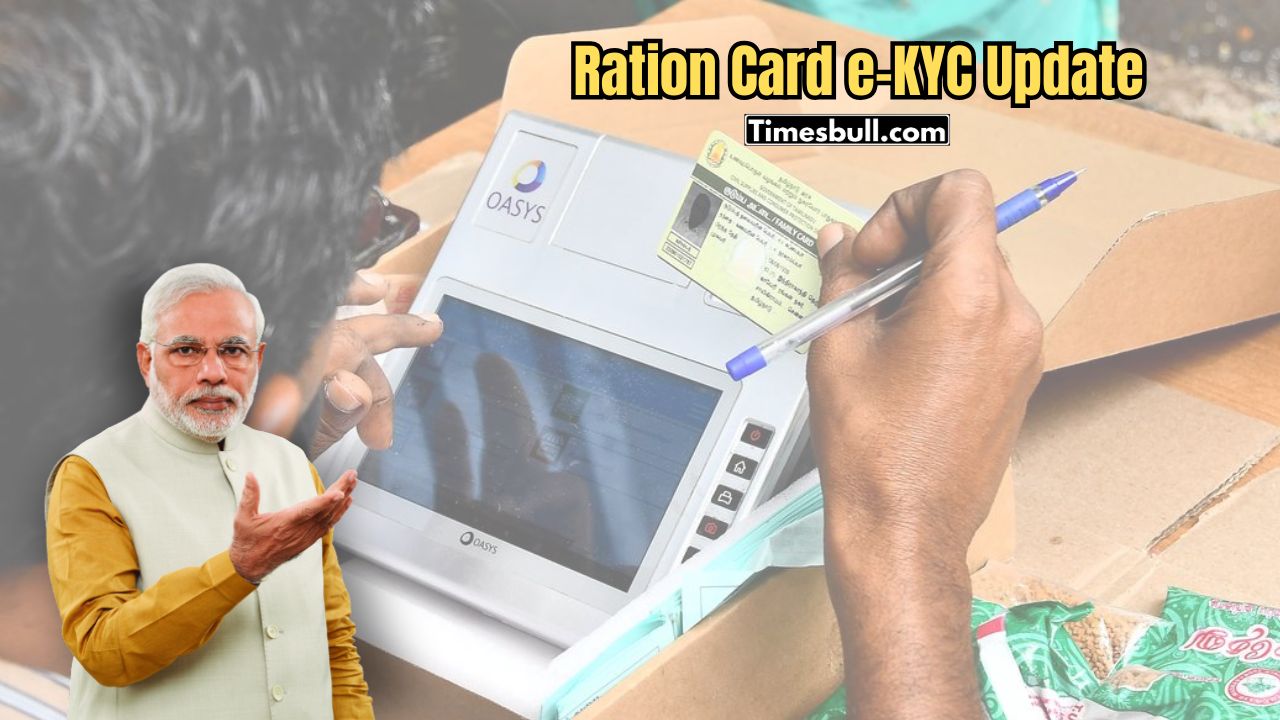
Under the National Food Security Act (NFSA), the Government of India provides cheap or free rations to millions of eligible citizens through ration cards. This card not only ensures food security but also works as a unique identification document. The government has now taken a major step to make sure that only the right people benefit from the scheme by making e-KYC mandatory for ration card holders.
According to the new rules, you must update your ration card every five years. Many people last did their e-KYC in 2013, so it is now time to update it. The good news is that the e-KYC process is now much easier, and you can complete it online from home. Here’s how to get your ration card e-KYC done from home.
How to Do e-KYC for Your Ration Card
Online Process:
- Download the Mera KYC and Aadhaar FaceRD apps on your mobile.
- Open the app and enter your location.
- Enter your Aadhaar number, fill in the captcha, and verify with the OTP sent to your mobile.
- Your Aadhaar details will appear on the screen.
- Select the ‘Face e-KYC’ option.
- The camera will turn on automatically. Click your photo.
- Tap the Submit button.
- Your e-KYC will be complete.
How to Check if e-KYC is Complete:
- Open the Mera KYC app.
- Enter your location.
- Enter your Aadhaar number, captcha, and OTP.
- When your details appear, check the status:
- If Status: Y appears, e-KYC is complete.
- If Status: N appears, e-KYC is not complete yet.
Offline Process:
If you cannot complete e-KYC online, you can do it offline. Visit your nearest ration shop or CSC (Common Service Center) with your Aadhaar card and ration card. The officials will help you complete the e-KYC process.