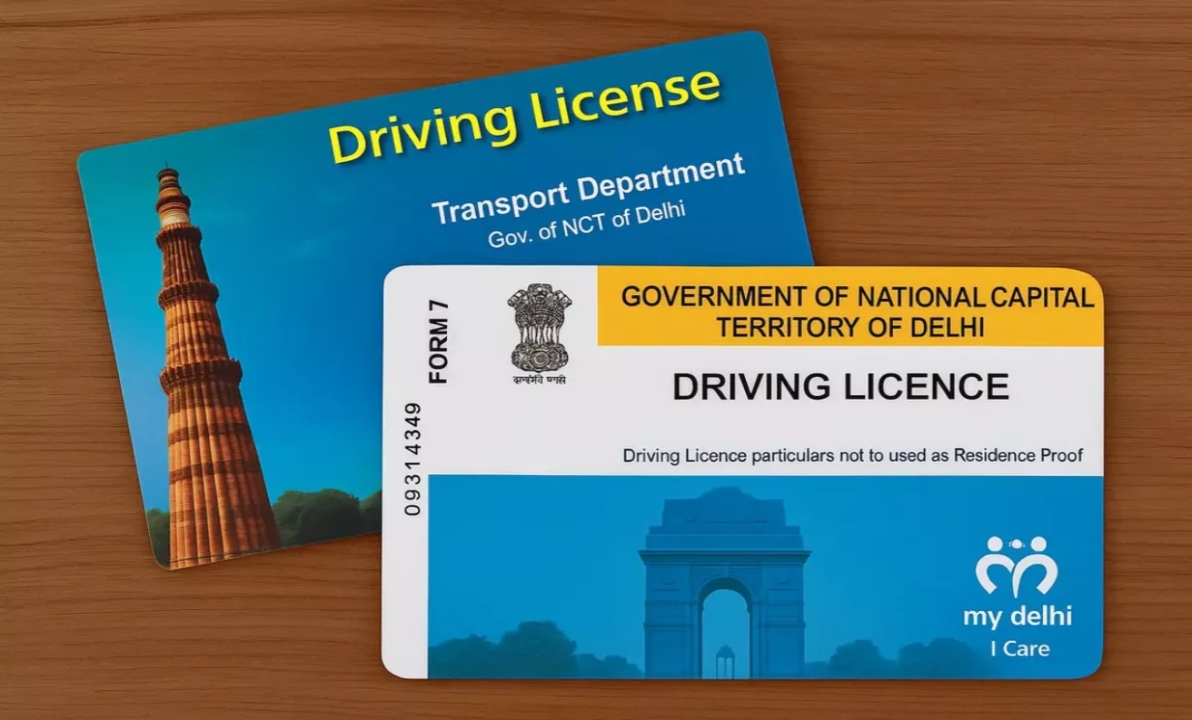
Driving License Address Update: A driving license has become an essential identity document, just like Aadhaar, PAN, and Voter ID. Without a valid driving license, you cannot drive a two-wheeler or a four-wheeler. The address mentioned on the license is equally important, as it proves your identity and place of residence. If you have moved or the address on your license is incorrect, it becomes necessary to update it.
Often, people want to avoid the hassle of visiting the RTO office or paying agents to change their address. The good news is that you can now change your driving license address online from the comfort of your home. The transport department’s official website provides a simple process for this.
Read Here: Samsung Galaxy Z Fold 7 with 8-inch Display Is available At Rs 20,000 Discount on Amazon
How to Change Your Driving License Address from Home
To change the address on your driving license, first visit the parivahan.gov.in website. Go to the Online Services section and select the Driving License Related Services option. Then select the state from which you want to avail this service.
Now, under License Related Services, click on the Drivers’ or Learners’ License option. Here you will see the Change of Address option. Upon proceeding, you will be asked for your driving license number and date of birth. After filling in the information, your license details will appear on the screen.
Next, select the nearest RTO and enter your new address. You can update your permanent address, current address, or both. After filling in all the information correctly, confirm and apply.
Documents Required for Address Change
To change the address on your driver’s license, you need to provide proof of identity and proof of your new address. Documents such as an Aadhaar card, a Voter ID, a bank passbook, or an electricity/water bill can be used for this purpose. In addition, a PAN card or Form 60/61, insurance certificate, and in some cases, other vehicle-related documents may also be required.
Read Here: Silver Price Weekly – Silver ₹7,690 Cheaper Than Weekly High; Check 22K & 24K Gold Prices
How to Upload Documents
After applying, you need to upload the required documents online. To do this, go back to parivahan.gov.in and select the Upload Document option under Driving License Related Services. Log in by entering your application number and date of birth. Next, select the relevant documents, upload the files, and confirm. Please ensure that all documents are in JPG, JPEG, or PDF format and are self-attested.
How much does it cost to change the address?
The fee for changing the address on a driving license is approximately ₹500. This payment can be made online. After the fee is paid, you will see all the application details on the screen, and you will also receive a message on your mobile phone.
How to check the application status?
If you want to check the status of your application, you can visit parivahan.gov.in and select the Application Status option. By entering your application number, date of birth, and captcha code, you will be able to see the status of your application.