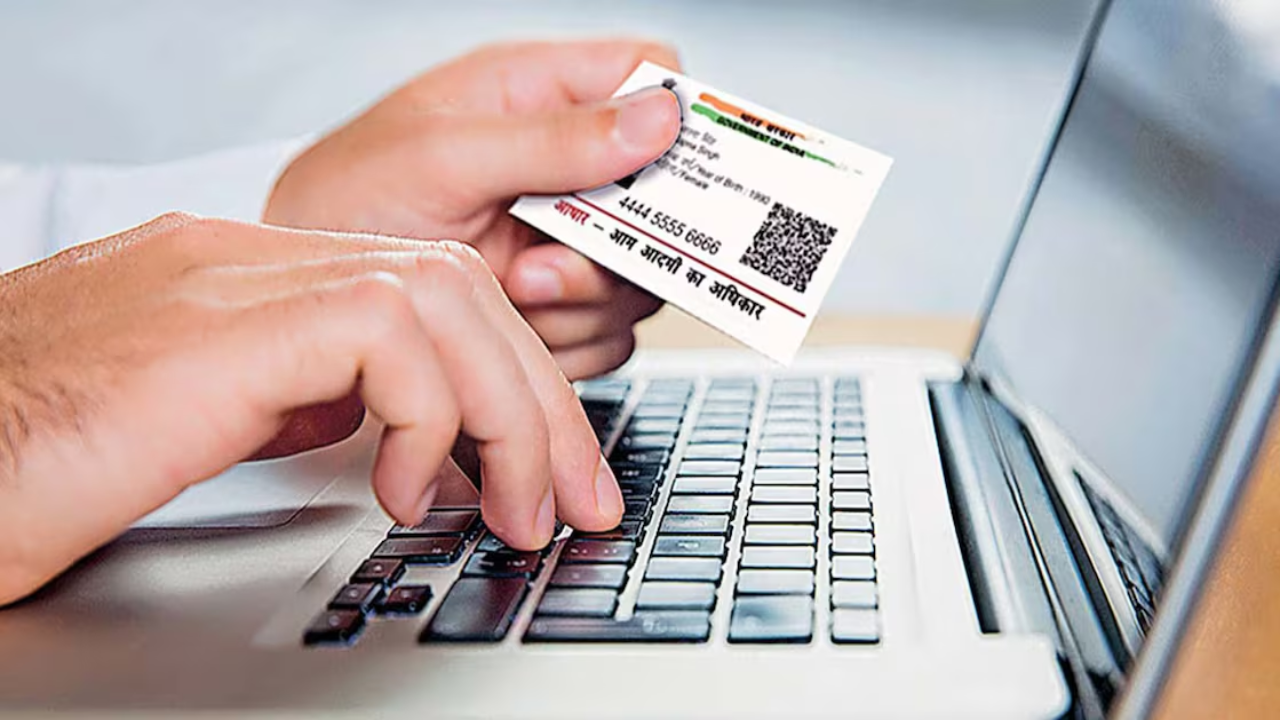
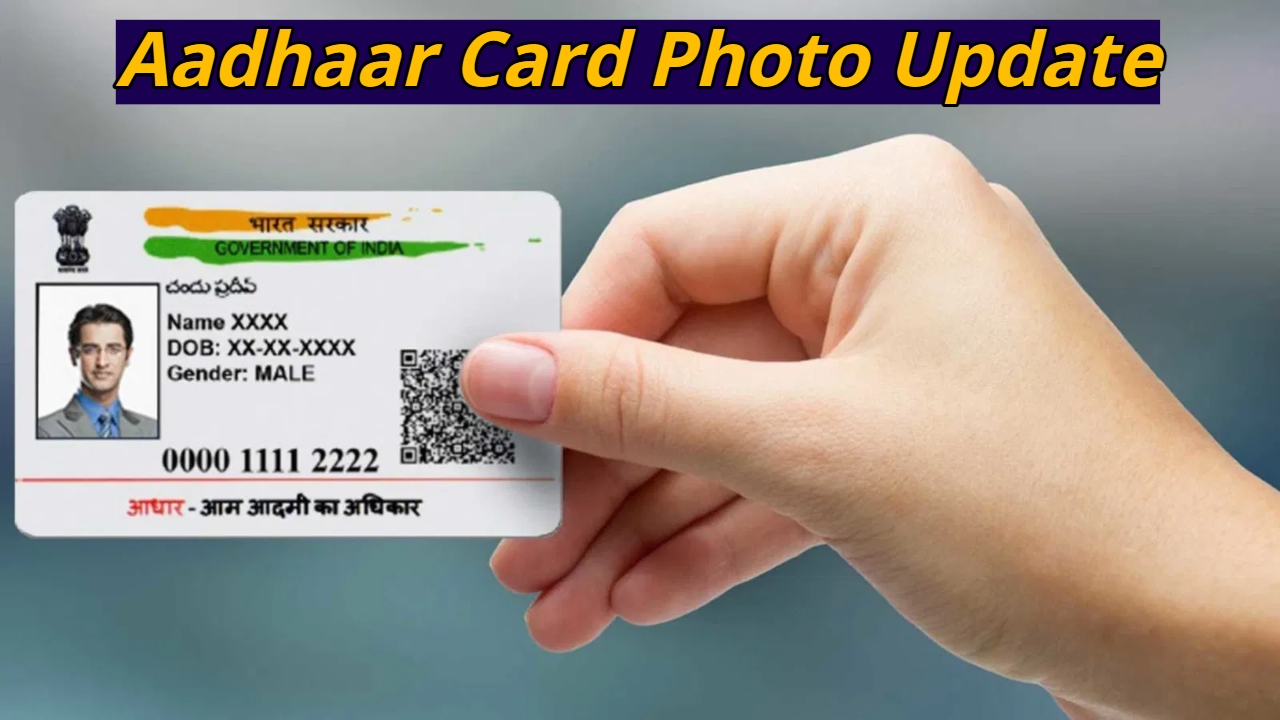
Aadhaar Card Photo Update: Today, the Aadhaar card has become the most important document of our identity. It is required for almost every important task, from banking to government schemes. However, when it comes to making any changes to the Aadhaar card, many people lack the correct information. Most people don’t know that the photo on the Aadhaar card can be changed. People often complain that the photo on the Aadhaar card doesn’t look good. If you want to change your photo, it’s easy; you just need to know the correct method.
No Online Photo Update Facility
First of all, it’s important to know that there is no online facility to change the photo on the Aadhaar card. You must visit the Aadhaar Seva Kendra in person. During the photo update, your new photo is clicked live on the spot. You cannot submit any old or personal photos.
Read Here: watch- Abhishek Sharma hit 6 on first ball of innings and created history
How much does it cost to change your photo?
UIDAI has set a fee for Aadhaar update. A fee of ₹100 is required to update the photo on your Aadhaar card. GST may also be applicable on this amount. Payment must be made directly at the Aadhaar Seva Kendra. Fortunately, no additional documents are required to change your photo, so there’s no need to carry any.
How long does it take for your Aadhaar to be updated?
After updating your photo, it takes some time for the changes to be reflected in your Aadhaar card. This process is usually completed within 30 days. However, in some cases, it may take up to 90 days. Once the update is complete, you can download your new e-Aadhaar online.
How to change your photo on your Aadhaar card
First, visit the UIDAI’s official website to find your nearest Aadhaar Seva Kendra. Then, visit the centre and fill out the enrollment or correction form. You can download this form from the website in advance or collect it at the centre.
After submitting the form, biometric verification will be performed to confirm your identity, which may include fingerprint or eye scanning. The employee at the centre will then click your new photo live.
Read Here: Big Relief for SBI Customers: Home, Auto Loans Cheaper as EBLR Drops to 7.90% From Today
After the photo is clicked, you will need to pay ₹100. Upon payment, you will receive a URN (Update Request Number). It is important to keep this secure, as this number will allow you to track the status of your Aadhaar update online.
Once the update is complete, download your new e-Aadhaar from the UIDAI website or the mAadhaar app. To open your e-Aadhaar, you must enter the first four letters of your name and your date of birth as the password.