

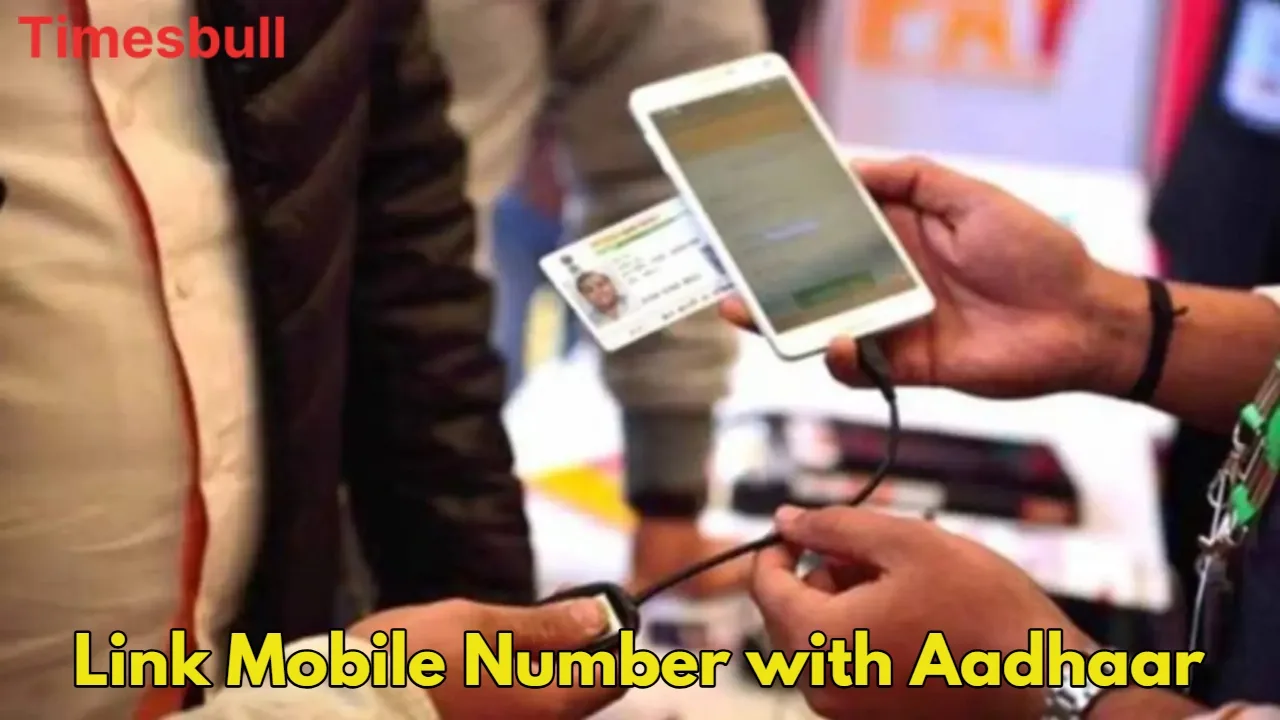
Aadhaar-Mobile Number link- Can the mobile number be updated online in Aadhaar card from home? The answer is no. This process is not completely online. For this you will have to go to the Aadhaar enrollment center. You can find your nearest center by visiting the UIDAI website. By going there, you can update the new mobile number in your Aadhaar card.
Let’s know its process
You have to visit your nearest Aadhaar Seva Kendra. You can locate your nearest center by visiting the UIDAI website ( https://appointments.uidai.gov.in/easearch.aspx ).
Visit the Aadhaar Seva Kendra and fill the Aadhaar update/correction form. Enter your new mobile number in this form.
Along with this form, you will have to submit your Aadhar card and other identity cards like Voter ID or Passport etc.
Here your biometric verification will take place. This may include fingerprint and iris scan.
Now to update your mobile number, you will have to pay a fee for which you will get a slip. This way your new number will be updated.
this is the online process
You have to visit https://myaadhaar.uidai.gov.in/ .
Click on Book an Appointment on the home page.
Now select your area and click on Proceed to book appointment.
Now enter the mobile number and captcha code in the Aadhaar Update option and click on Generate OTP.
Now fill the appointment details and click on the Next button. In the next page you will have to fill in personal information.
Now tick the mobile number option and click on the Next button. On the next page, you will have to select the day and date.
Now you will get a receipt, which will contain all the information. You will have to show this receipt at the Aadhaar center on the due date.
In this way, by booking an online appointment, you can update your mobile number at the Aadhaar centre.
Latest News
- PM Kisan Samman Nidhi Yojana: नहीं मिल रही 2000 रुपये की किस्त तो किसान तुरंत करवा लें यह काम

- Aadhaar Card Update Rules – How Many Times Can You Change Address, DOB & Number?

- Train Ticket: How to book a confirmed train ticket without an agent? Learn the Easy Steps

- Indian Railways– 155 Trains Express Declared High-Speed, Thousands of Railway Staff to Benefit

- Monsoon Alert – Warning Heavy to Very Heavy Rain alert & thunderstorms in 22 States Over Next 4 Days

- America-Iran War: मिडिल ईस्ट में तनाव होगा खत्म! ईरान ने होर्मुज रास्ते पर कही बड़ी बात

- PM Surya Ghar Yojana 2026: Get Up to Rs 78,000 Subsidy within 6 Easy Steps, Know Here

- Cheapest Available 5G Smartphones in India Under 10000

- UPSC Prelims Answer Key 2026 – How to Download UPSC Prelims Answer Key at upsc.gov.in

- 8th Pay Commission: एनपीएस और पुरानी पेंशन में कौन सी बेहतर, जानिए बड़ा अपडेट

