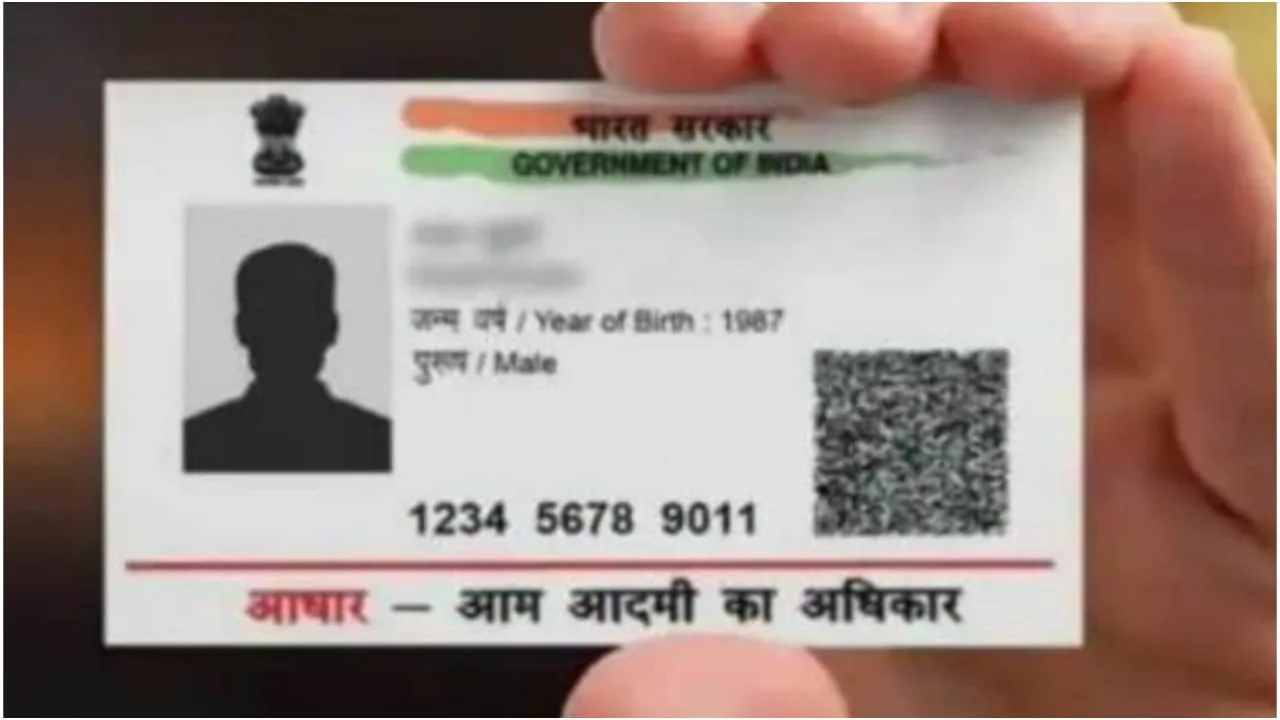
Aadhaar Card Update: Big news for Aadhaar Card holders. Did you know that you can change your address on Aadhaar without needing proof of address? Many individuals encounter difficulties when trying to update their Aadhaar address because they lack the necessary proof of address documents. However, not everyone is aware that it’s possible to update your Aadhaar address using a family member’s Aadhaar.
The main benefit is that you won’t require any separate address proof. Nevertheless, you might need to demonstrate your relationship with the family member whose Aadhaar you are using for the update. You can utilize the new Aadhaar app to change your Aadhaar address based on a family member’s information. In this app, you will need to select the Head of Family (HOF) Based Address Update option to proceed with the address update.
How can you update your Aadhaar address without having address proof?
To modify your Aadhaar address using a family member’s details, you must first download the new Aadhaar app. After that, log in to the app with your Aadhaar number. Then:
- Tap on the Services option located at the bottom of the home screen.
- Next, click on the Address Update button.
- After that, you will need to select the Head of Family (HOF) Based Address Update option.
- Now, input the Aadhaar number of the family member whose details you are using to update your address.
- Then, choose your relationship to that family member from the drop-down list.
- Upload proof of your relationship, which could be a marriage certificate or a ration card.
- Remember, if you do not possess any documents, you can download and complete the UIDAI’s ‘Self-Declaration Form’ and upload it instead.
- Finally, pay the required fees and make sure to note down your SRN, which stands for Service Request Number.
Get approval from the member
To update your address through a household member, you must obtain their approval. Without this, your address will not be updated on your Aadhaar.
With the Aadhaar number of the family member on whose Aadhaar you have changed your address
Login to the myAadhaar portal.
Now click on My Head of Family Requests tab.
You’ll see your request here. Get it accepted.
Once approved, your request will be registered and your address will be updated within the next few days.
When updating your address this way, keep three things in mind. The family member will have to approve this request within 30 days, otherwise the request will be cancelled . Once the request is approved, you can check the status and download the new Aadhaar. If the request is rejected for any reason, your fees are not refunded.