

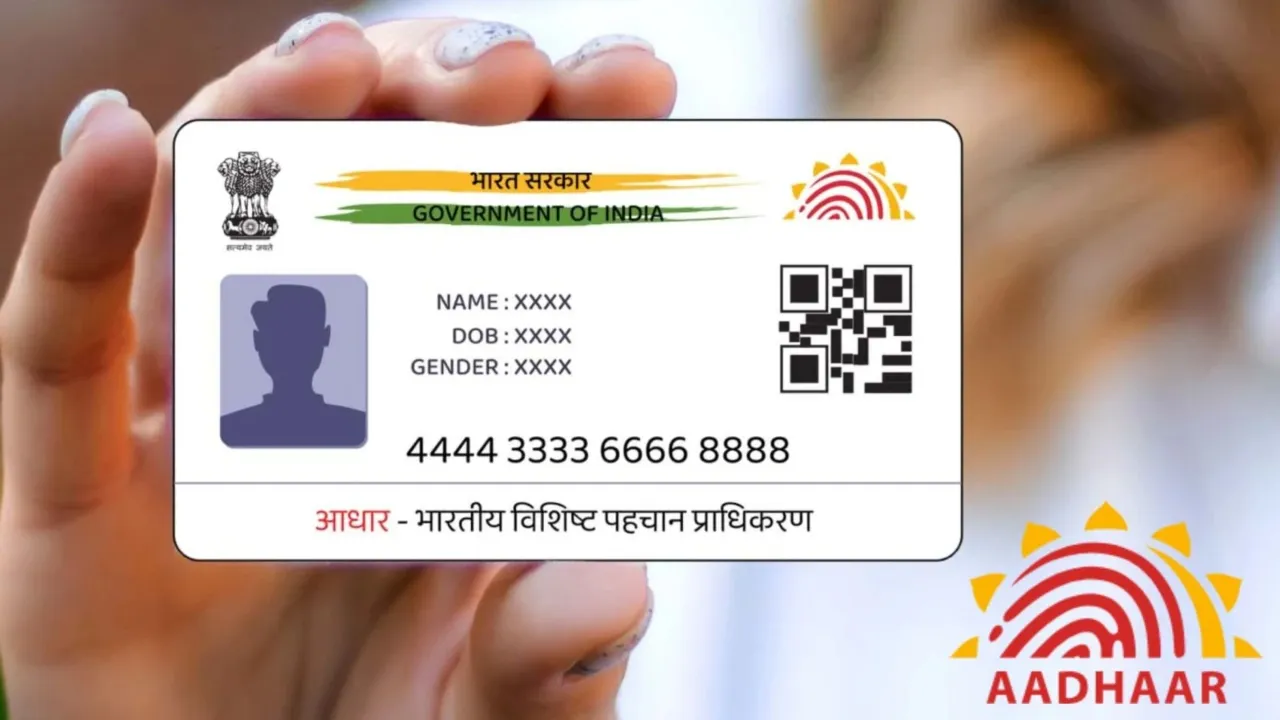
Aadhaar card is India’s main ID card. People use it for government work, bank work, mobile, and many other things. It is linked to your mobile number, PAN, and bank account. It is important to keep your details correct. If you move to a new home or address, you can change your Aadhaar address online. You do not need to go to an Aadhaar center. UIDAI gives this service on its website.
How to Change Your Aadhaar Address Online
- You can change your address on Aadhaar online. Follow these steps:
- Go to uidai.gov.in.
- Click My Aadhaar and then Update Your Aadhaar.
- Select Update Aadhaar Online and login with OTP sent to your mobile.
- Choose Address Update.
- Enter your new address correctly.
- Upload proof of your new address (electricity bill, rent agreement, bank statement, etc.).
- Check the details and submit.
Documents You Need
- Electricity or water bill (not older than 3 months)
- Property tax receipt
- Passport
- Bank passbook or statement
- Ration card
- Rent agreement with landlord signature
- Driving license
- Voter ID card
How Long It Takes
- UIDAI checks your documents.
- It usually takes 7–10 working days.
- You get a URN to check your status.
- After approval, you can download e-Aadhaar.
Things to Remember
- Your mobile must be linked to Aadhaar.
- Enter the address carefully; you cannot change it later.
- The document copy must be clear and valid.
- You can update your address many times if needed.
- This online process is easy. You do not need to go to a center. In a few clicks, your Aadhaar address is updated and valid for all official work.
- I can also make a super short 3–4 sentence versi
Latest News
- How to Replace Siri with ChatGPT on iPhone: Step-by-Step iOS Setup

- Petrol-Diesel Price Today: 24 मई को कितना बदला पेट्रोल-डीजल का भाव, चेक करें 1 लीटर की कीमत

- America Update: व्हाइट हाउस के दरवाजे पर 25 राउंड फायरिंग से मची खलबली, संदिग्ध हमलावर की मौत

- Tata Tiago Facelift Launching Soon – Aggressive Design And High-Tech Cabin Revealed

- LPG Gas Connection Transfer Made Easy, Learn the Complete Process

- New Honda City Facelift 2026 Launched – Sporty Coupe Look And ADAS Safety Revealed

- 8th Pay Commission: केंद्रीय कर्मचारियों की बढ़ेगी बंपर सैलरी! आयोग ने उठाया यह बड़ा कदम

- China: चीन के कोयला खदान में भयंकर विस्फोट, 90 लोगों की गई जान, पीएम मोदी ने भी जताया दुख

- Weather warning – Heavy Rain, thunderstorms, lightning Alerts for 13 States Over Next 3 Days

- UP TGT Exam City Slip 2026 Released – Download at upessc.up.gov.in, Exam June 3-4
