


Can a new PIN be generated at another bank's ATM?
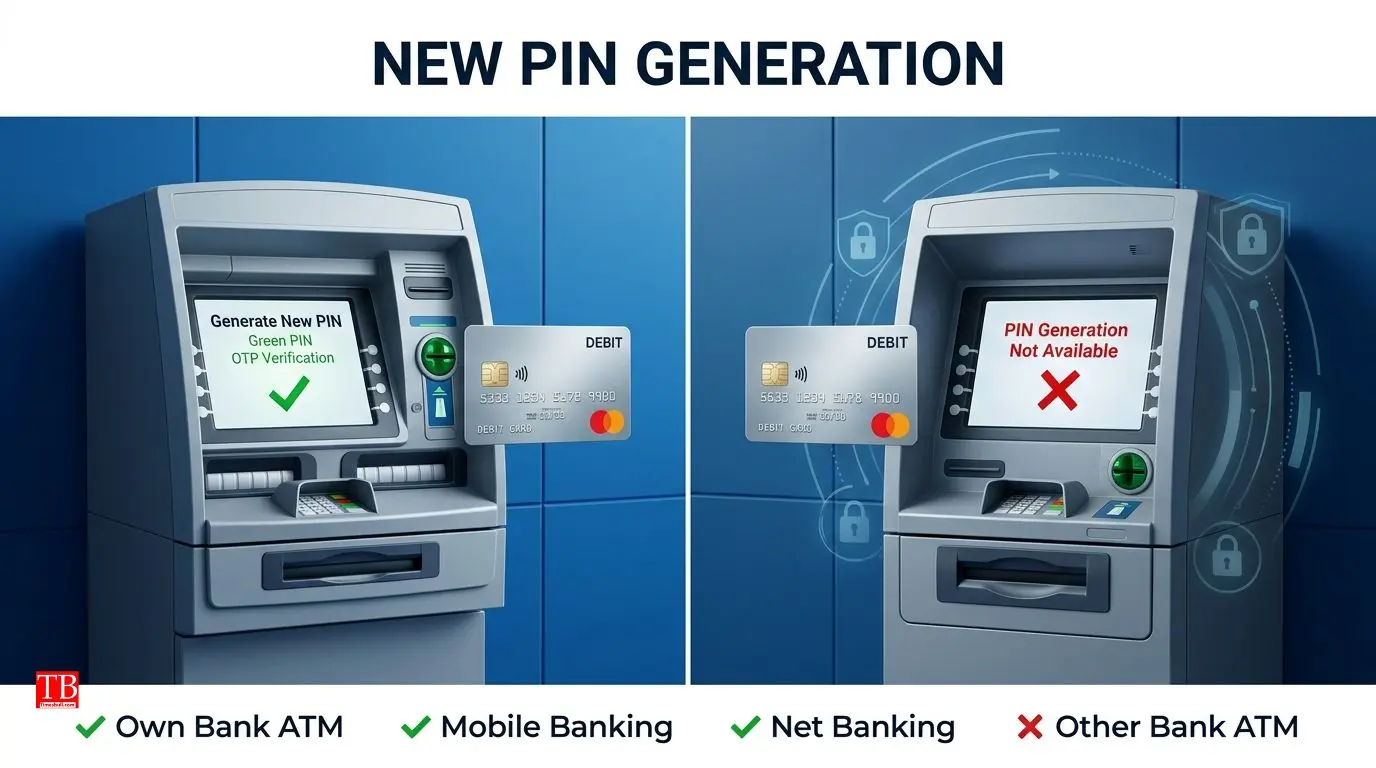
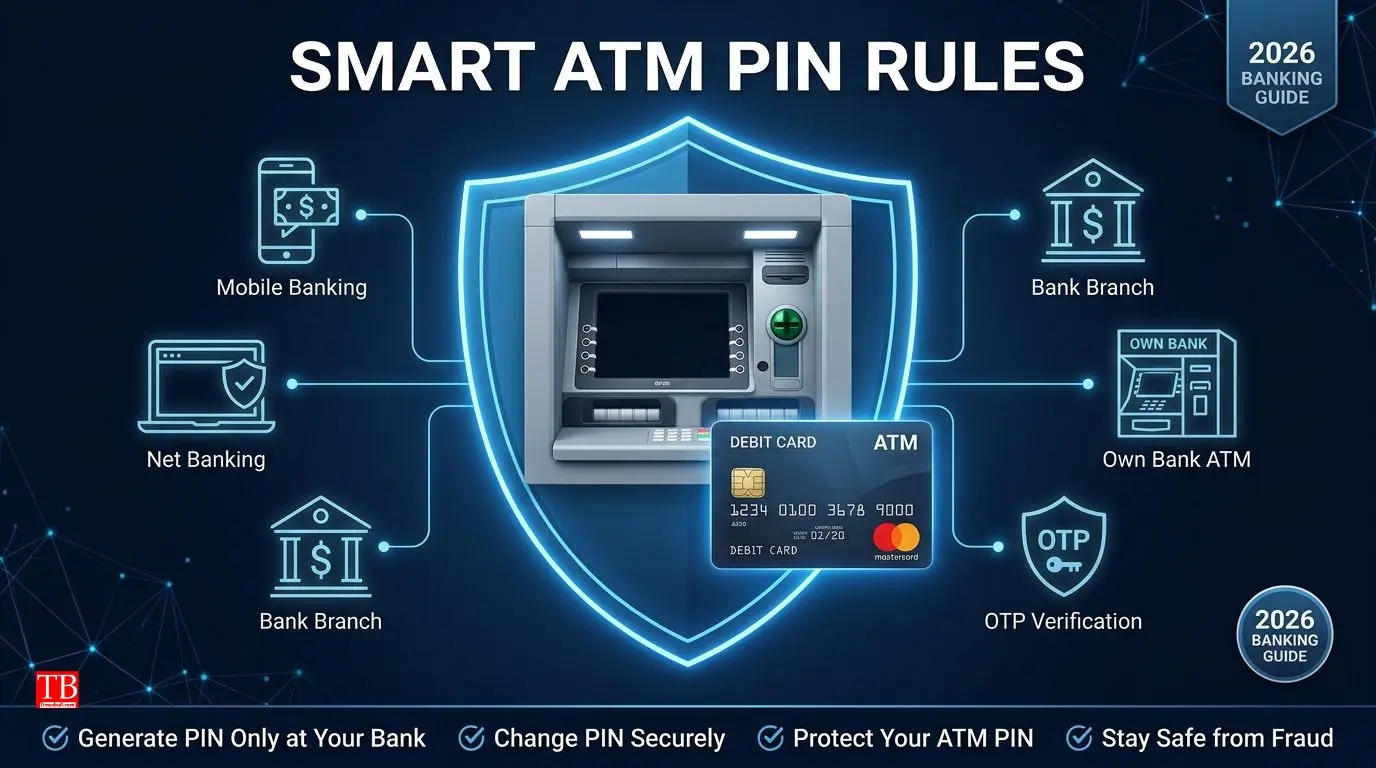
If your card is new or you have forgotten your old PIN, you cannot set your card's PIN at another bank's ATM. A new PIN or PIN generation can only be done through your own bank's ATM, internet banking, mobile banking app, or bank branch.
The main reason for this is security – when generating a new PIN, the bank needs to verify your identity, which is done through OTP or Green PIN. This process can only be done securely within your own bank's network.
Most banks offer Green PIN Generation facility at their own ATMs. In this process, you receive an OTP on your registered mobile number, which you enter on the ATM screen to set a new PIN. However, this facility only works at your own bank's ATM, because the OTP verification is linked to your bank's server, and other banks' ATMs do not support this facility.
What can you do at another bank's ATM?
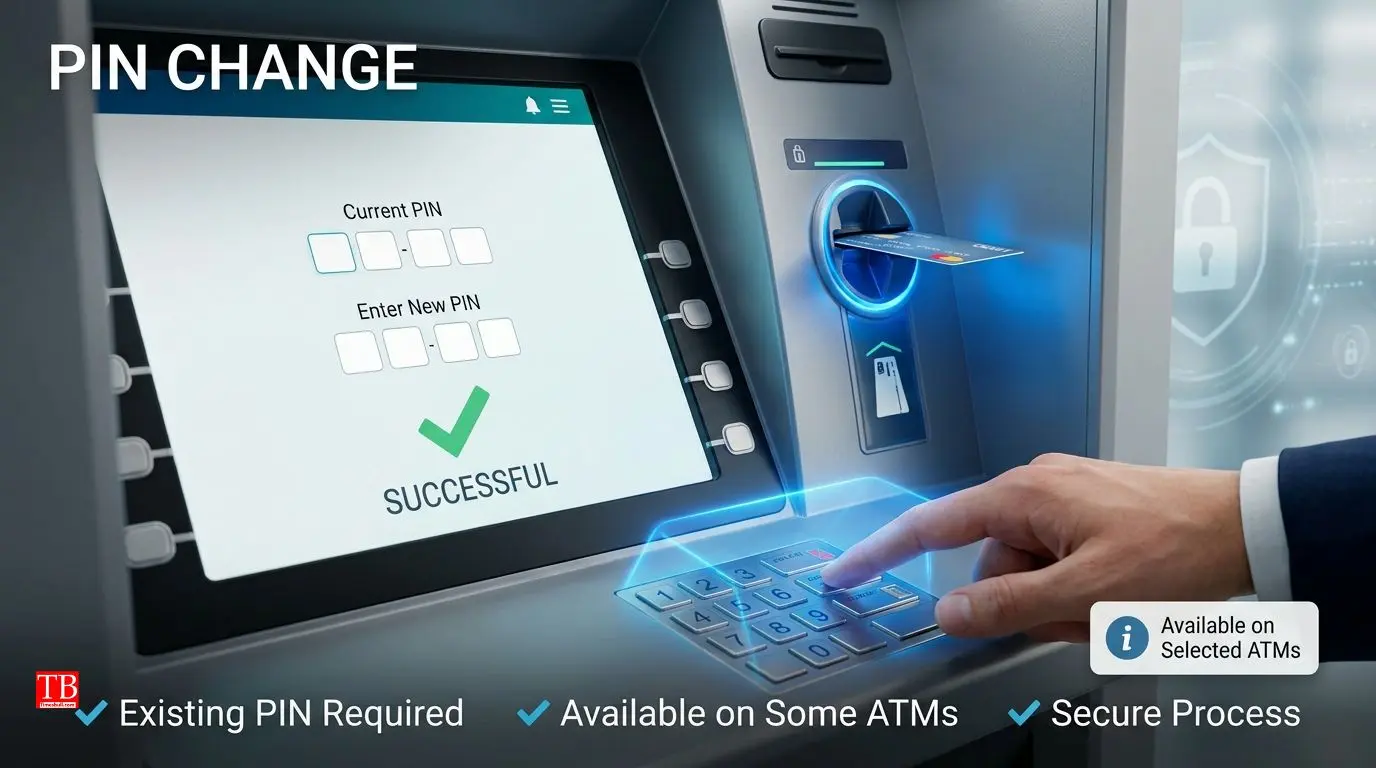
Although generating a new PIN is not possible at another ATM, if your card's PIN is already set and you just want to change it, you can do this at another bank's ATM as well. For this, you need to insert your card in the ATM, enter your existing (old) PIN, and then go to the "PIN Change" or "Change Password" option to set a new PIN.
However, it is important to note that this facility is not available at all banks and all ATMs. Some ATMs (especially older models) do not have the PIN Change option. Additionally, some banks do not permit changing the PIN on their cards at other banks' ATMs. Therefore, if you are trying to change your PIN at another ATM and you do not see this option, use your own bank's ATM or mobile app instead.
What is the difference between the rules for generating and changing a PIN?
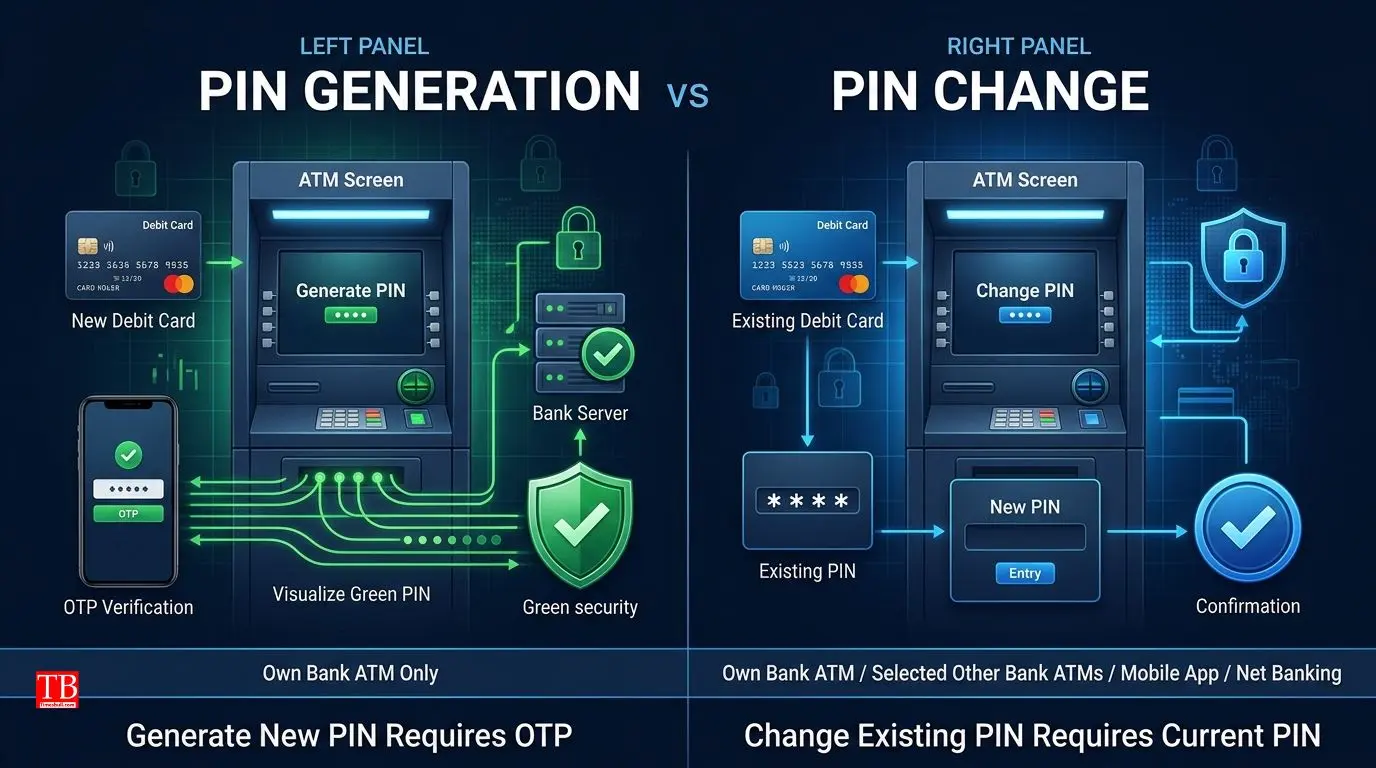
Generating a PIN and changing a PIN are two different processes, and the rules for both are also different:
ProcessWhere can you do it?Generating a new PIN (when card is new or PIN is forgotten)Only at your own bank's ATM, internet banking, mobile app, or branchChanging an existing PIN (when PIN is known and you want to change it)Your own bank's ATM, other bank's ATM (if facility available), internet banking, mobile app, or branch
Generating a new PIN requires identity verification (OTP or Green PIN), which can only be done through your bank's system. On the other hand, changing a PIN requires you to enter your existing PIN, which is already verified, so other banks' ATMs may allow the process.
How can you change your ATM PIN from home?
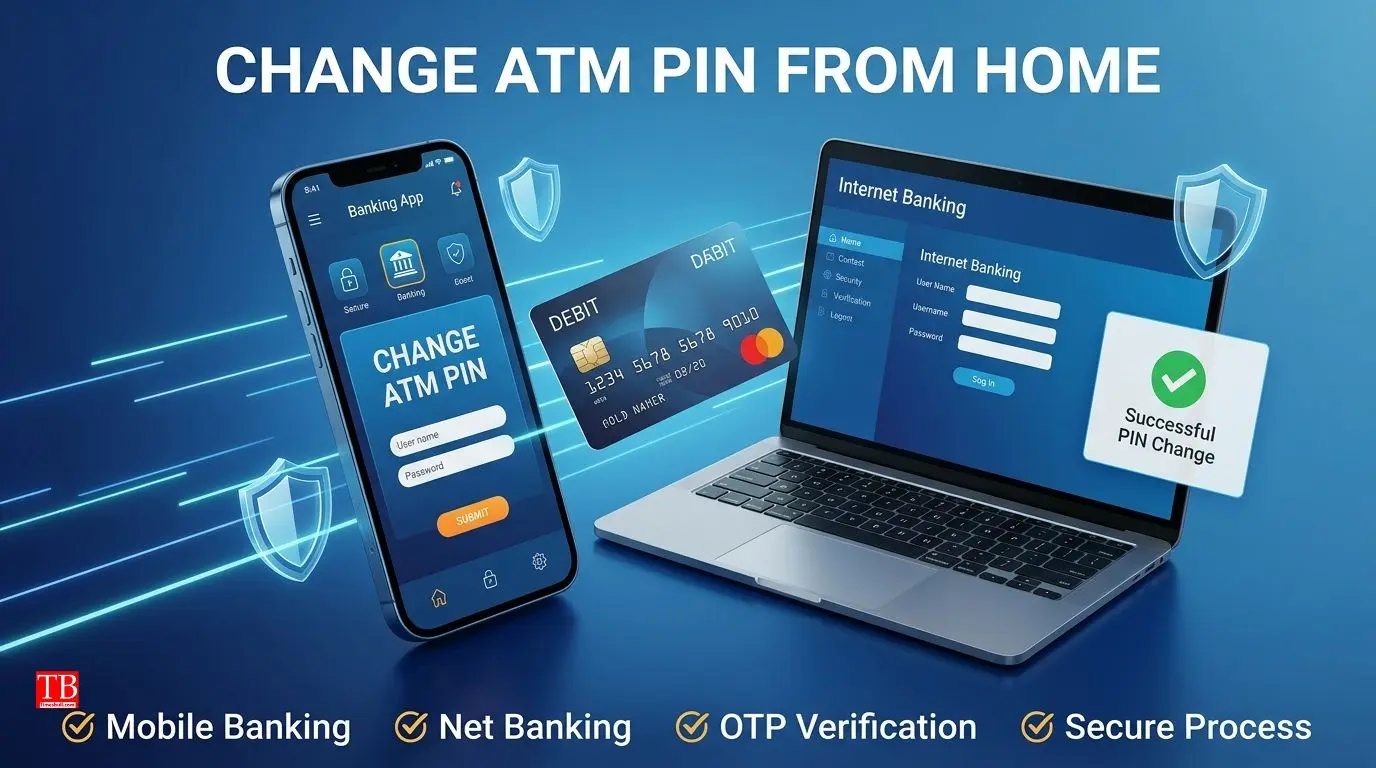
You do not need to visit the bank or search for an ATM – you can change your ATM PIN from the comfort of your home. Most banks offer ATM PIN change facilities through their mobile apps and net banking. This is the easiest, fastest, and most secure method.
How to change PIN via mobile app:
Go to the "Card Management" or "Debit Card" section in your bank's app (such as SBI YONO, PNB One, HDFC Bank, ICICI Bank).
You will find the "Change PIN" or "Reset PIN" option there.
Select your card, verify with OTP, and set a new PIN.
Once you confirm the new PIN, it will be updated immediately.
How to change PIN via net banking:
Log in to your bank's website.
Go to "Debit Card Services" or "Card Management" section.
Choose the "Change PIN" option and set a new PIN after OTP verification.
This process is similar for most banks, although the interface may vary slightly for some banks. If you face any issues, call your bank's helpline.
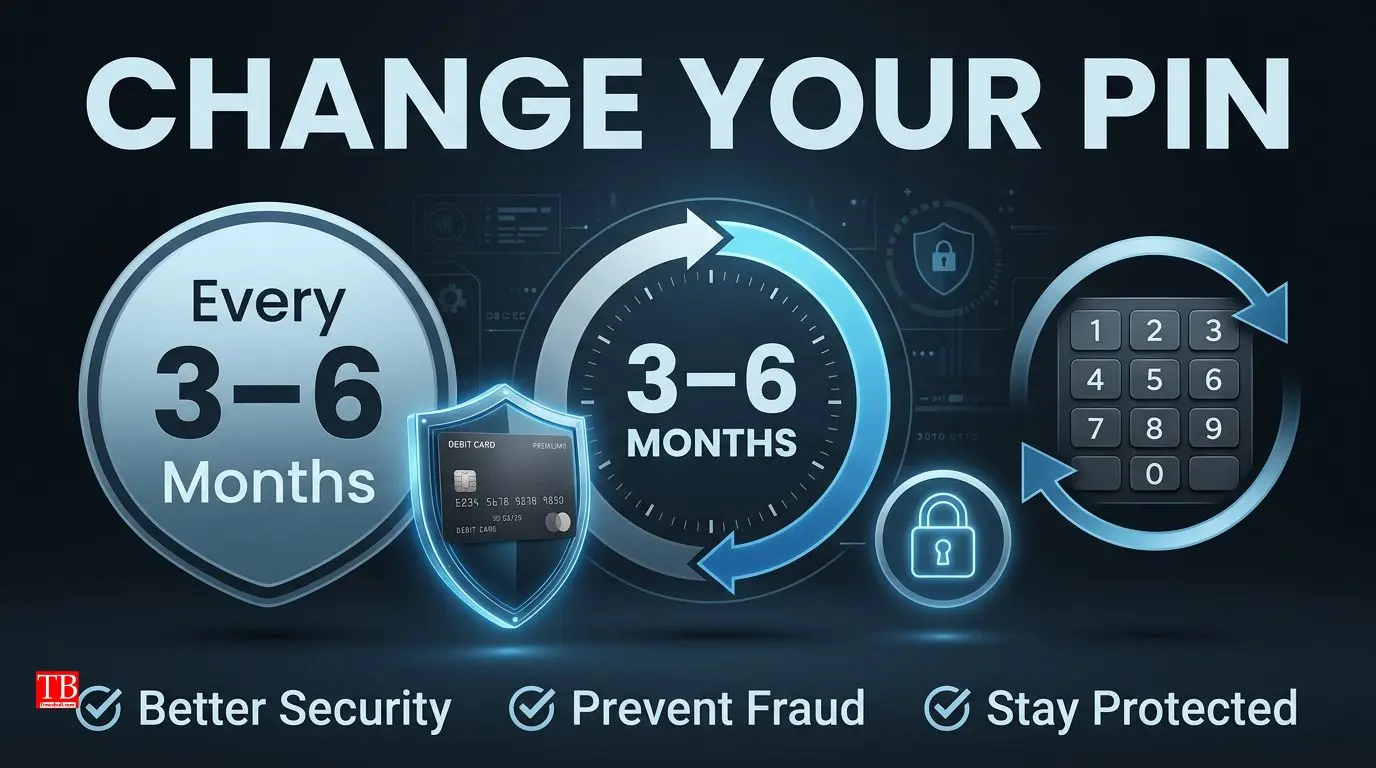
Is it necessary to change the PIN every time?
No, changing the PIN is not mandatory. You can change your PIN as often as you like, but there is no obligation to do so. However, from a security perspective, experts recommend changing your PIN every 3-6 months. This is a good habit, especially if you have used a suspicious ATM or suspect that someone may have seen your PIN.
Additionally, if you feel that your card has fallen into the wrong hands or someone has obtained your PIN information, change your PIN immediately and inform your bank. This is a precautionary step that can keep your money safe.
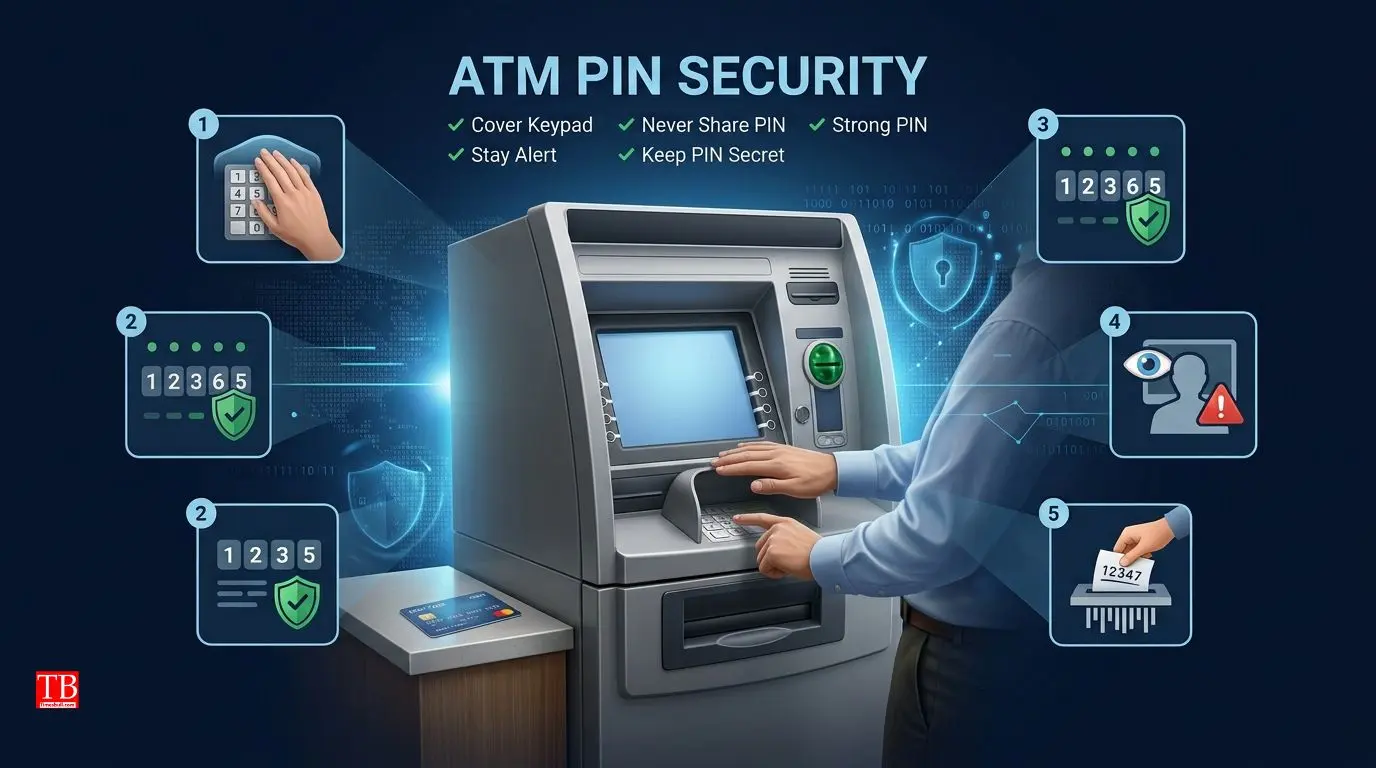
5 essential tips for ATM PIN security
Your ATM PIN is the key to your bank account, so keeping it secure is very important. Here are some essential tips:
Always cover the keypad with your hand when entering your PIN – Cameras installed above ATMs might try to steal your PIN, so always cover the keypad with your other hand.
Never share your PIN with anyone – Banks never ask for your PIN over the phone or via email. If someone asks, understand that they are a fraudster.
Avoid creating easy PINs (like 1234, 0000, or your date of birth) – Such PINs are easy to guess. Always create a PIN that cannot be easily guessed.
Maintain distance from people around you when entering your PIN at an ATM or POS machine – Ensure that no one is standing behind you to see your PIN.
Never write down your PIN anywhere – Do not write your PIN in your phone, diary, or wallet. If you have trouble remembering it, find a way to remember it that only you know.
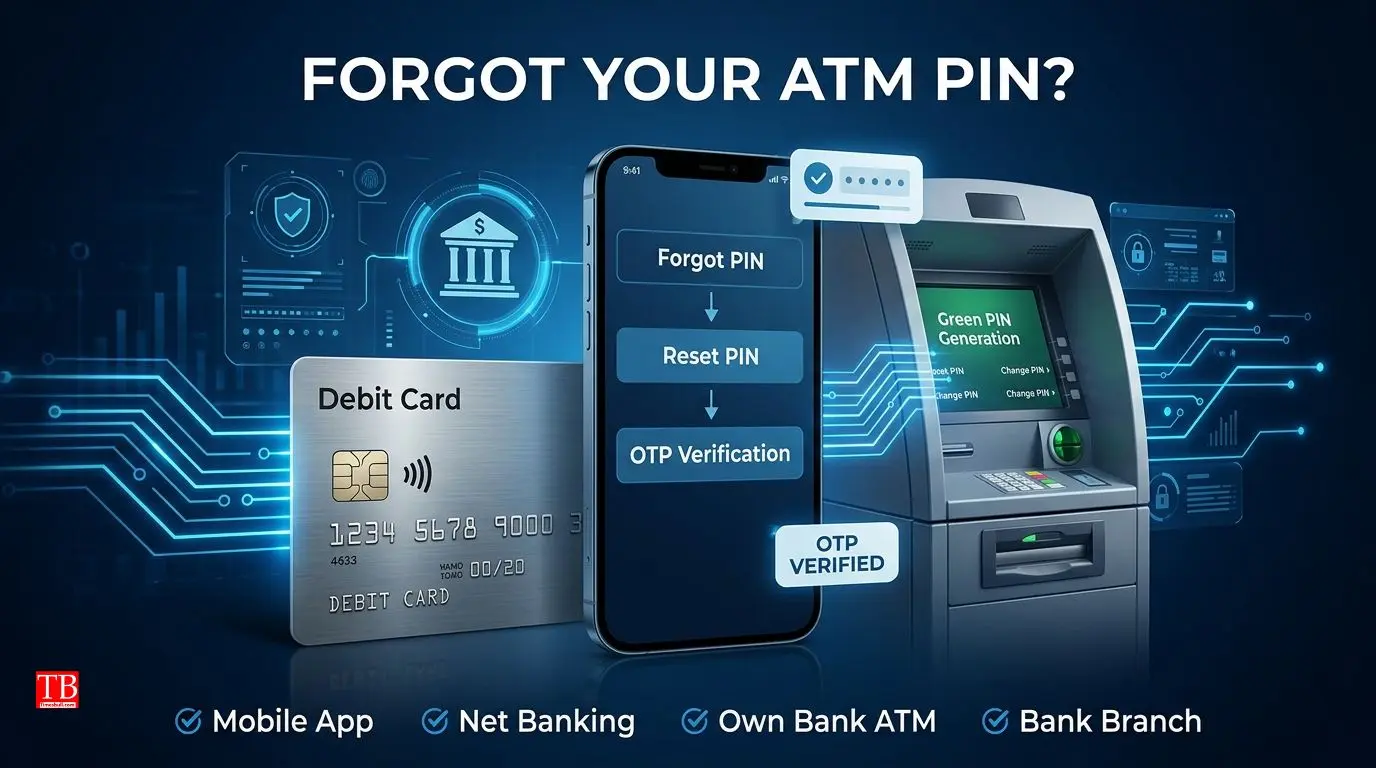
What to do if you forget your PIN?
If you have forgotten your ATM PIN, there is no need to panic – you can easily reset it. Here are some simple ways:
From home via mobile app – Your bank's mobile app has a "Forgot PIN" or "Reset PIN" option. You can set a new PIN after OTP verification.
Via net banking – Log in to your bank's website and choose the Reset PIN option in the Debit Card section.
At your own bank's ATM – Many banks offer "Green PIN Generation" or "PIN Reset" facilities at their ATMs. Insert your card in the ATM, select the "Generate PIN" option, enter the OTP, and set a new PIN.
At the bank branch – You can also reset your PIN by visiting your bank branch. There you will need to fill out a form and provide identity proof.
Remember – you cannot generate a new PIN at another bank's ATM if you have forgotten your PIN, so only use your own bank's ATM or other available facilities
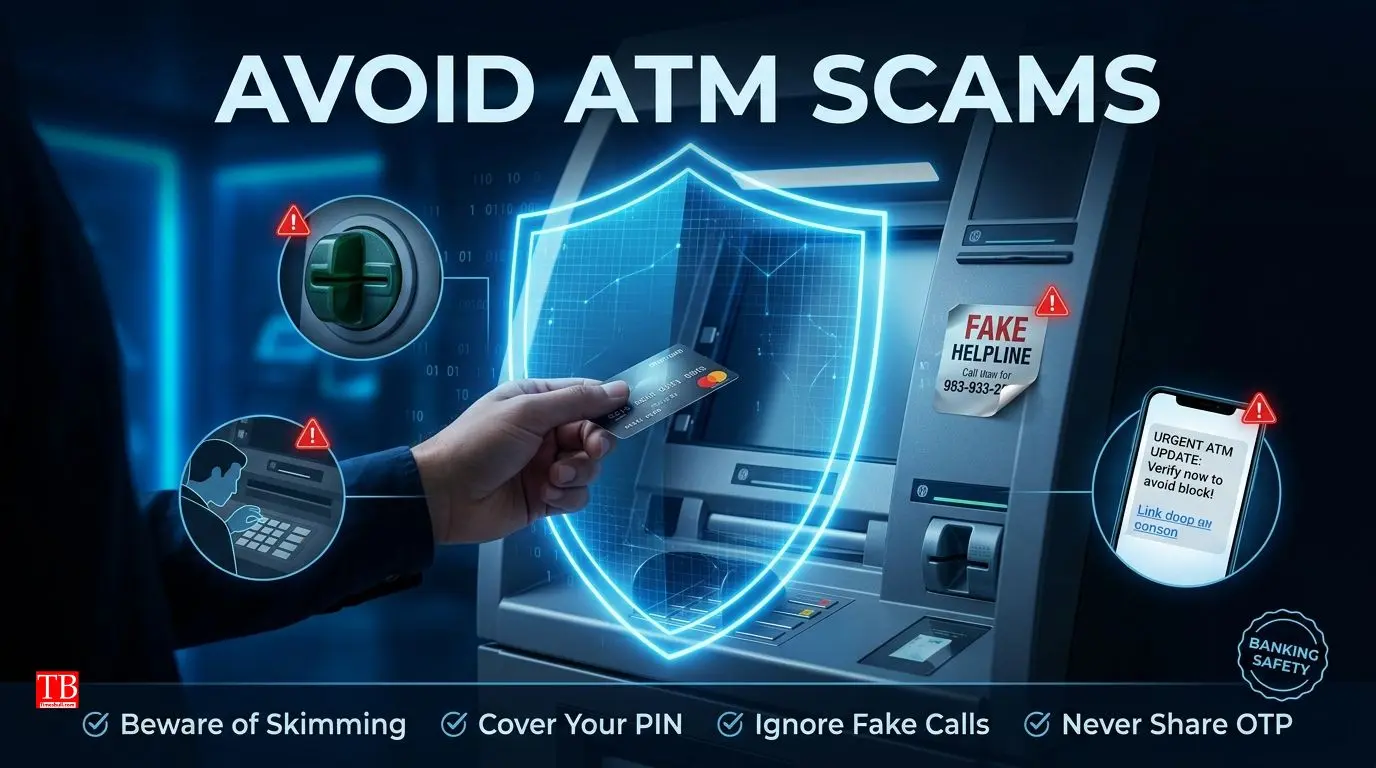
How to avoid ATM scams?
ATM PIN-related scams are increasing day by day. Here are some common scams and how to avoid them:
Skimming – A fake device is installed on the card slot of an ATM that steals your card details. Always check the ATM slot – if it seems loose or wobbly, do not use that ATM.
Shoulder Surfing – Someone stands behind you and watches your PIN. Always cover the keypad when entering your PIN and keep an eye on the people around you.
Phishing – Fraudsters send fake messages or emails asking for your PIN or OTP. Remember – no bank ever asks for your PIN over the phone or via message.
Fake ATM helpline – Fraudsters install fake helpline numbers near ATMs and ask you to share your PIN when you call. Always use your bank's official helpline number, which is printed on the back of your card.
Can you use the same PIN for all cards?
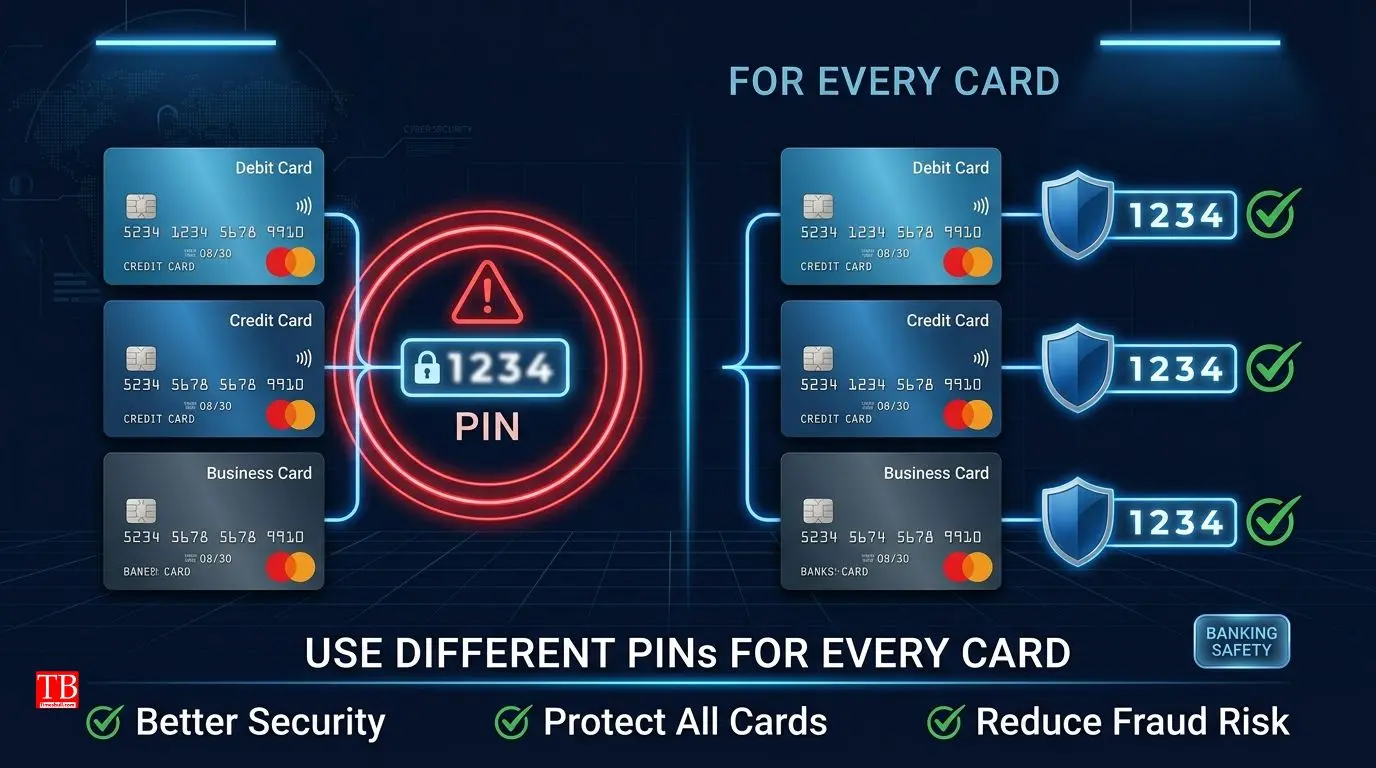
This is a very common question – can the same PIN be used for all cards (like debit and credit cards)? Technically yes, you can use the same PIN, but this is not secure from a security perspective. If someone finds out one of your PINs, they can use all your cards.
Therefore, it is safer to have different PINs for each card. If you have trouble remembering them, you can create a pattern – such as one pattern for debit cards and another for credit cards. Never use the same PIN for all cards, especially if they are from the same bank.
What happens if you enter the wrong PIN multiple times?
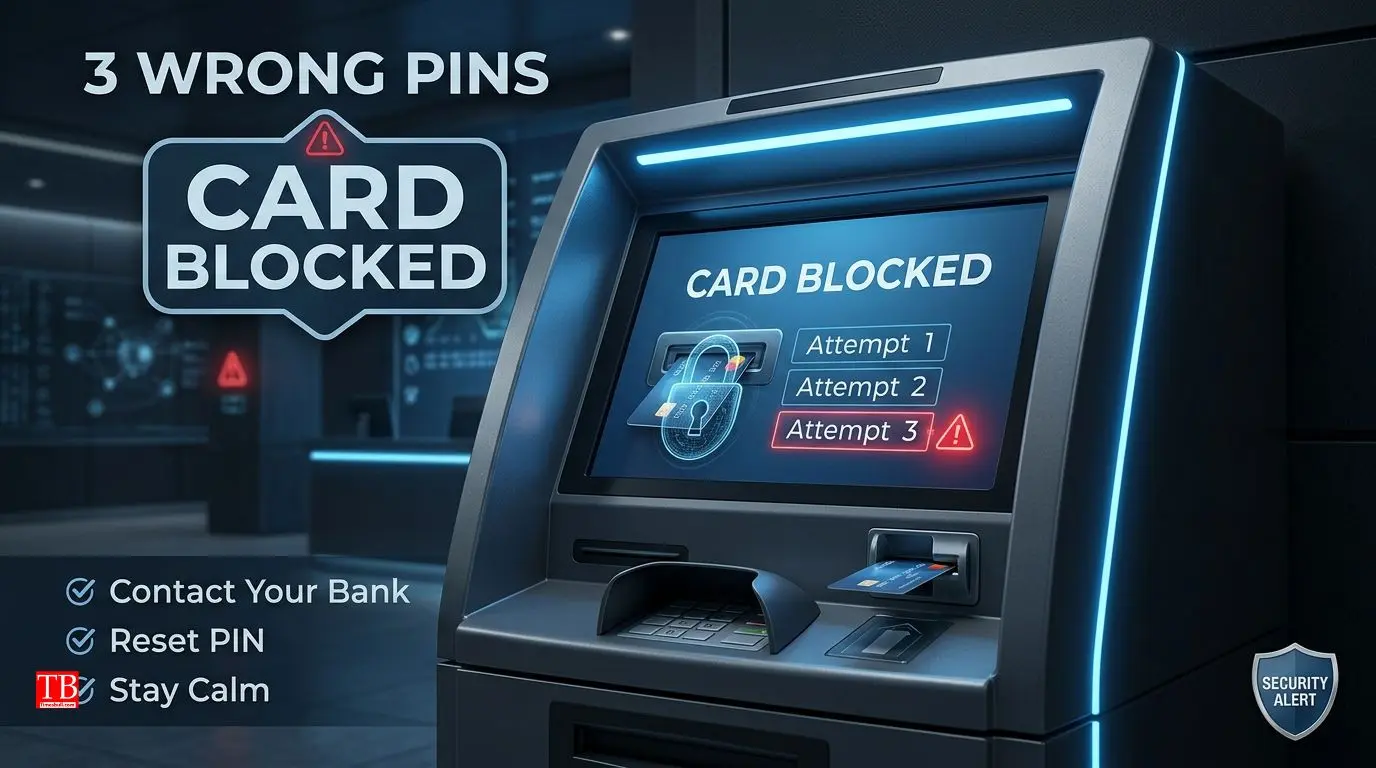
If you enter the wrong PIN 3 times at an ATM, the ATM machine will block your card, and in some cases, the card may be retained inside the machine. After this, you will need to contact your bank to unblock the card or request a new one.
Some banks temporarily block the card after 3 incorrect attempts, and you can try again after 24 hours. However, most banks permanently block the card after 3 wrong attempts, requiring you to go through the process of issuing a new card.
Therefore, when you enter your PIN at an ATM, do it carefully. If you are not sure, check your PIN on your mobile app or net banking first, or confirm your PIN before going to any ATM.
Conclusion
Your ATM PIN is the most important security key for your bank account, and it is crucial to understand the rules related to it. Generating a new PIN is only possible through your own bank's ATM, mobile app, net banking, or branch – this facility is not available at other banks' ATMs.
However, if you want to change your existing PIN, you may find this facility at some other ATMs, but it is not available everywhere.
To keep your PIN secure, always choose a strong PIN, never share it with anyone, cover the keypad when entering your PIN at an ATM, and change your PIN every 3-6 months. If you forget your PIN, you can easily reset it through your mobile app, net banking, or your own bank's ATM. Remember – a little caution can protect your money from major losses.
For more such banking rules, financial security tips, and important information, stay connected to timesbull.com.