


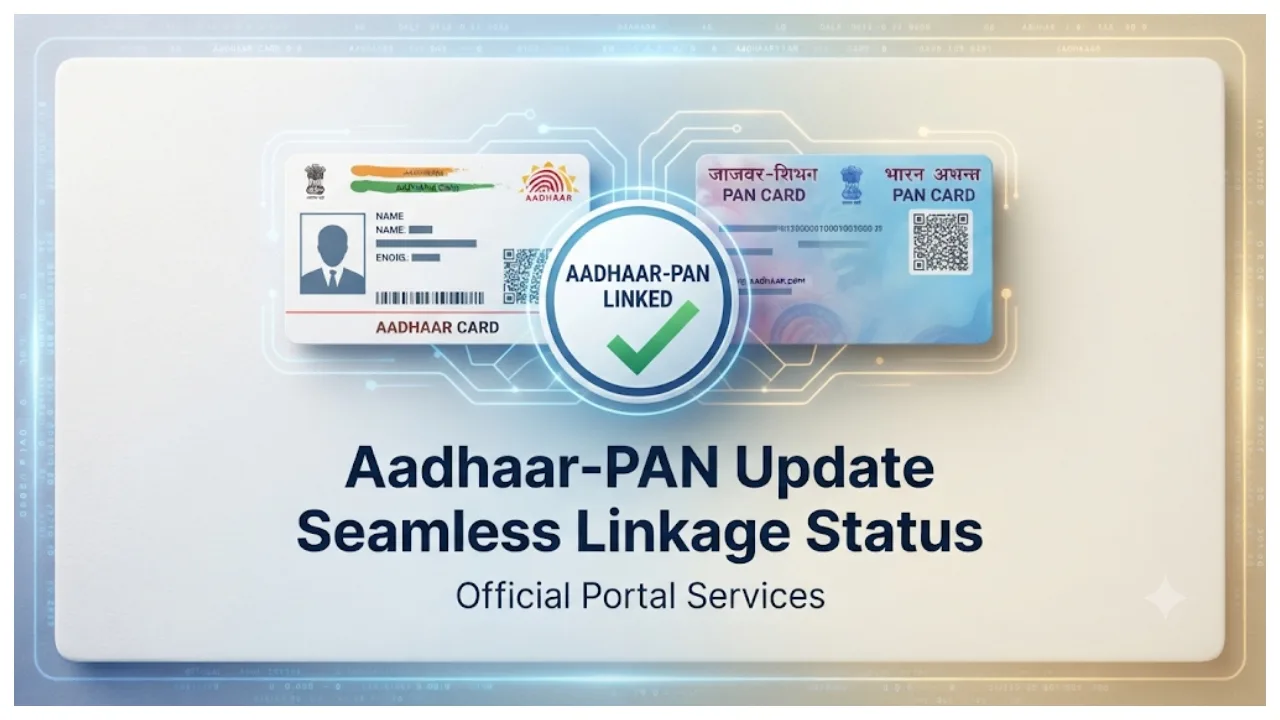
Aadhaar-PAN Update: Currently, the Aadhaar card and PAN card are essential documents. They are frequently used for various purposes, ranging from banking and government schemes to income tax-related tasks. Given this, it is important to keep your mobile number updated in both these documents, ensuring that you can easily receive OTPs and other necessary information.
If the mobile number linked to your Aadhaar or PAN card is no longer in use—or if you have switched to a new number—you can update your records accordingly. You can use the official UIDAI service to update your mobile number in your Aadhaar card, while contact details for your PAN card can be updated through the Protean portal or the official Income Tax Department portal.
How to change the mobile number in your Aadhaar card?
You can update the mobile number linked to your Aadhaar card by using the official Aadhaar app or by visiting an Aadhaar Seva Kendra (Aadhaar Service Center).
First, download the official Aadhaar app from the Google Play Store.
Open the app, enter your Aadhaar number, and complete the required verification process.
Navigate to the ‘Services’ section in the app and select the option to update your mobile number.
Enter the active mobile number that you wish to link to your Aadhaar.
You will be prompted to enter an OTP and complete a face authentication process.
Pay the prescribed fee online and submit your application.
Keep the generated SRN (Service Request Number) safe; it can be used to track the status of your request.
Updating via an Aadhaar Seva Kendra
If you are unable to update your mobile number through the app, visit your nearest Aadhaar Seva Kendra. There, you can provide your Aadhaar number and complete biometric verification to request an update to your mobile number.
How to update the mobile number in your PAN card?
First, visit the official Protean website. Next, enter the requested information, including your PAN, Aadhaar number, and date of birth.
Provide the necessary permissions and submit the application.
Complete the e-KYC process using an OTP sent to the mobile number and email address linked to your Aadhaar.
Enter your new mobile number and verify it using an OTP.
Once the application is complete, download the receipt.
Update your mobile number via the Income Tax website:
First, visit the Income Tax e-filing portal.
Log in using your user ID and password.
Navigate to ‘My Profile’ or ‘Profile Settings’.
Enter your new mobile number.
Verify the new number using an OTP and save the changes.