


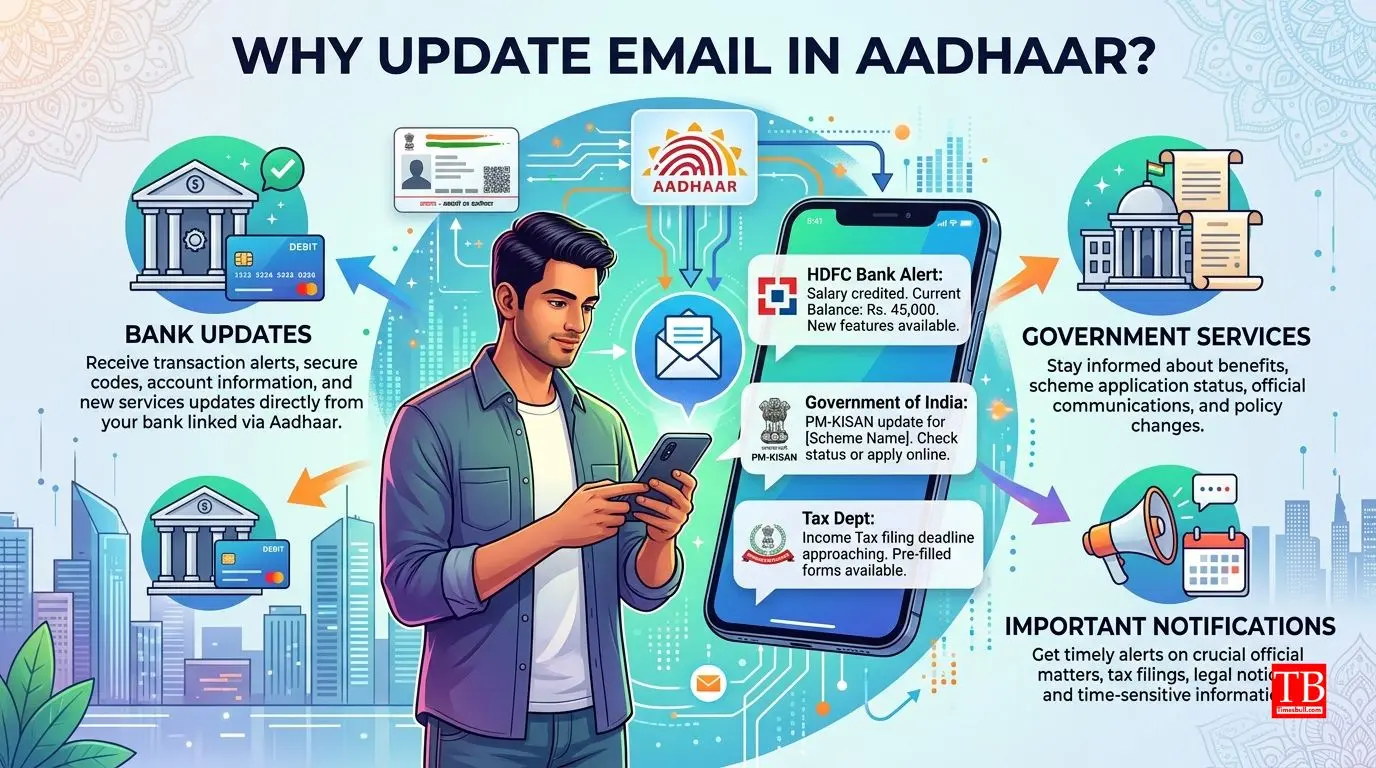
Why is it important to have a valid email ID?
In the picture, a person is looking at the bank's notification on his mobile. It shows how the right email linked to Aadhaar opens the door to the information you need. With the correct email ID entered in Aadhaar, you get updates on government schemes, banking transactions and other important services directly. Many times due to old or wrong emails, we are deprived of important information. Therefore, it is very important to keep Aadhaar information updated from time to time.
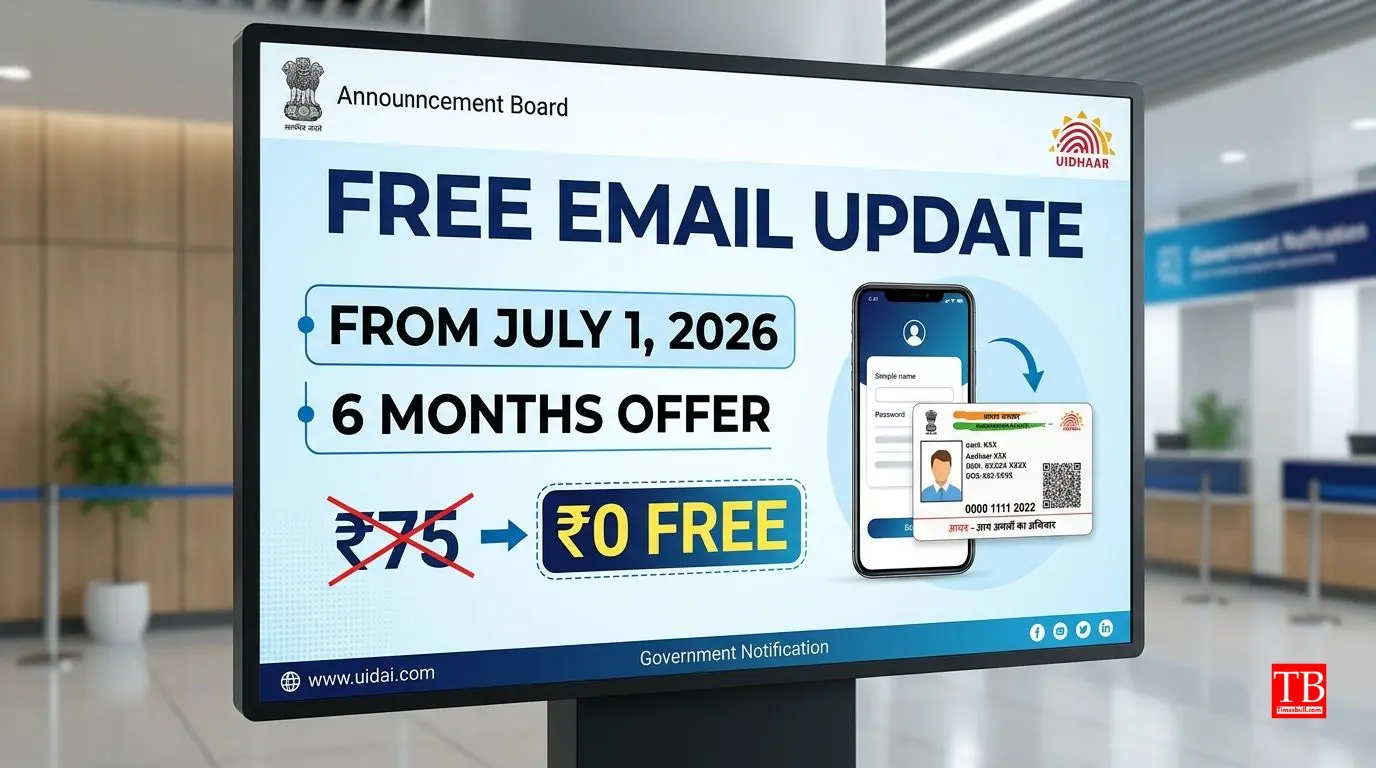
Announcement of free updates
This image shows a screenshot of UIDAI's official website or social media post announcing free email ID updates from July 1, 2026. Earlier, the service was available for a fee of ₹75 (including GST). UIDAI has taken this step to promote Digital India and keep more and more people updated with their information. This facility will be available for the coming 6 months (i.e. till December 2026). Imagine, where earlier you had to pay 75 rupees, now it is completely free!
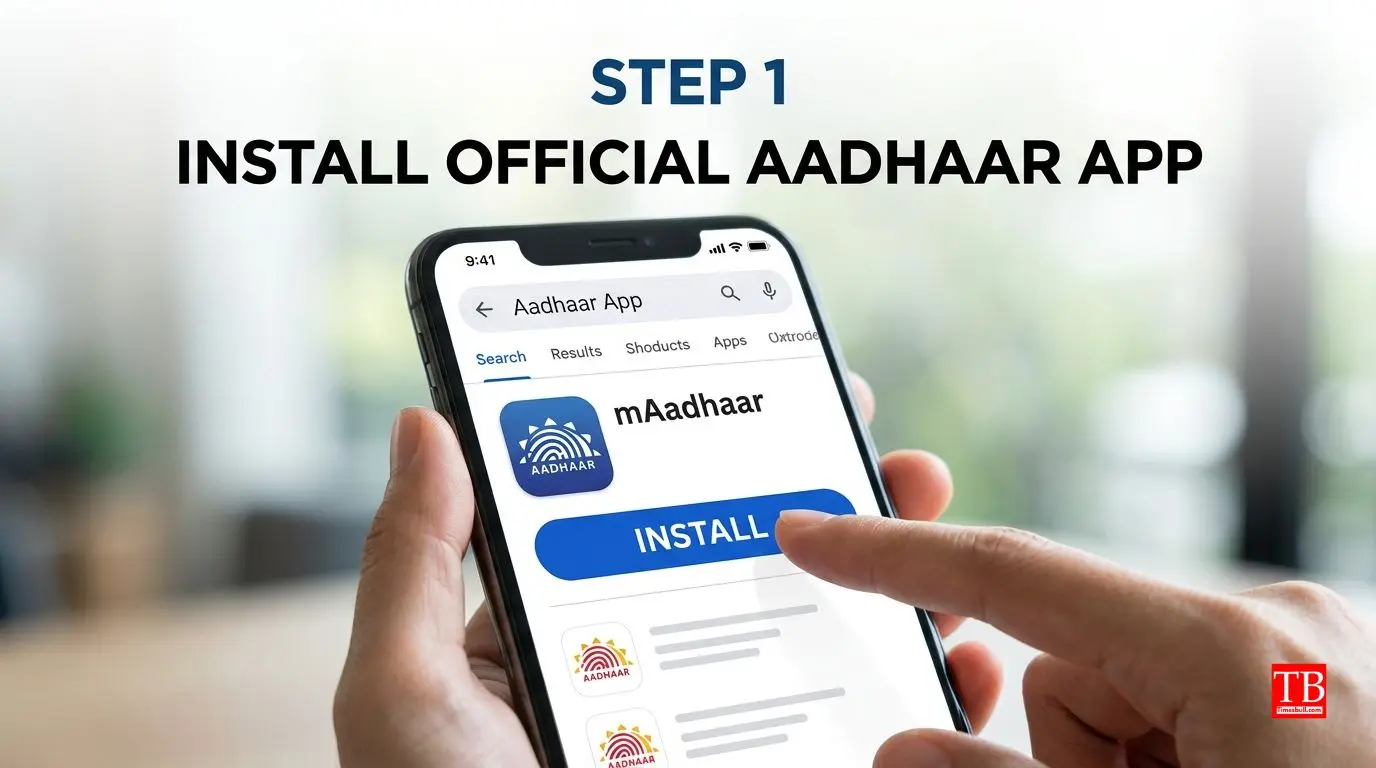
First, download the Aadhaar app
This picture of the gallery shows you how to search for Aadhaar App by going to Google Play Store or Apple App Store. First of all, you have to make sure that the latest version of the Aadhaar app is installed on your phone. You will not get this new feature in the old version. After installing the app, you will log in with your Aadhaar number and OTP. It is important to note that your mobile number should be pre-linked to Aadhaar as the OTP will come on this number.
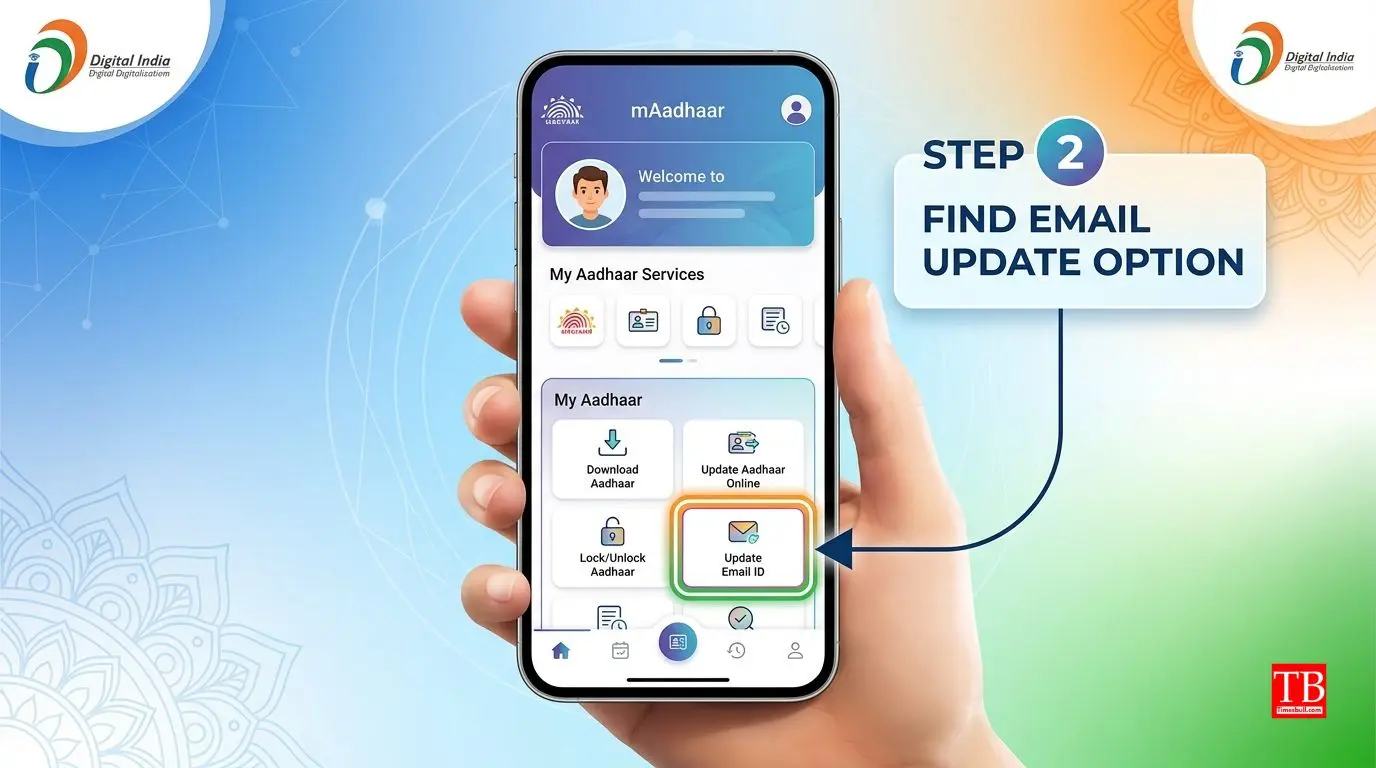
Login to the app and find the Email Update option
Now open the app. You will see several options on the home screen. In this picture, the option of "Update Email ID" or "Email Update" has been highlighted. Click on it and proceed to the next step. This option is usually under the "Profile Update" or "My Aadhaar" section. If you are having trouble finding it, then type "email" in the search bar, from there this feature will also open.
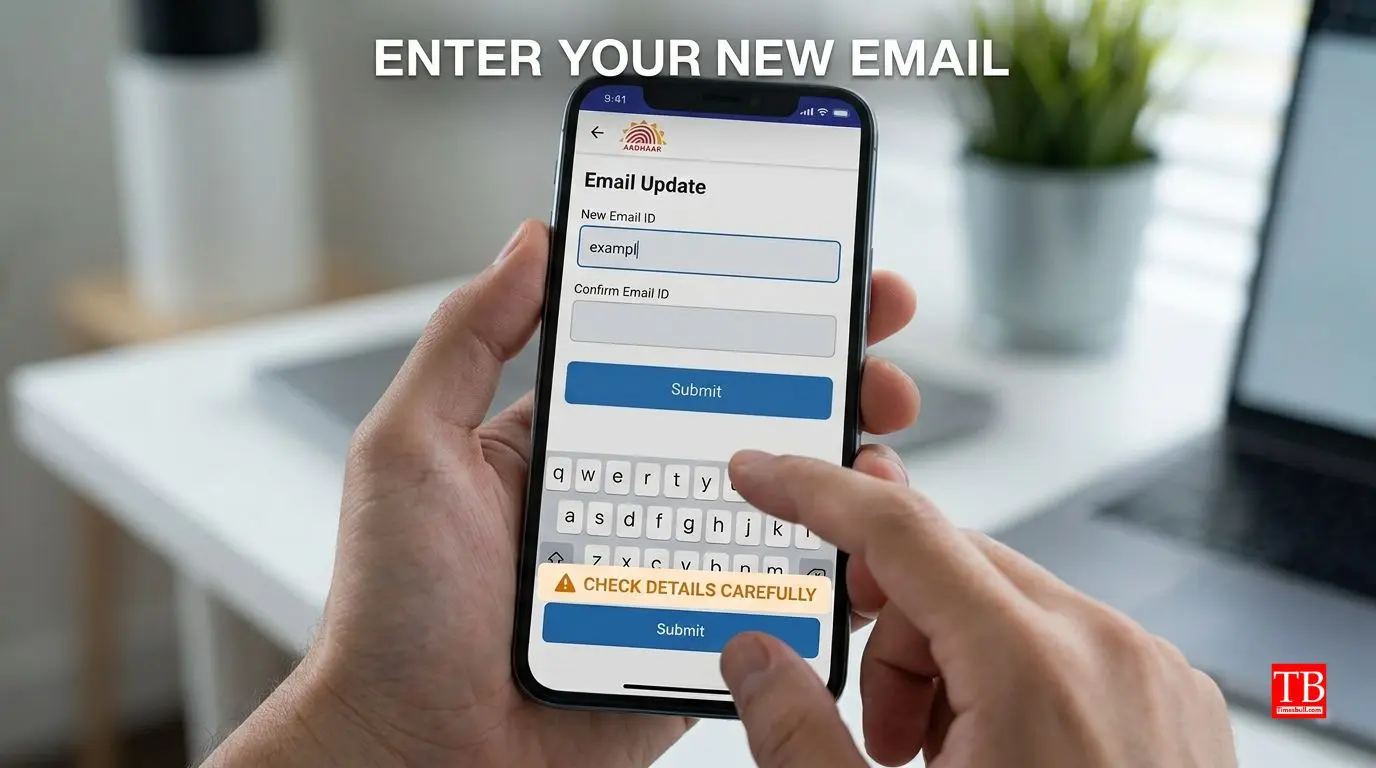
Enter the new e-mail address and confirm
This image shows a form where you have to type in your new email ID. Here it is asked to enter twice (New Email and Confirm Email), so that there is no typing error. Please note: The email ID should be correct, as all the information coming from UIDAI in the future will go to this email. Once updated, it cannot be changed immediately. So, enter your active and accessible email ID.
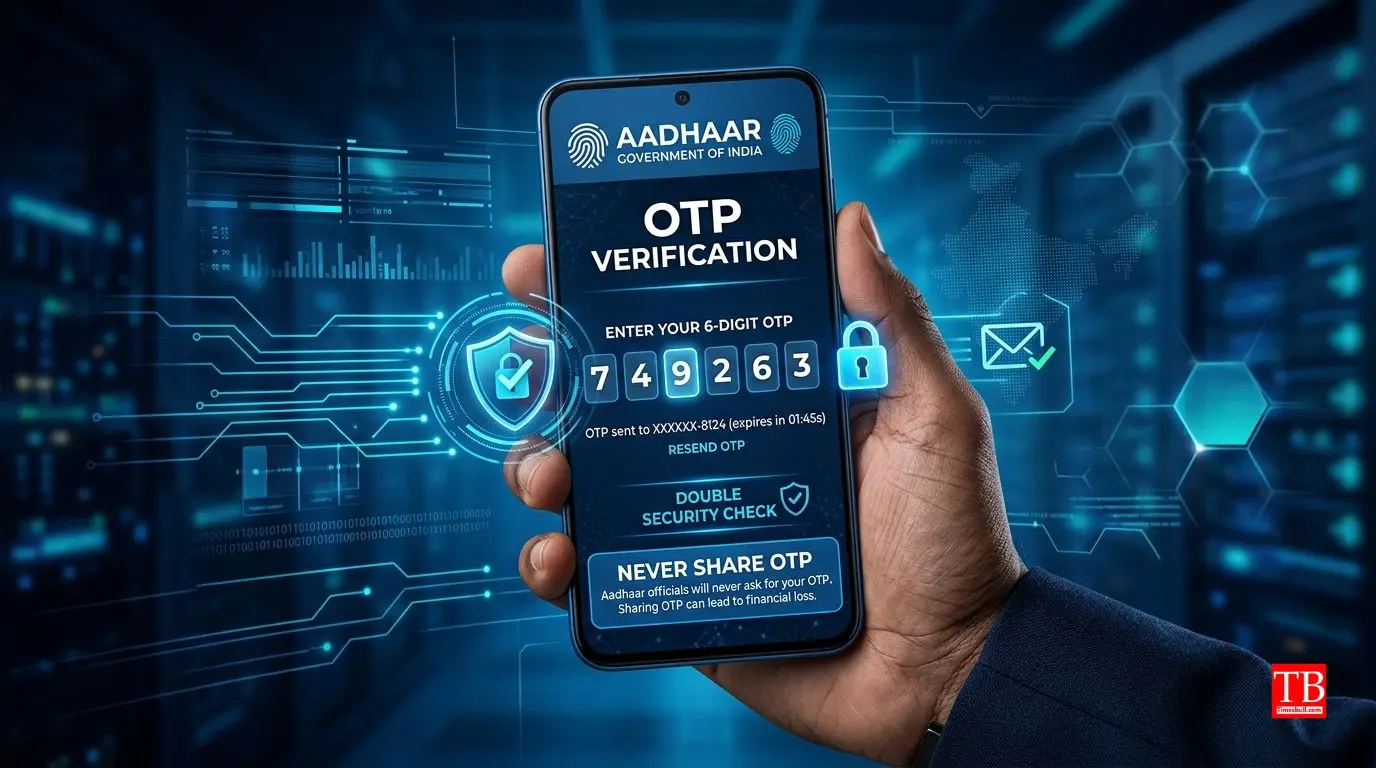
OTP Verification - The Second Layer of Security
It's a very important step. In the photo, you can see that an OTP has come on the phone. You have to verify your new email by entering the same OTP in the app. This OTP will come on your Aadhaar-linked mobile number. Also, an OTP is sent to your new email ID, which you have to enter again. This double verification process is to keep your data safe. Do not share OTP with anyone.
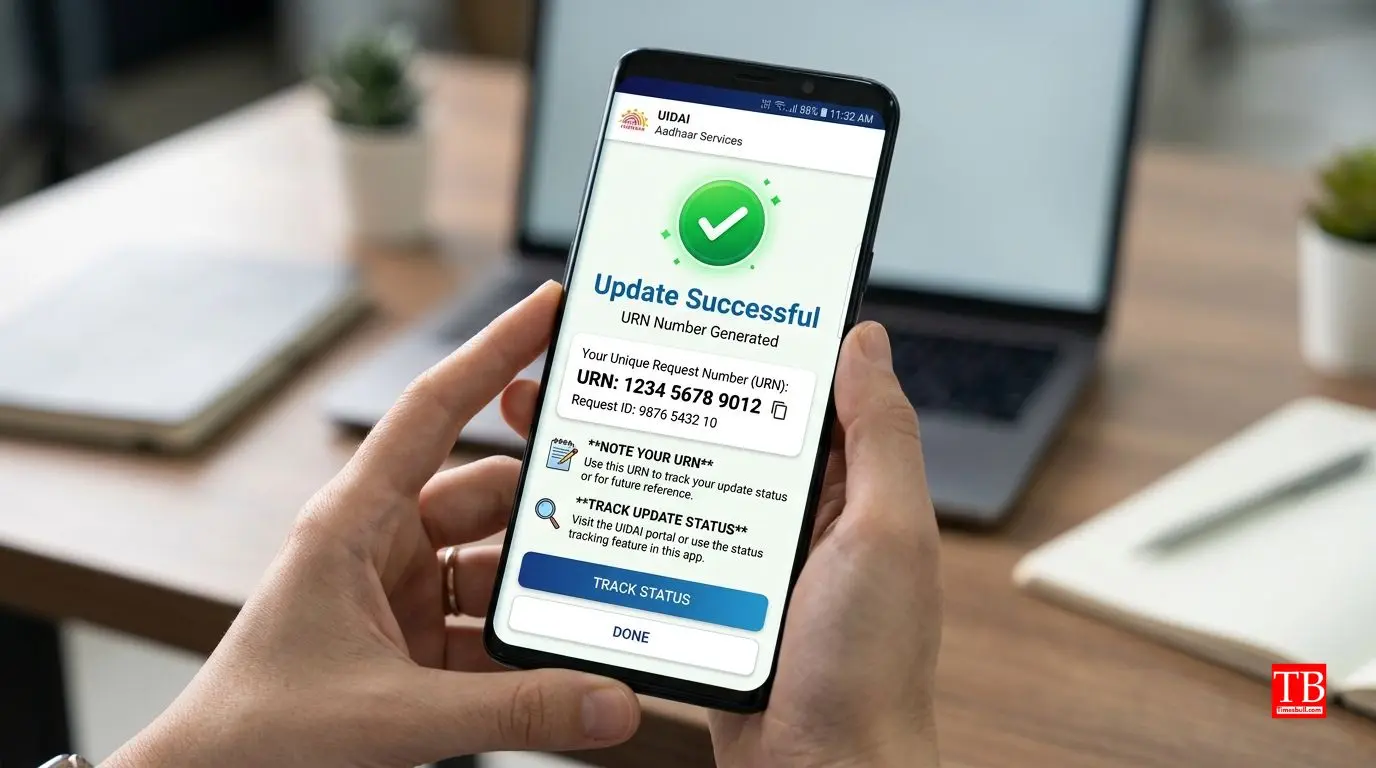
Click on Submit button and note down the URN
Once the OTP is verified, click on the "Submit" button. In this picture, a "Success" message and "Update Request Number (URN)" are seen on the screen after submission. This number is very important, note it down somewhere. With the help of URN, you can check whether your email has been updated by going to the app or website. UIDAI says that usually this update is completed within 30 days.
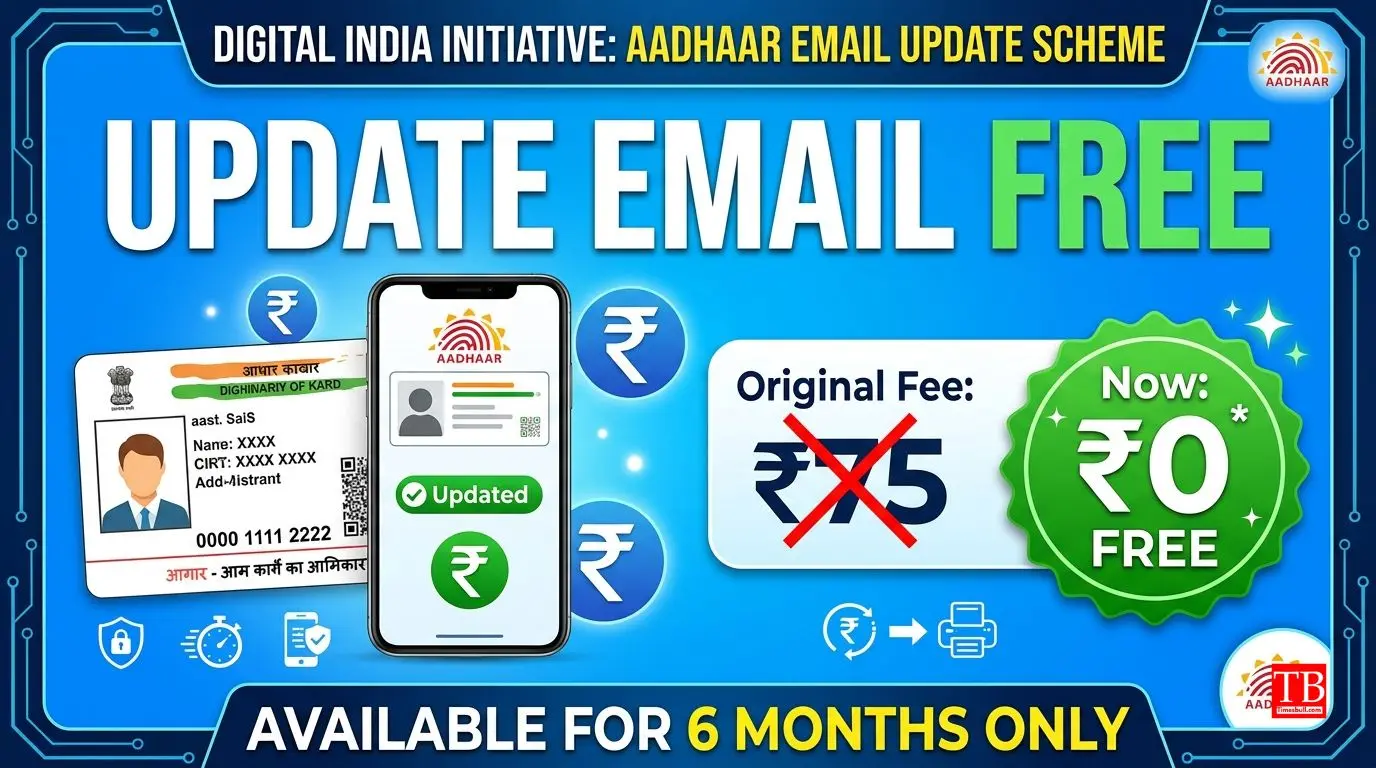
Take advantage of the free service
This picture highlights the graphic showing the fee of ₹75 as "nil" or "free." Once again, this facility is completely free from July 1, 2026. UIDAI has given this offer for a period of 6 months. If you do this update by the end of 2026, you will get a chance to save ₹75 (including GST), which was earlier charged for updating emails through the app. This will reduce the burden on your pocket.
Pay attention - security
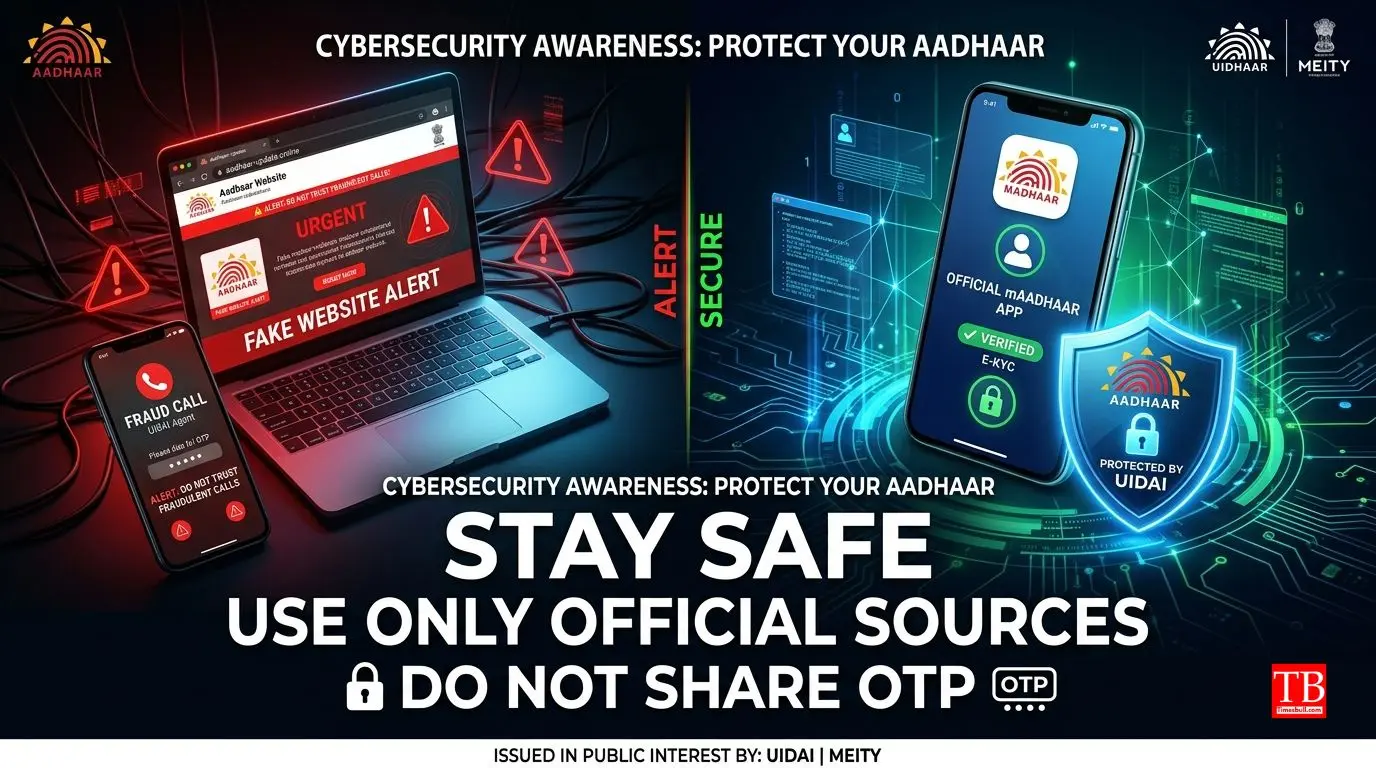
Cybercrimes have become common these days. The image serves as a warning, showing a fake website and a fake customer care number. UIDAI advises you not to trust any unknown agent, call or website. Any change in Aadhaar should be done only through the official Aadhaar App or UIDAI's official website (uidai.gov.in). Do not share your OTP or Aadhaar number with anyone, even if they are calling you as a bank or government employee. Always make your own updates.
Successfully updated - what will change?
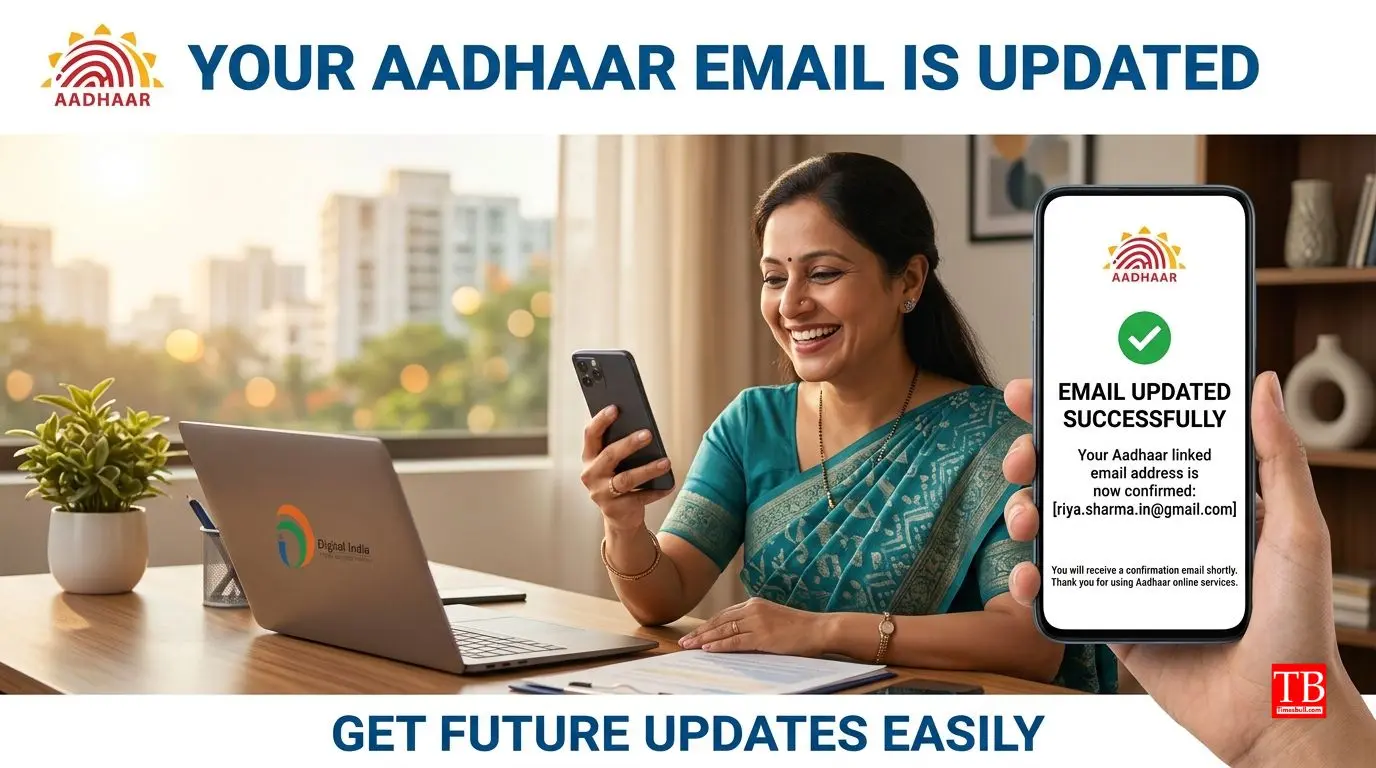
The last picture shows a happy man checking email on his phone. Once your Aadhaar is updated, a confirmation email from UIDAI will come to your new email ID. After this, whenever any new service related to Aadhaar is started or any document verification is done on your behalf, you will get information on this email. You will not be deprived of any important updates. It's a small step, but digital makes life a lot simpler.