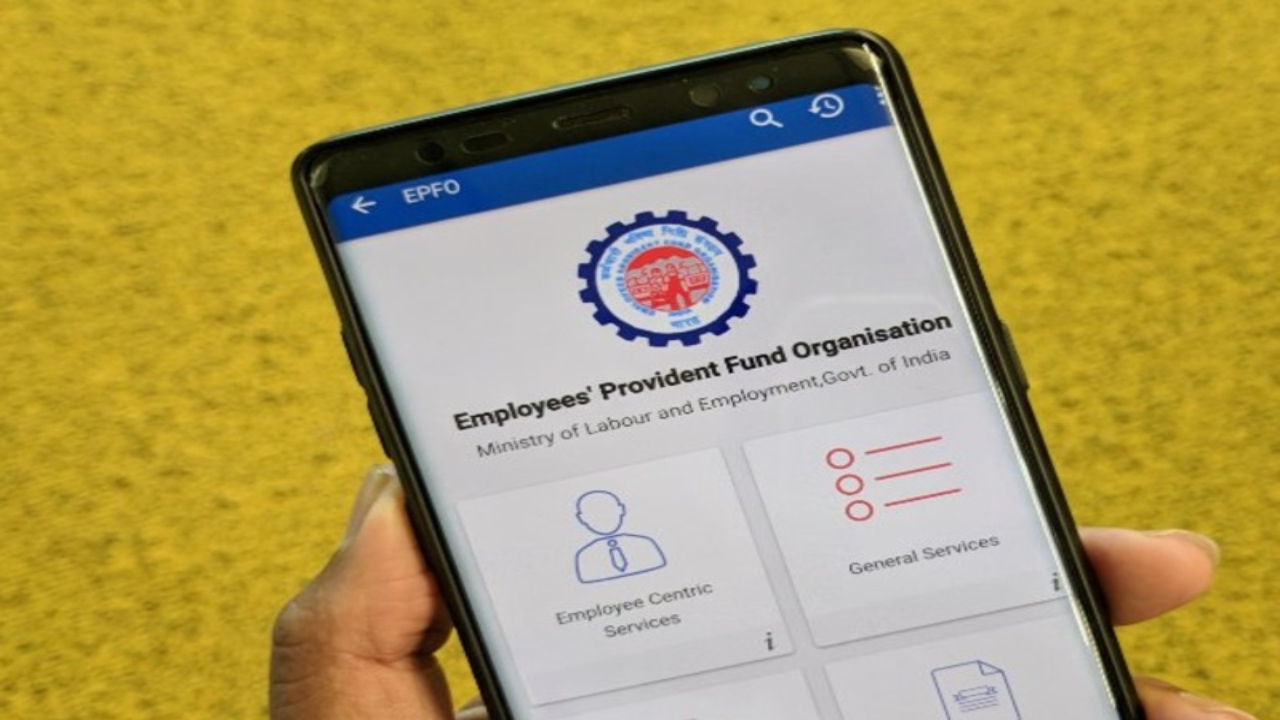
Changing jobs has become a common part of professional careers these days, but a small mistake while joining a new company can cost you years of hard-earned money. Often, employees forget to share their old UAN (Universal Account Number) when starting a new job, resulting in a new UAN being generated in their name. According to the strict and rigid rules of the EPFO, it is completely illegal for a single person to have two or more UAN numbers. This twelve-digit permanent number must remain the same throughout your career, as it is the thread that connects your PF accounts across different companies.
Disadvantages of Having Two UANs

If your PF funds are divided across multiple UAN numbers, you may face major problems in the future, the primary impact of which is your interest. The EPFO’s firm rule is that it pays regular interest only on active accounts. If your old PF account remains inactive for more than three years and no new contributions are received, it stops earning interest. This simply means that your money linked to the old UAN loses its strength over time, and its value stagnates instead of increasing.
Tax Risks and KYC
Having two UAN numbers can also be a serious problem on the tax front. If your total service period exceeds five years but is divided between different UAN numbers, you may have to pay heavy taxes when withdrawing PF. This is because you are unable to prove your five years of continuous service to the system. Often, a new UAN is created due to a misspelling of the name on your Aadhaar or PAN card or a minor difference in the date of birth. Therefore, before merging, it is essential to ensure that the name, gender, and date of birth in your Aadhaar, PAN, and EPFO records match exactly, and that your KYC is fully verified.

Universal Account Number Merger Process
If all your personal information is correct, merging your two separate accounts is a very simple and seamless process. You can avail the One Member One EPF Account service from the comfort of your home by logging into the EPFO member portal. Here, you need to enter your old UAN or member ID, then select either your current or previous employer and complete the digital authentication. Once the process is complete, you will be provided with a tracking number that allows you to monitor the status of your claim.