


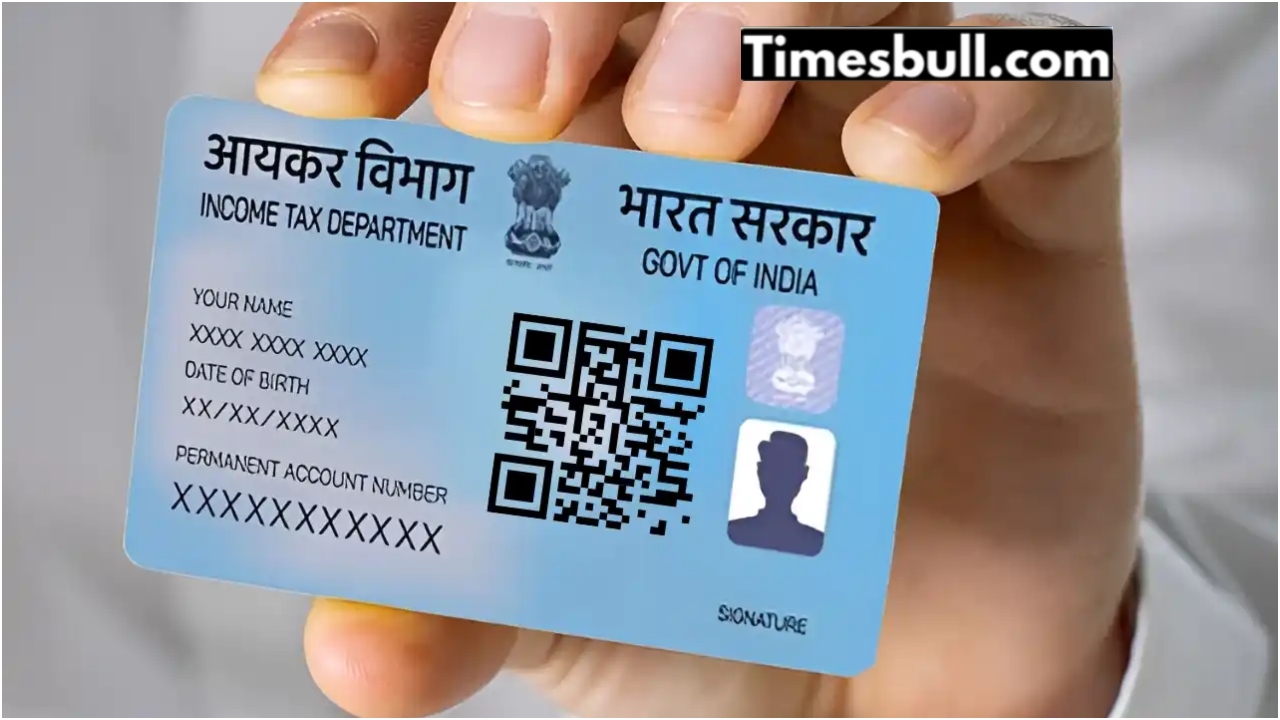
PAN Card Photo Update: These days, the Permanent Account Number (PAN) card is a must-have document. It’s required for filing income tax returns, getting an insurance policy, buying or selling property, opening a bank account, getting a debit or credit card, applying for a loan, purchasing a car, or buying jewelry. For most of these activities, you need to provide a copy of your PAN card along with other paperwork.
PAN cards can get worn out from frequent use. The photo and details on the card can become unclear. Because of this, a damaged PAN card isn’t accepted for official purposes. If your PAN card is damaged or the printed information is hard to read, don’t stress. You can easily replace the blurry photo on your PAN card from home, update your signature, and even request a duplicate PAN card.
How do you update the photo on your PAN card?
- If you want to change the photo on your PAN card, start by visiting the NSDL website at www.tin-nsdl.com.
- You can also check out the UTIITSL website at www.PAN.utiitsl.com.
- On the homepage of the official site, look for the PAN Card Correction/Update option and click on it.
- Then, choose the correction form and select Individual as the category.
- Next, fill in your surname, mobile number, PAN number, email address, and date of birth.
- After that, enter the captcha code and hit submit. You’ll receive a token number for your application.
- Once you have the token number, choose how you want to send your documents.
- After selecting the method for sending your papers, pick the specific fields you want to correct, including the photo mismatch option.
- When you select the photo mismatch option, upload a new photo.
- The photo should be passport-sized (4.5 cm X 3.5 cm) and in JPEG format, with a file size between 4KB and 300KB.
- After uploading the photo, you’ll need to provide documents like your Aadhar Card or Voter ID Card to verify your correction request.
- After this you get a track number, after which you can check the status and see whether your photo has changed in the PAN card or not.
- This process takes 15 to 20 working days.
How to update your signature?
The PAN card includes a signature along with a photo. To update your signature, you must visit the official website and enter your PAN card number.
Signatures can be changed in the same way as photo changes. Simply select the “Signature Mismatch” option instead of “Photo Mismatch.”
After selecting this option, you must be prepared to present your PAN card with the incorrect signature.