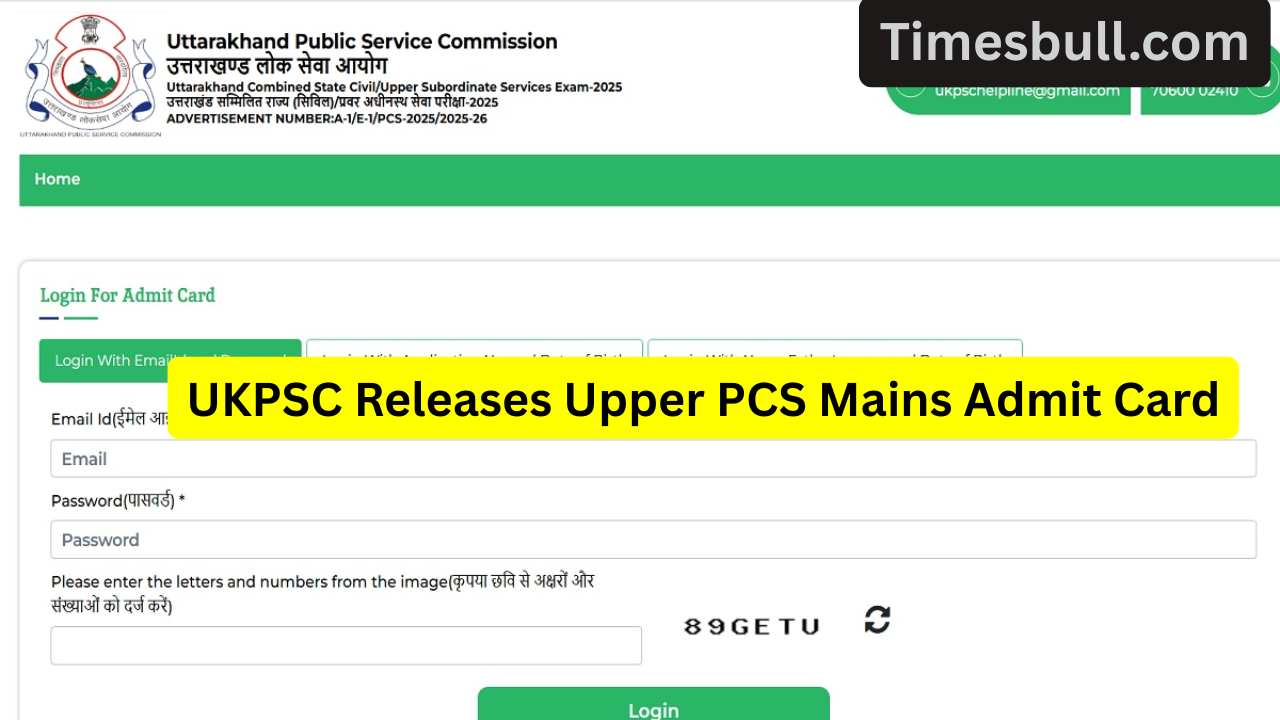
UKPSC Releases Upper PCS Mains Admit Card. The Uttarakhand Public Service Commission (UKPSC) has released the admit cards for the Upper PCS Main Exam 2025. Candidates who have already applied for this recruitment can now download their admit cards from the official website. The main exam will begin on December 6th and will be held at centres across the state.

If you have applied for this recruitment, the UKPSC Upper PCS Main Exam 2025 admit cards are live. Download and print them to check the exam dates.
Read More:- Vivo X200T Phone May Feature A Large 7,000mAh Battery & 12GB RAM, Here Are All Leaks Mentioned.
Mains Exam Dates and ExamCenter Details
According to the notice issued by the UKPSC, the Upper PCS Main Written Exam will be held from December 6th, 2025, to December 9th, 2025. Complete information regarding candidates’ exam centres, shift timings, reporting times, and exam centre codes is available on the admit card.
All candidates are advised to check their centre location before the exam to avoid any problems on exam day.
Important Information to be Included on the Admit Card
The admit card contains all key information related to the candidate, such as:
- Candidate’s Full Name
- Father’s Name
- Date of Birth
- Category (GEN/OBC/SC/ST/EWS)
- Roll Number
- Photo and Signature
These details will be verified against identity proof at the examination centre. Therefore, candidates should ensure that the photo printed on the admit card is clear and recognisable.
Which Documents Must Be Carried?
Candidates must carry certain essential documents with them to gain entry to the examination centre. These include—
- Printed copy of the UKPSC Upper PCS Mains Admit Card 2025
- A valid photo ID card
- Aadhaar Card
- PAN Card
- Voter ID
- Passport
- Driving License
Two recent passport-sized photographs (same as the ones uploaded in the online application)
Blue or black ballpoint pen for use in the exam
Candidates will not be allowed to enter the exam centre without these documents.
UKPSC Upper PCS Mains Admit Card 2025: How to Download?
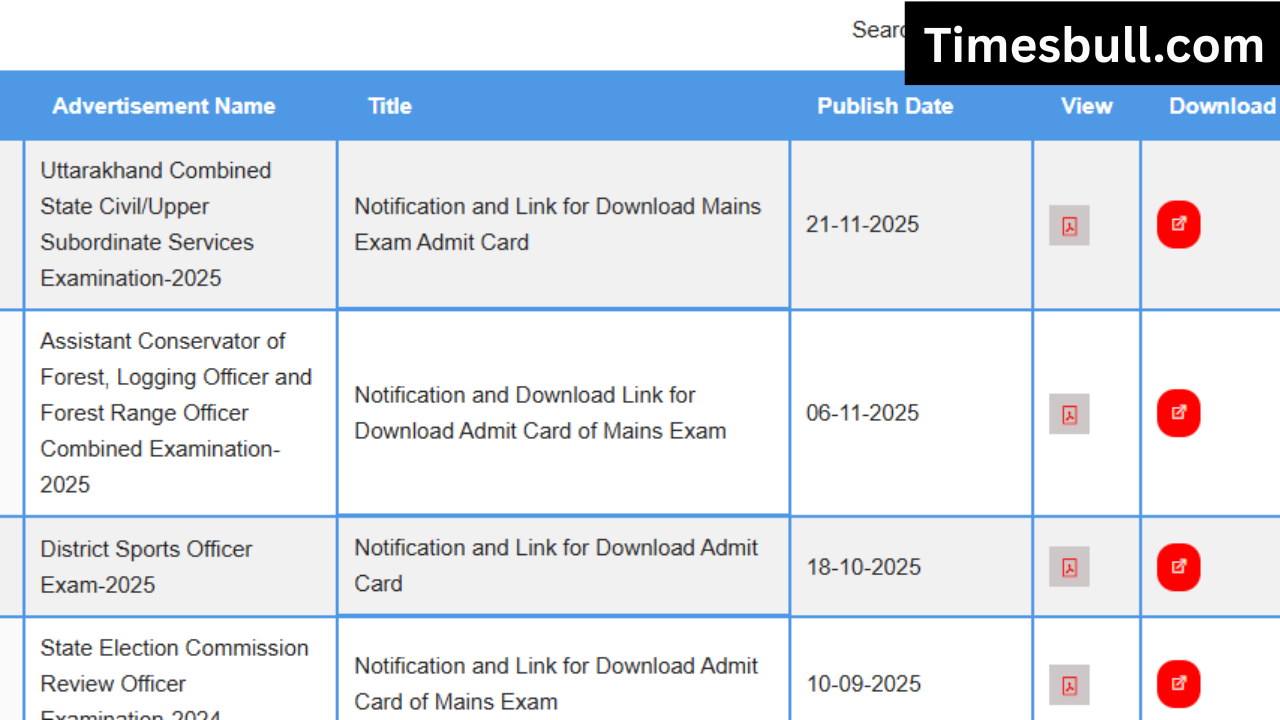
Follow the simple steps below to download your admit card—
- Visit the UKPSC official website, psc.uk.gov.in.
- Go to the Admit Card or Latest Updates section on the homepage.
- Click on the Upper PCS Mains Admit Card 2025 link.
- Now enter your Registration Number, Date of Birth, and Captcha Code.
- After logging in, your admit card will appear on the screen.
- Download it, print it out, and keep it safe.
Important Tips Before the Exam
Read More:- Infinix Note 50s 5G+ Now Available Under Rs 14,999 With 45W Fast Charging
- Arrive at the exam centre early.
- Keep your admit card and identity proof with you.
- Do not bring any electronic gadgets, notes, or prohibited items.
- Read the instructions carefully to avoid any problems on exam day.