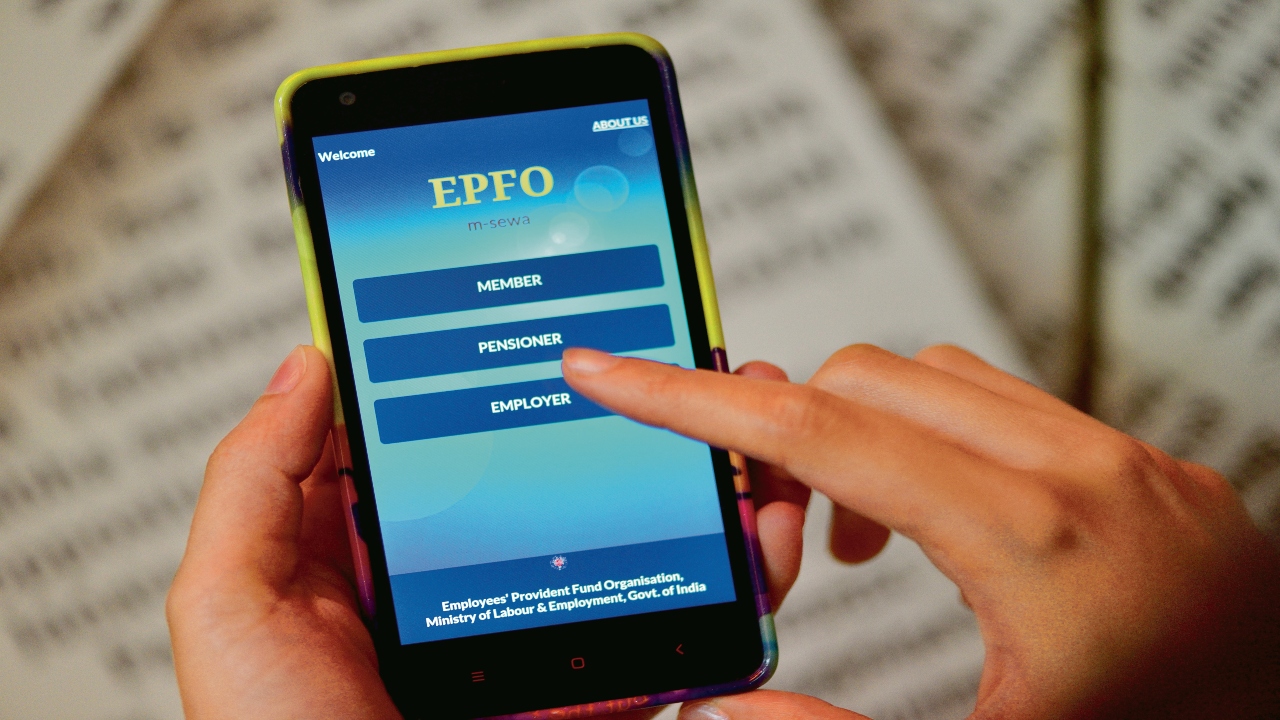
EPFO Passbook: The EPFO has introduced Passbook Lite, a new digital facility for its members. Launched in September 2025, this service aims to make PF-related information more accessible and faster. Now, employees can view their PF balance, contributions, and withdrawals directly on the member portal with a single click. Previously, accessing PF transactions required a separate portal or multiple steps, but under the EPFO 3.0 reforms, this process has now become much easier.
What is EPFO Passbook Lite?
Passbook Lite is a simplified and faster version of the EPFO’s existing passbook. Members can quickly access essential information related to their PF account. It doesn’t display detailed information like a full passbook, but instead displays key information such as balance, total contributions, and recent withdrawals. This service aims to save users from having to log in or navigate complex navigation every time.
Read Here: Government Major Decision, Final Approval Given to The Old Pension Scheme
Who is this new feature useful for?
This feature is specifically designed for employees who want to check their PF balance quickly and easily. Users who want to view complete account details or graphical reports can use their old passbook as before. Passbook Lite is extremely helpful for those who need to check their fund status at a glance.
Easily Download Documents
EPFO has also simplified the process of downloading Annexure K on its member portal. Annexure K is an important document used by employees for PF transfers when changing jobs. Now, this document can be downloaded directly from the member portal, making tracking the status of PF transfers easier than ever.
Key Benefits of Passbook Lite
EPFO’s new Passbook Lite feature provides instant PF balance information. Previously, many users faced server issues or slow speeds when opening their passbooks. Now, members can check their account status in just a few seconds through a simple interface. This will not only increase transparency but also make it easier for employees to plan their finances.
Read Here: Under what circumstances should investor stop SIP? know details
How to View Passbook Lite
To view EPFO Passbook Lite, first visit the EPFO Member Portal (https://unifiedportal-mem.epfindia.gov.in/memberinterface/).
Log in by entering your UAN number and password.
After logging in, click on the ‘View’ option and select ‘Passbook Lite’.
After this, select your member ID, and your PF balance will be displayed on the screen within a few seconds.