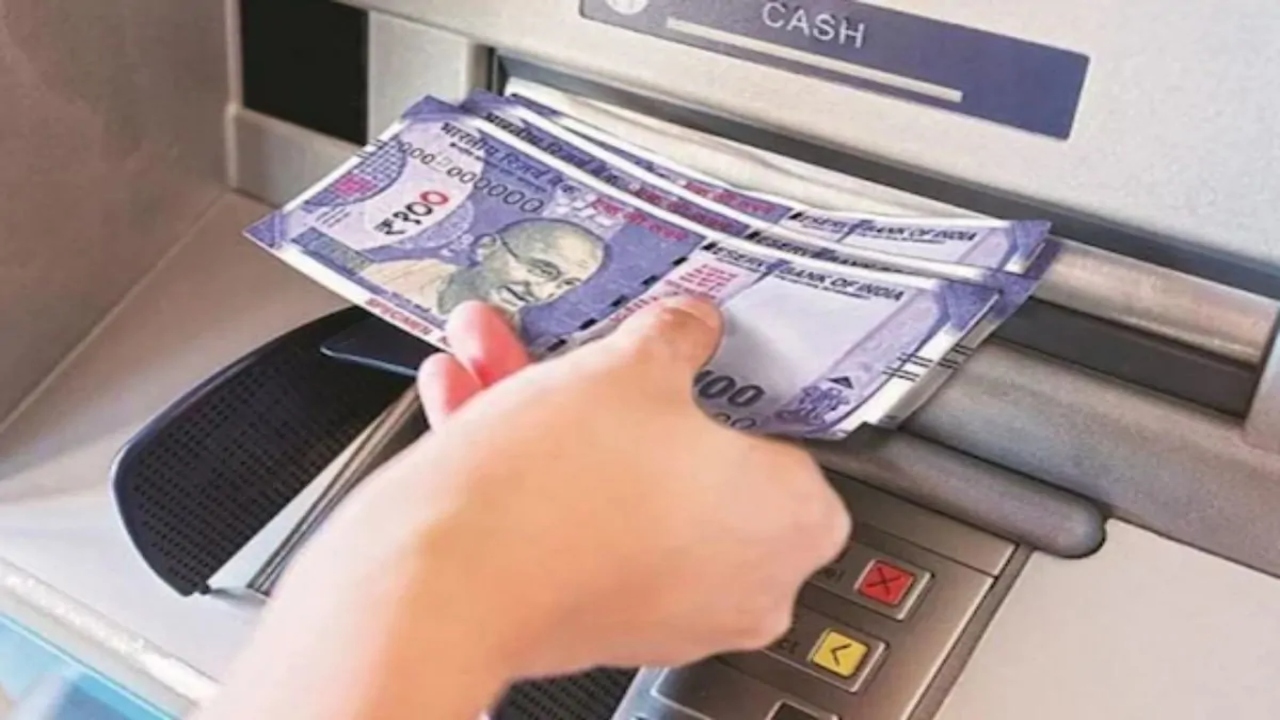
UPI ATM Withdrawal: India’s banking system is undergoing a major transformation. Banks across the country have launched a new cardless cash withdrawal system, allowing people to withdraw money directly from ATMs using UPI apps like Google Pay, PhonePe, Paytm, and BHIM. This feature is called Interoperable Cardless Cash Withdrawal (ICCW), also commonly known as UPI Cash Withdrawal. This feature is not only faster and more convenient than traditional card-based withdrawals, but it is also proving to be more reliable in terms of security.
Learn about the new system
When a customer wants to withdraw cash from an ATM, they must select the “UPI Cash Withdrawal” or “ICCW” option displayed on the screen. They will then enter the withdrawal amount. A QR code will be displayed on the ATM, which the customer will scan with their UPI app—such as Google Pay, PhonePe, Paytm, or BHIM. Users will then select their bank account and enter their UPI PIN to authenticate the transaction. As soon as the transaction is successful on the mobile, the ATM immediately dispenses cash.
Read Here: 2025 Hyundai Venue N Line: Now launched in India starting at just ₹10.55 lakh
Transaction Limits and Eligibility Rules
Under the ICCW system, a maximum cash withdrawal of ₹10,000 per transaction is allowed. However, the daily withdrawal limit is determined by the user’s UPI transaction limit. This feature is only available at ICCW-enabled ATMs. Not all ATMs currently support this feature. This service is available to customers of any bank, provided they use UPI and have an active UPI app linked to their bank account.
Convenience Together
The introduction of ICCW technology has added a new dimension to banking security. This process does not require swiping the card or entering the card PIN, eliminating the risk of card skimming, cloning, and card theft. Furthermore, since the system is interoperable, it means that customers of any bank can avail this service at any participating ATM. This design provides a unified and secure banking experience across the country.
Read Here: Aprilia RS 457 GP Replica And New Vespa Scooters Shine at EICMA 2025
Take precautions
Although this feature is cardless and offers improved security, users should still pay special attention to the security of their mobile phone, UPI app, and UPI PIN. Use only official and trusted UPI apps and ensure you are scanning the correct QR code displayed on the ATM screen. It is important to avoid any suspicious links or unknown apps.