- Advertisement -
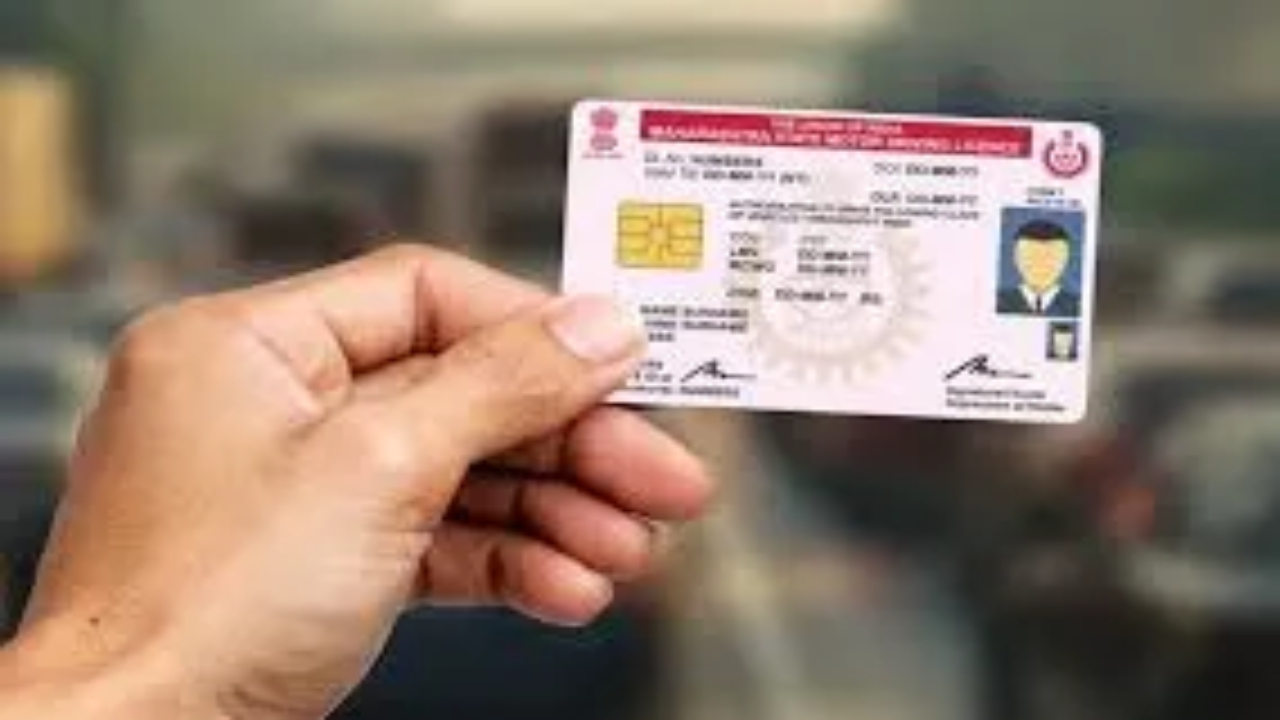
The Ministry of Road Transport and Highways (MoRTH), has said that it is mandatory for all vehicle owners to connect/or update their mobile numbers with their registered vehicle information. Now, vehicle owners can now easily link or update their mobile number to their vehicle information through an online platform. In addition, vehicle owners can link and update their mobile numbers to their driving licenses through an online system.
Benefits of Linking Your Mobile Number
- Vehicle information can be easily and safely accessed.
- Traffic fines, challan notices, and important updates will be sent directly to your phone.
- Many tasks can be completed online in the future without visiting the RTO office.
How to Link/Update Mobile Number for Your Vehicle
- Visit the official website parivahan.gov.in. You can also go directly to the application form using the link below.
- Enter your vehicle information and click Validate.
- Enter your Aadhaar number, name as on Aadhaar, and mobile number, then click Verify.
- Enter the OTP received on your mobile and click Submit.
How to Link/Update Mobile Number for Driving License
- Visit the official portal parivahan.gov.in. You can also go directly to the application form using the link below.
- Enter your Driving License number, date of birth, state, and captcha code.
- Enter your Aadhaar number and click Authenticate by verifying the OTP.
- Your Aadhaar information will appear. Click Submit.
- You will see if the Driving License number, name, guardian name, and mobile number are linked.
- To change the mobile number or link a new one, click Proceed next to it.
- Enter the new mobile number and click Send OTP.
- Enter the OTP and submit. Your new mobile number will be updated with your driving license.
- Advertisement -