iOS 26 New Features: Guys, as you know, iOS 26 has been finally rolled out and is available to download and install on most Apple devices above iPhone 11. The new iOS 26 update brings lots of amazing features, which were first unveiled at the WWDC 25 conference in June 2025, and now you can enjoy them on your iPhones.
You should not miss these features and you should definitely know about them, especially if you have an iPhone or you’re planning to purchase the new iPhone 17, which was launched on 9 September 2025. However, you will already get iOS 26 in the latest iPhone 17 series, but as an iPhone user, you should know about these latest iOS 26 features.
Read More: Flipkart BBD Early Offers: Best 5G Phones Under ₹10K With Long-Lasting Battery & Fast Charging
1. Visual Intelligence
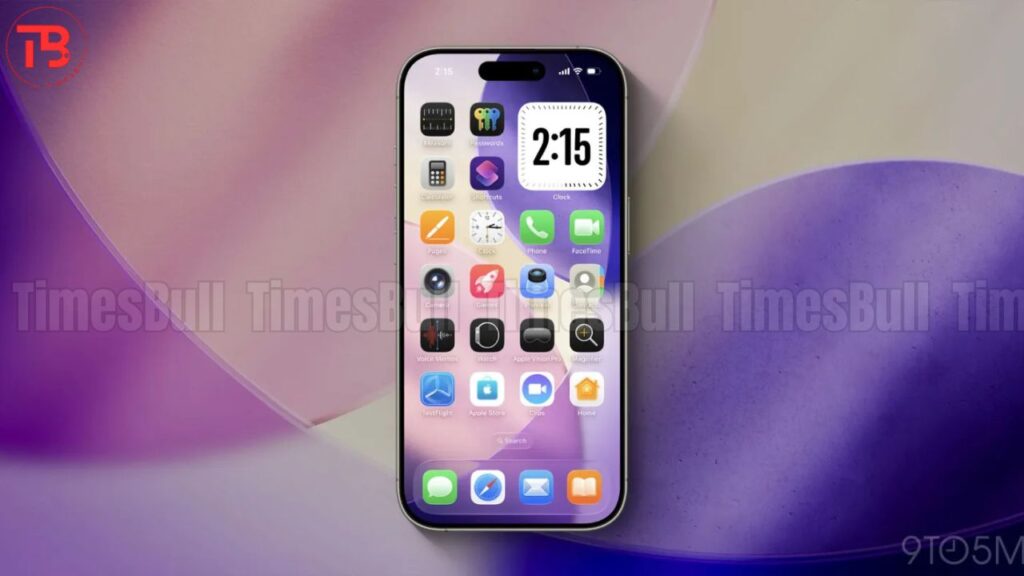
Now, if you take a screenshot on iOS 26, then you will not only just get zoom-out window, it would instead stay there for a while. iPhone’s visual intelligence on iOS 26 will run a reverse image search from right there, and you can start up a conversation with the built-in AI about the available content of the screenshot. If AI finds some useful information on the screenshot, then your iPhone will automatically provide some actions to take, like adding a date to a calendar, or you will be able to know more about the screenshot text and content.
2. Liquid Glass
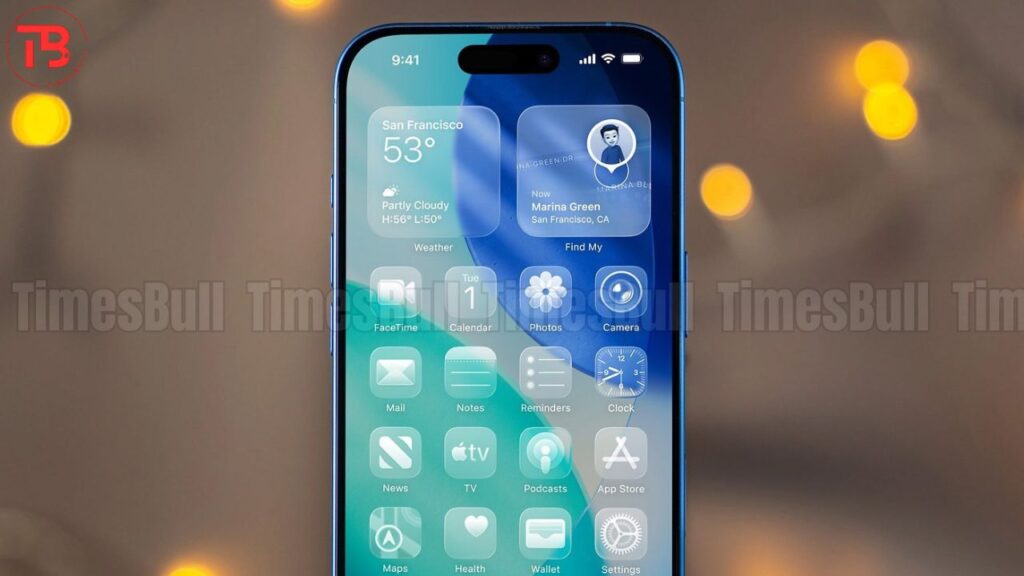
You will witness the biggest visual change in iOS 26 because it gets a new liquid glass UI, and it looks very softer and more dynamic — a semi-transparent fluid look. This semi-transparent design looks very cool, and you will not get bored with this liquid glass design very quickly. It looks very soothing. You will also get smoothness in notifications and responsive animations in iOS 26 update.
Read More: Flipkart BBD Early Deals: Best iTel 5G Phones Under ₹10,000 With Up to 38% Off
3. Spam Filter
In iOS 26, you also get a new spam filter feature, and the best part is it works for both calls and messages. For example, if you get any text from an unknown number, then it will directly go into the unknown senders list, or if it was sent by a spammy company, then it will directly go into junk or spam messages in a spam folder. Same thing will happen with the calls. If you receive a call from someone who is not in your contact list, then Apple’s Siri will automatically answer the call and ask the caller to state their name, and most interestingly, it will also ask the reason for calling.
4. Custom Ringtones Update
If you are an old iPhone user, then you know very well how hard it was to put a custom ringtone on an iPhone. But everything has changed with the new iOS 26 update, because now you can finally set a custom ringtone directly from the Files app by choosing a less than 30-second audio clip in MP3 or M4A format and make it your ringtone.
5. Adaptive Power
Finally, adaptive power feature is also added in iOS 26 update, but the bad thing is you will not get this feature in every iPhone. You will only get this feature in those iPhones which come with Apple Intelligence, like iPhone 15 Pro and later models. Basically, adaptive power is nothing but an AI-powered battery saver which enhances your iPhone battery life. It automatically detects your usage pattern, makes some adjustments in phone’s performance, and extends battery life.