



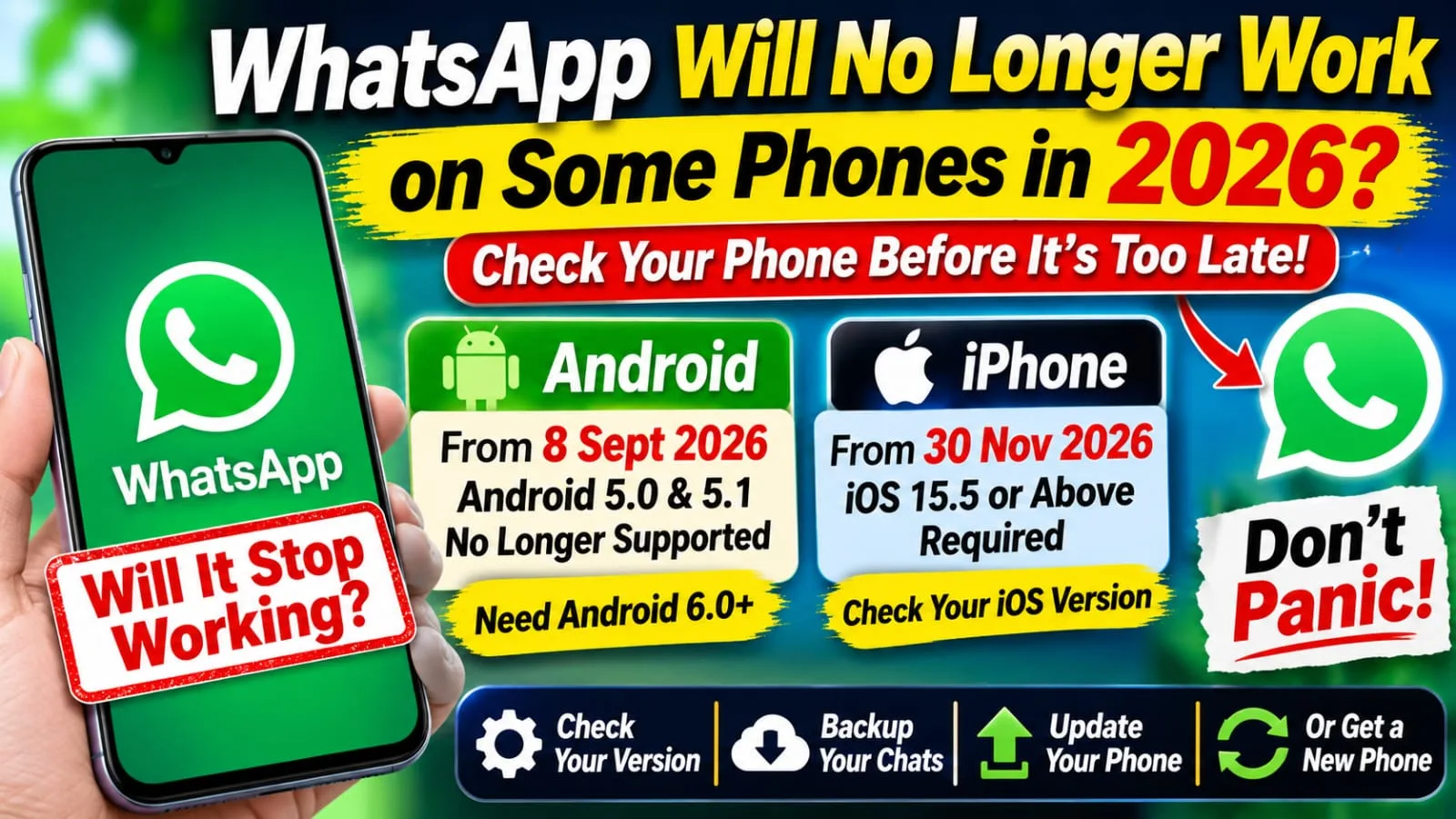
WhatsApp to Stop Working :- Whilst your phone may be a few years old you may have come across stories that WhatsApp will no longer function on it. Some stories are true, but often the information is overstated or incorrect. Below are the current rules (for 2026) for using WhatsApp as detailed by WhatsApp and picked up by news and technology websites. Information is also given on how to determine which Android and iPhone phone you have.
Android
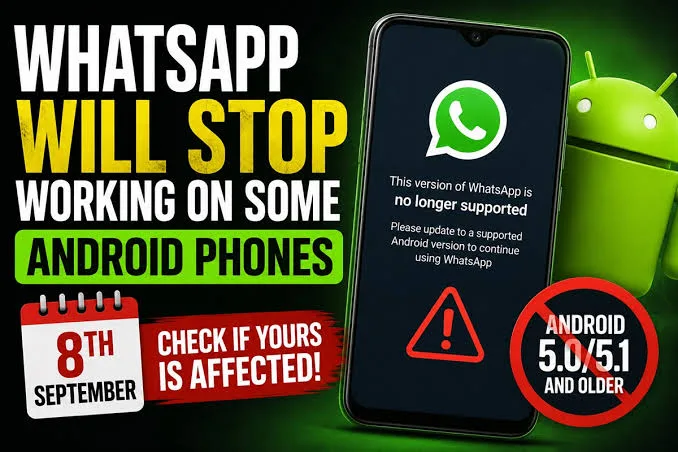
WhatsApp has increased the required Android level to Android 6.0. After 8th September 2026, it will no longer be possible to use WhatsApp on devices which are still set to Android 5.0 and 5.1. Phones said to be affected include: Sony Xperia Z3, Z4 and Z5; Samsung Galaxy S6 and Note 4 and 5; Honor 4, 6 and 7; OnePlus One and 2; Asus Zenfone 2; and Lenovo K3 Note and A7000. Devices which can upgrade to Android 6.0 or above will continue to be able to use WhatsApp.
iPhone
The present minimum iOS version is 15.1. WhatsApp has stated that from 30th November 2026 it will need iOS 15.5 or above. Those iPhones unable to upgrade to iOS 15.5 from 15.1 will no longer be supported from this date. Typically, iPhones from the 7 model and above can upgrade their iOS, therefore it is advisable to establish which iOS you currently have.
Irrelevant previous cut off dates
Articles can still occasionally be found stating that WhatsApp will no longer support iOS 7 or Android 2.3.7. These were the requirements in 2019 and 2020 and so are now outdated. Occasionally, a 1st January 2026 cut off date will also be mentioned. However, current information indicates that the relevant cut off dates are for September 2026 and November 2026 so these should be referred to.
Checking your phone
For Android phones, select Settings and About phone. The Android version can then be seen. For iPhones, open Settings, then General and About or Software Update. This will display the iOS version. Where your phone’s version is less than is required, ascertain if it can be upgraded. Should it not be upgradable, you should think about replacing your device. Firstly, however, make sure that you back up your WhatsApp conversations.
Actions to take pre-cut off
Ensure that you back up your WhatsApp chats. Confirm your phone’s operating system and upgrade it where possible. Should your phone fail to upgrade, you may wish to purchase a new more affordable or alternatively, a second hand, phone which can run a supported operating system. There is no requirement to replace a functioning phone which already operates on a supported system.