


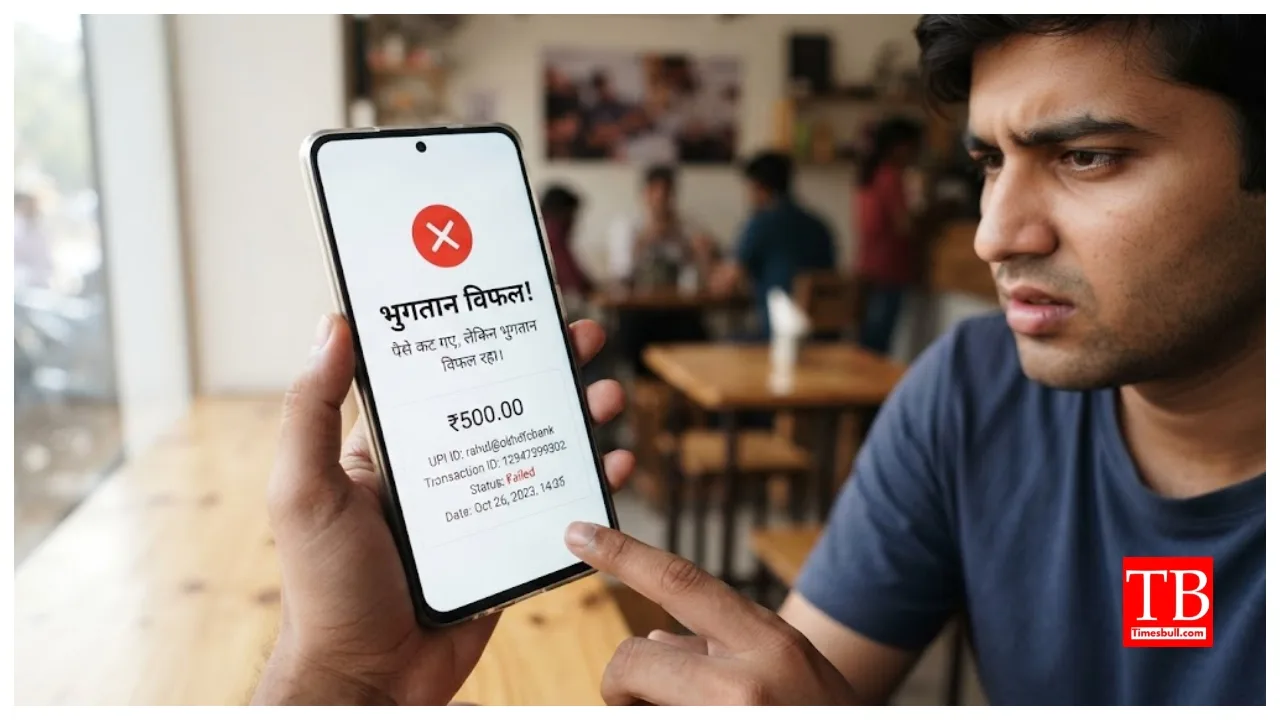
UPI Payment Failed: If money has been deducted from your account but the UPI transaction shows as failed, do not worry. This happens to lakhs of UPI users daily, and in most cases, the money is automatically refunded. Banks and the National Payments Corporation of India (NPCI) have safety systems in place for these situations. The most important thing to remember is not to make the payment again immediately. If the initial transaction eventually goes through, a second deduction could occur, causing you to pay twice for the same purchase. Therefore, wait a while and follow the steps outlined below.
In most UPI transactions, the amount is automatically refunded within an hour. According to the NPCI, the money is usually returned within this 60-minute window. Instead of panicking and making another payment, wait for an hour and let the system process the transaction. Making a hasty second payment often leads to a duplicate deduction for the same purchase.
Why do UPI payments fail?
Several reasons can cause a UPI payment to fail. Common causes include entering an incorrect UPI ID, insufficient funds in the bank account, or exceeding the daily payment limit. Limits such as a maximum of 20 transactions or a total value of ₹1 lakh per day may apply, though some banks set lower limits for their customers.
Entering an incorrect payment address (UPI ID) is another common mistake; this address identifies the bank account. Other factors include high load on bank servers, poor internet connectivity, or technical issues that often arise at month-end. Transactions can also fail due to scheduled technical maintenance by the NPCI or a lack of timely response from the payment system.
Check the status of the transaction
All major UPI apps have systems in place to resolve disputes and issues. You can use these features to check the status of a failed transaction and file a complaint if necessary. To address this, open the transaction history in your payment app, locate the failed transaction where the amount was deducted, and check its status or select an option to report the issue. In many cases, the payment status gets resolved during this process, and the money is automatically refunded. So, take these steps before contacting customer service directly.
If the issue remains unresolved, use the payment-related complaint option provided within the app. For Google Pay, open your profile, go to ‘Help & Feedback’ (or ‘Help & Process’), and then select the option related to transaction issues. Similarly, for PhonePe, go to the ‘Help’ section, choose the option to report a payment issue, and then select the option indicating that money has been deducted.
For Paytm, you can navigate to the ‘Help’ section, select the payment-related issue option, and then choose to file a complaint. When filing a complaint, keep your 12-digit transaction ID and a screenshot or recording of the payment handy; this helps speed up the resolution process.
When should you contact the bank?
If the issue isn’t resolved through the payment app, contact your bank’s dedicated UPI support service. It is better to speak with the specific support service designated for UPI payments rather than general customer service. When contacting the bank, have your 12-digit transaction number, account number, merchant transaction details, and the exact date, time, and amount of the payment ready. Ask the bank to re-verify the payment status. Also, note down the complaint reference number provided after filing the complaint.
How long does it take to get the money back?
According to RBI guidelines, funds for person-to-person (P2P) transactions are typically refunded by the next working day, while refunds for payments made to shops or merchants should be processed within a maximum of five days. If the money is not refunded within the stipulated timeframe, a penalty of ₹100 applies for each day of delay. In most cases, the money is refunded within a few hours. However, if there is a delay, these rules help protect your funds.