


PAN Card: A PAN card is a crucial financial document in today’s world. Whether you’re opening a new bank account, filing your Income Tax Return (ITR), or making any transaction over Rs 50,000, having a PAN card is essential. In the past, acquiring a PAN card involved filling out a form, incurring costs, and waiting several weeks for it to arrive by mail.
However, we now live in a digital age. The Income Tax Department has introduced the “Instant e-PAN” service, enabling you to get your PAN number from the comfort of your home in just 10 minutes and at no cost. Let’s take a closer look at the entire process.
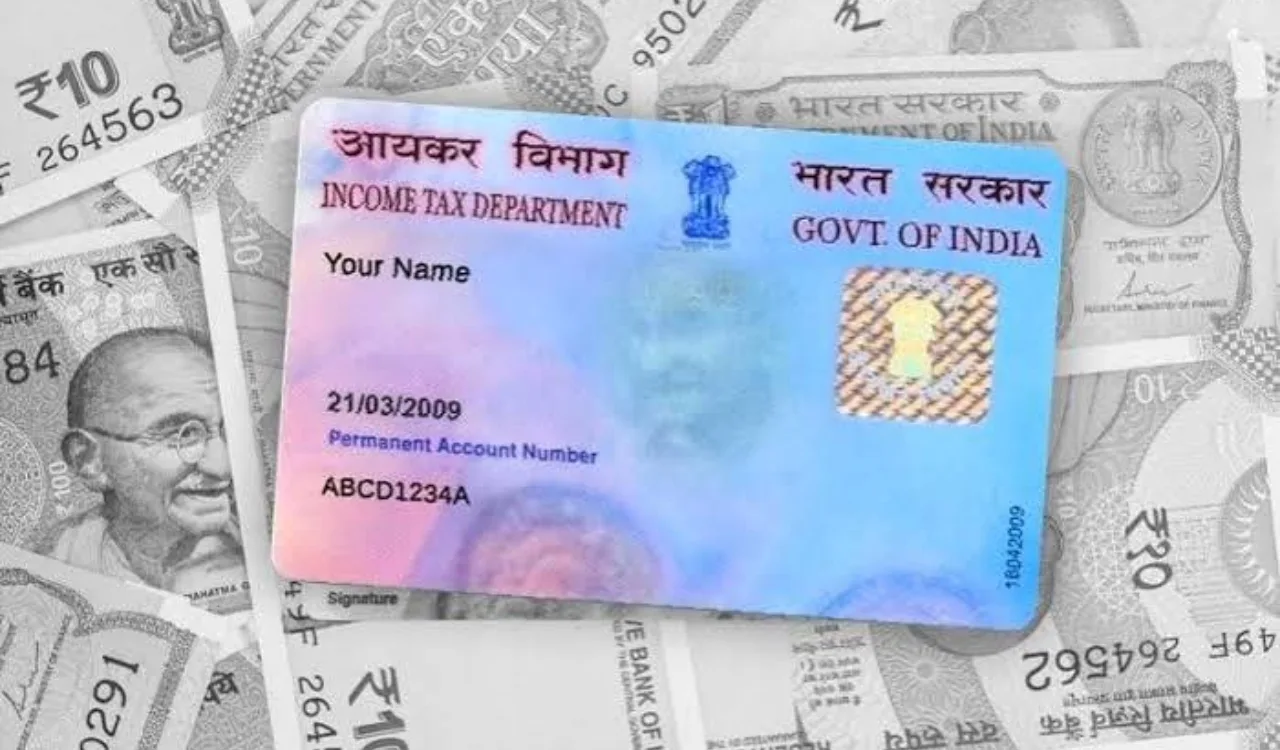
What are the requirements for obtaining an instant e-PAN?
To use this online service, you need to meet the following criteria:
1. You must possess a valid 12-digit Aadhaar number.
2. Your mobile number should be linked to your Aadhaar for OTP (One-Time Password) verification.
3. This service is available only for individuals who have not yet received a PAN card.
4. You need access to DigiLocker to complete the e-PAN process and provide proof of your date of birth.
5. The applicant must be an adult at the time of application.
How can you apply for an e-PAN from home?
Generating a new e-PAN using your smartphone or laptop is quite simple.
1. Start by visiting the Income Tax Department’s e-filing portal (incometax.gov.in).
2. Click on the ‘Instant e-PAN’ option found in the ‘Quick Links’ section on the left side of the homepage.
3. On the new page, click the ‘Get New e-PAN’ button.
4. Enter your Aadhaar number, check the declaration box, and click ‘Continue’.
5. A 6-digit OTP will be sent to your mobile number linked to your Aadhaar. Enter this OTP and proceed.
6. The system will redirect you to DigiLocker to verify your date of birth and KYC details. You will need to allow sharing of your date of birth proof (like your 10th-grade marksheet or birth certificate).
7. If your email ID is registered with your Aadhaar, you can also validate it, although this step is optional.
8. Your complete details (including name, date of birth, and photo) as per your Aadhaar will be displayed on the screen. Verify everything and submit.
Once the application is submitted, an ‘Acknowledgement ID’ will be generated on the screen. Note this for future reference.
The value of an e-PAN is exactly the same as that of a physical plastic PAN card. You don’t need to pay any fees; it’s a 100% free service.