


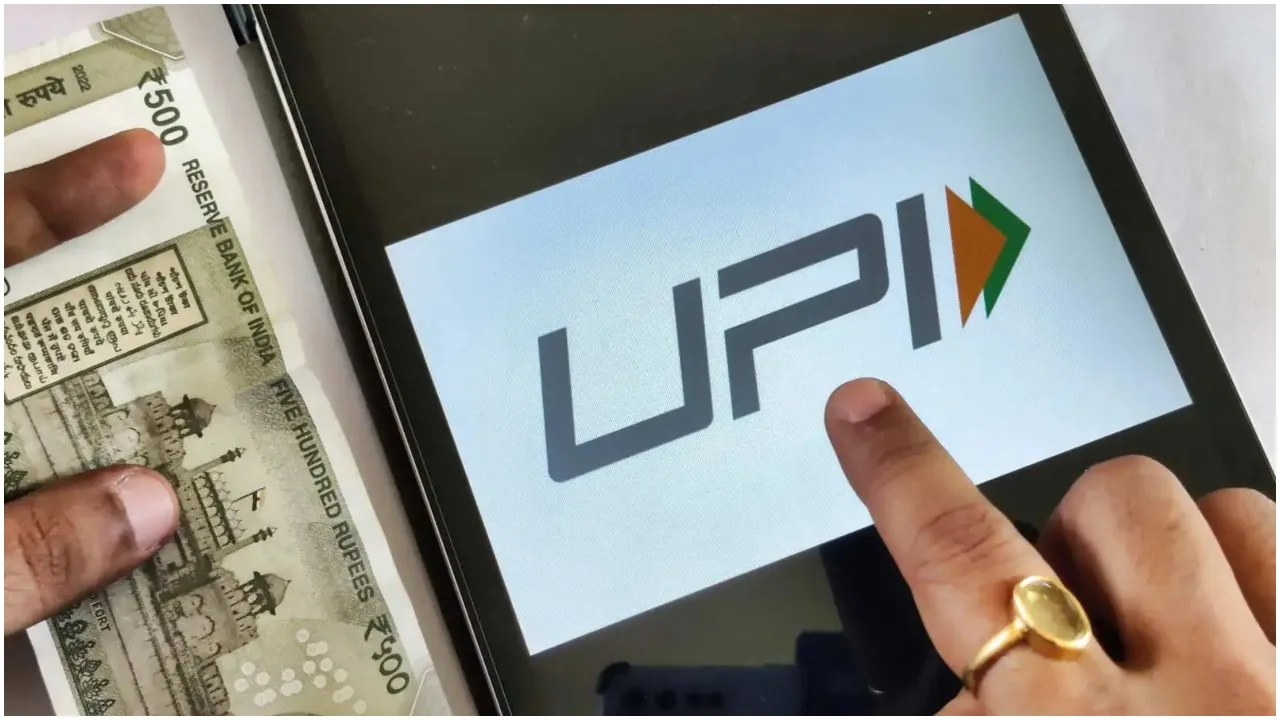
NPS-UPI: Big news for UPI users and NPS investors. There is a big change going to happen. So far, UPI has been solely utilized for financial transactions, but now it can also be used for withdrawing PF funds. Additionally, it will be possible to transfer money to your PF account through UPI. The collaboration between NPCI’s BHIM app and PFRDA aims to simplify the process of opening NPS accounts through the app.
Here’s the complete update
Reportedly, users will be able to initiate NPS account openings through the BHIM app, reducing the need for repetitive KYC verifications. Accounts will be established based on existing KYC data from the bank, streamlining the entire digital process for easy access and benefit for consumers.

What’s the reason behind BHIM’s initiative?
According to experts, BHIM is expanding its services beyond UPI to include pension, investment, and other financial services on its platform, similar to Google Pay, PhonePe, and Paytm. Experts explained, “PFRDA is collaborating with BHIM to facilitate NPS account openings via the platform. The objective is to simplify onboarding by leveraging the bank’s KYC information associated with the BHIM account.” It’s important to note that although this feature has not been officially launched yet, NPCI is gearing up for a widespread rollout in the near future.
What is NPS?
NPS is a government-run pension scheme that offers regular investment opportunities. Its benefits are reaped post-retirement when the accumulated funds are disbursed to the individual as a lump sum or pension.
How to view transaction history of all UPI apps?
First of all, open any UPI app on your mobile phone.
After this, go to the profile section or settings menu of the app.
From here, select UPI Settings or Payment Settings option.
Scroll down and click on UPI Help or Help & Support.
From here you will get the option to go to NPCI portal.
After this, go to NPCI webpage.
Here, enter your mobile number which is linked with the bank account and UPI ID.
After this, enter the captcha code and enter the OTP.
After verification, go to Transaction History.
Verify by entering the last 4 digits of your bank account.
As soon as the verification is complete, you can see the transactions of different UPI apps linked with your account.