


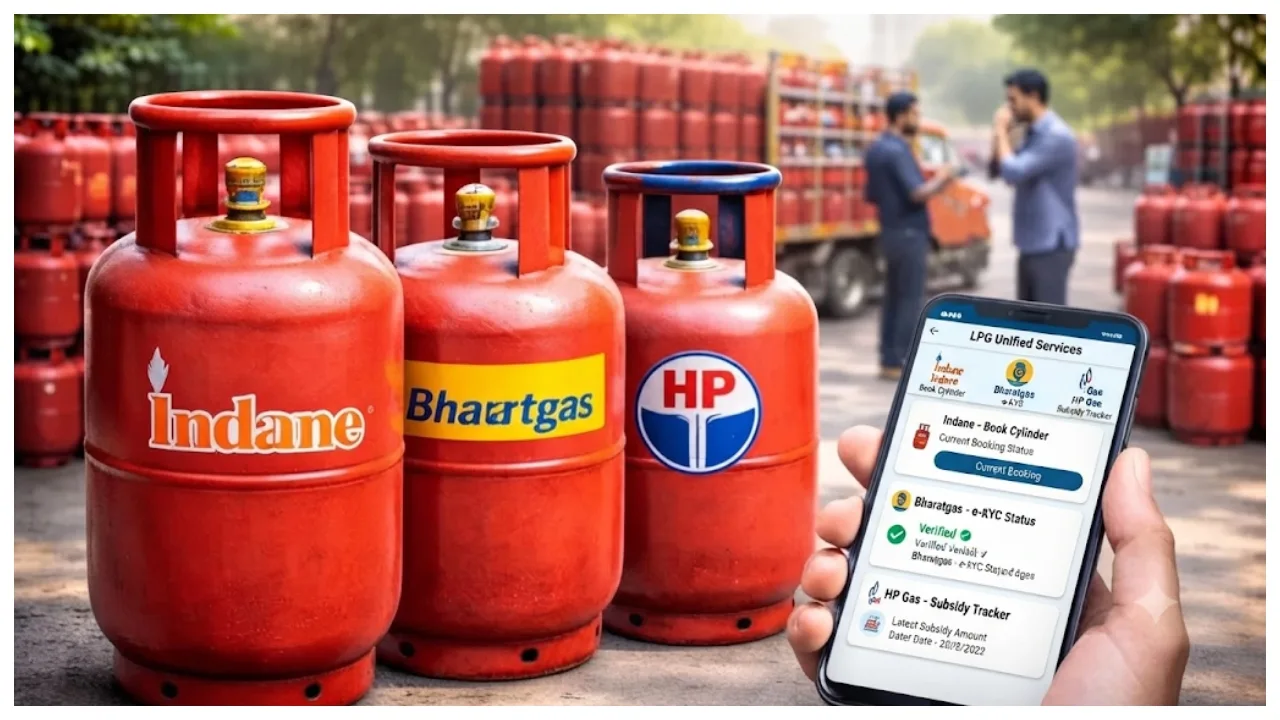
LPG Cylinder: The demand for gas cylinders is growing day by day. It is worth noting that state-owned oil companies release new rates for LPG cylinders on the first of every month. With the month of December just four days away, several updates have emerged regarding gas booking and e-KYC for LPG consumers. Completing the e-KYC process for an LPG connection has now become mandatory. If you are among those who have not yet completed their e-KYC and are wondering whether your ability to book gas cylinders might be blocked, let us explain the situation in detail.
Will you be unable to book a cylinder?
If you have not completed the e-KYC for your domestic LPG connection, your ability to book gas will not be stopped. If you are concerned that failing to complete the e-KYC will prevent you from booking a cylinder starting December 1st, rest assured—that is not the case. Your gas booking will not be blocked, nor will your gas connection be disconnected, simply because you have not yet completed the e-KYC. However, this does not mean you should ignore the requirement; the government has made e-KYC mandatory for all gas connections.
What happens if you do not complete the e-KYC?
If you have not completed the e-KYC, you may begin to face issues regarding the subsidy provided on gas cylinders. If you are a beneficiary of the subsidy, you should complete the biometric authentication process to ensure that your subsidy benefits continue. You can complete the e-KYC process through either online or offline channels.
How to complete e-KYC online via your mobile phone:
First, download the official app of your gas agency.
Log in to the app using your registered mobile number.
Navigate to the ‘LPG’ section and select the ‘e-KYC’ option.
Provide the required information linked to your Aadhaar.
If prompted by the app, install the ‘Aadhaar FaceRD’ application. Then, complete the face scan by following the on-screen instructions.
Once the process is complete, be sure to check the e-KYC status within the app.
How to check your e-KYC status:
First, log in to the gas agency’s app.
Then, go to the Menu and click on ‘My Profile’.
Navigate to ‘LPG Details’ and check the re-KYC status.
If the status is shown as ‘Valid’, it means your e-KYC has been completed.
If it appears as ‘Pending’, you will need to perform the e-KYC process again.