


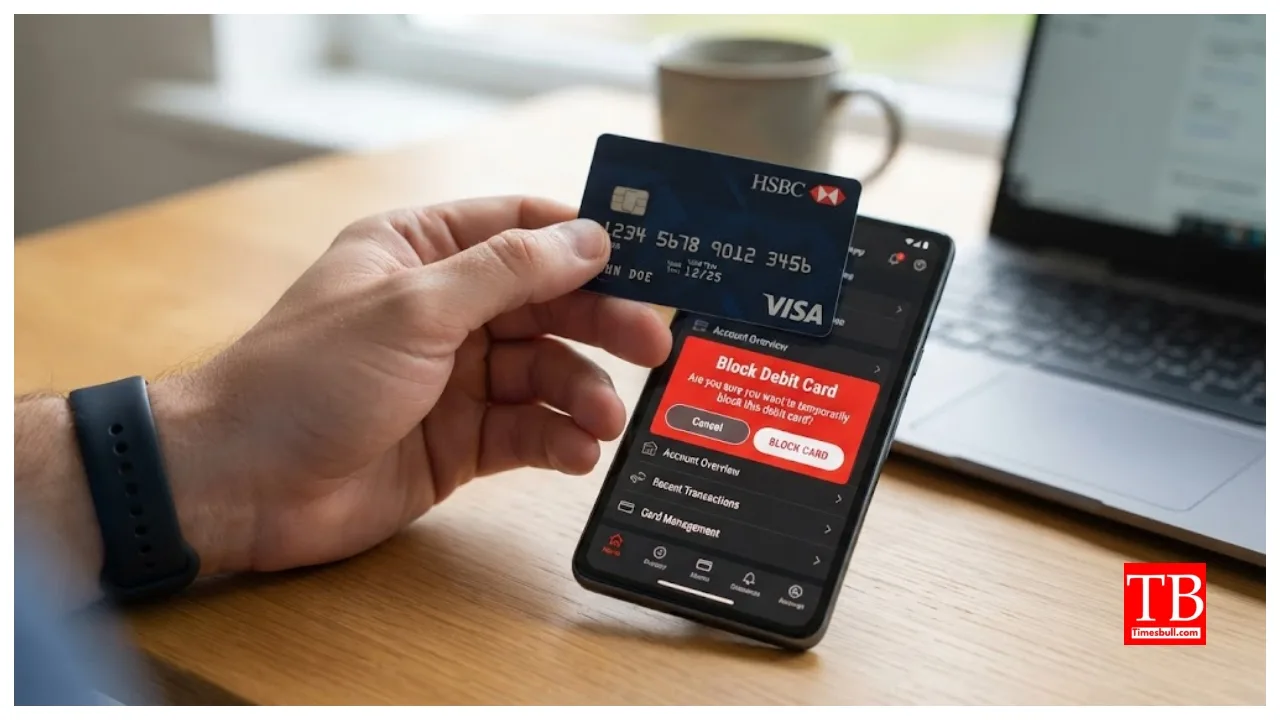
How to Block or Deactivate a Debit Card: If you have an SBI ATM card and have lost it, block or deactivate it immediately, as someone could misuse it to withdraw funds from your account. You should also check your account for any unauthorised transactions that may have occurred since the card went missing. Blocking or deactivating the card prevents potential fraud. If you are unsure how to block or deactivate your SBI card, please follow the detailed steps provided below.
How to block the card by calling the helpline number?
Calling SBI Customer Care is the fastest way to block your SBI ATM/debit card. You can contact SBI customer service by calling the dedicated toll-free numbers: 1800 11 2211 or 1800 425 3800. Please ensure you call from your registered mobile number. Once connected, the customer support team will guide you through blocking your card. You will need to verify your identity by providing the necessary details. After verification, simply follow the instructions provided by the representative.
How to block the card using your account number?
If you do not have your debit card details handy, you can use your bank account number to block the card. You can find your account number in the passbook issued by the bank. Call the designated toll-free number. Once connected, select the option for card blocking (usually by pressing ‘0’). Then, press ‘2’ and enter the account number linked to your SBI card. Finally, press ‘1’ to confirm the action, and your card will be blocked.
How to block your debit card using the last 5 digits
You can block your SBI debit card even if you only have the last 5 digits of the card number. To do this, call either 1800112211 or 18004253800 from your registered mobile number and follow the steps to block your card.
Know the process
After the call connects, press ‘0’ or the option for card blocking.
Next, press ‘1’ and enter the last 5 digits of your SBI debit card number.
Then, press ‘1’ to confirm.
Once confirmed, enter the last 5 digits of your debit card number again and press ‘2’ to block it.
Your card will now be completely blocked.
Block your card via SMS
You can also block your SBI debit card by sending a simple SMS to the bank. The process is easy; to block your ATM card, send the word ‘BLOCK’ to 567676. Follow this by entering the last four digits of your debit card. Send the message from the mobile number registered with your bank account. Once the bank receives the message, it will send you a confirmation message.
Block your debit card using the YONO App
SBI offers various features to users through its app, including the ability to block your debit card. First, log in to the YONO app. Then, navigate to ‘Service Request’ > ‘ATM Card’ and tap on ‘Block Card’.
Select the account from the drop-down menu and choose the specific card you wish to block.
Next, select whether you want to block the card permanently or temporarily.
An OTP will be sent to your registered mobile number; enter it and submit to complete the process.
Block Your Card via Net Banking
If you have your net banking login details, you can also block your SBI debit card online. To block your SBI card via onlinesbi.com, follow the steps outlined below. First, log in to www.onlinesbi.com using your username and password. Next, navigate to the ‘e-Services’ tab and select ‘ATM Card Services’ followed by ‘Block ATM Card’. Then, select the account linked to your debit card. You will then need to provide the first four and last four digits of the card. Select the appropriate option and click ‘Submit’. Before submitting, ensure you verify your details. Finally, enter your password to authenticate the request and click ‘Confirm’.