


ITR Filing 2026: Filing your Income Tax Return (ITR) for the first time can appear overwhelming initially. Many individuals struggle with selecting the appropriate form, gathering necessary documents, and understanding the post-filing procedures. However, with accurate information and essential documents prepared, the process becomes relatively straightforward.
An ITR is a document that discloses details to the government about your income, taxes paid, tax-saving investments, losses, and potential refunds for the entire financial year. Submitting an ITR ensures adherence to tax laws and can lead to a refund if excess tax has been deducted.
To start the process smoothly, ensure you have the following documents ready:
– PAN card
– Aadhaar card
– Form 16
– Bank statements
– Form 26AS
– Annual Information Statement (AIS)
– Bank interest certificates
– Insurance premium receipts
– Donation receipts
– Stock market investment or trading details
– Bank account information
– Aadhaar-linked mobile number
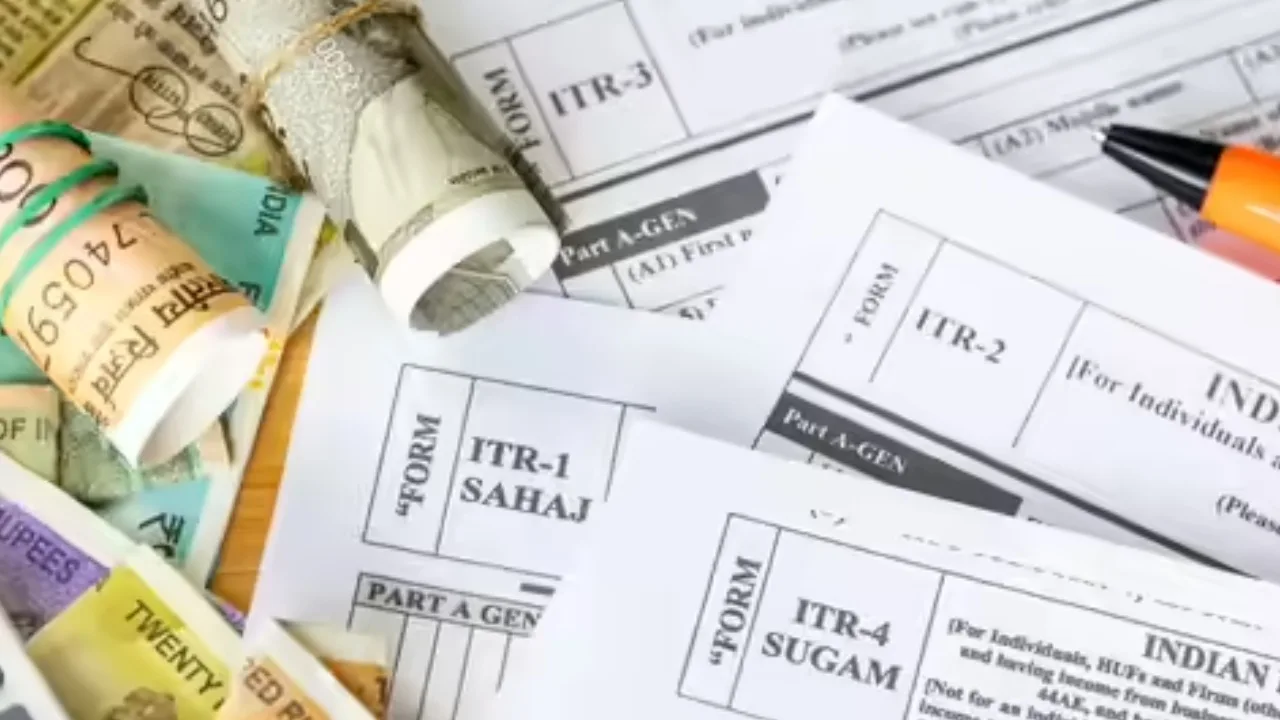
Step-by-step guide to filing your ITR:
1. Log in to the Income Tax Portal: Access the Income Tax Department’s e-filing portal using your PAN, Aadhaar, or user ID and password. If it’s your first time, register.
2. Choose to file ITR: Navigate to the ‘e-File’ section, select ‘Income Tax Return’, then ‘File Income Tax Return’. Opt for assessment year 2026-27 for income from fiscal year 2025-26. Initiate a new filing or continue an incomplete return.
3. Select your category: Indicate the category under which you’re filing your return, typically ‘Individual’ for employed individuals.
4. Pick the correct ITR form: Choose the appropriate ITR form based on your income sources. For instance, ITR-1 is suitable for income from salary and interest, while ITR-2 is for capital gains or foreign assets.
5. State the reason for filing: Specify the reason for filing your ITR, such as exceeding the tax exemption limit or claiming a refund.
6. Fill in income and deduction details: Enter your income, investments, and tax savings details. Verify pre-populated information against your documents.
7. Review and submit: Double-check all details related to your name, PAN number, bank account, income, and deductions before submitting the return.
8. E-verify the return: After filing, ensure to e-verify your ITR within 30 days to validate the submission.
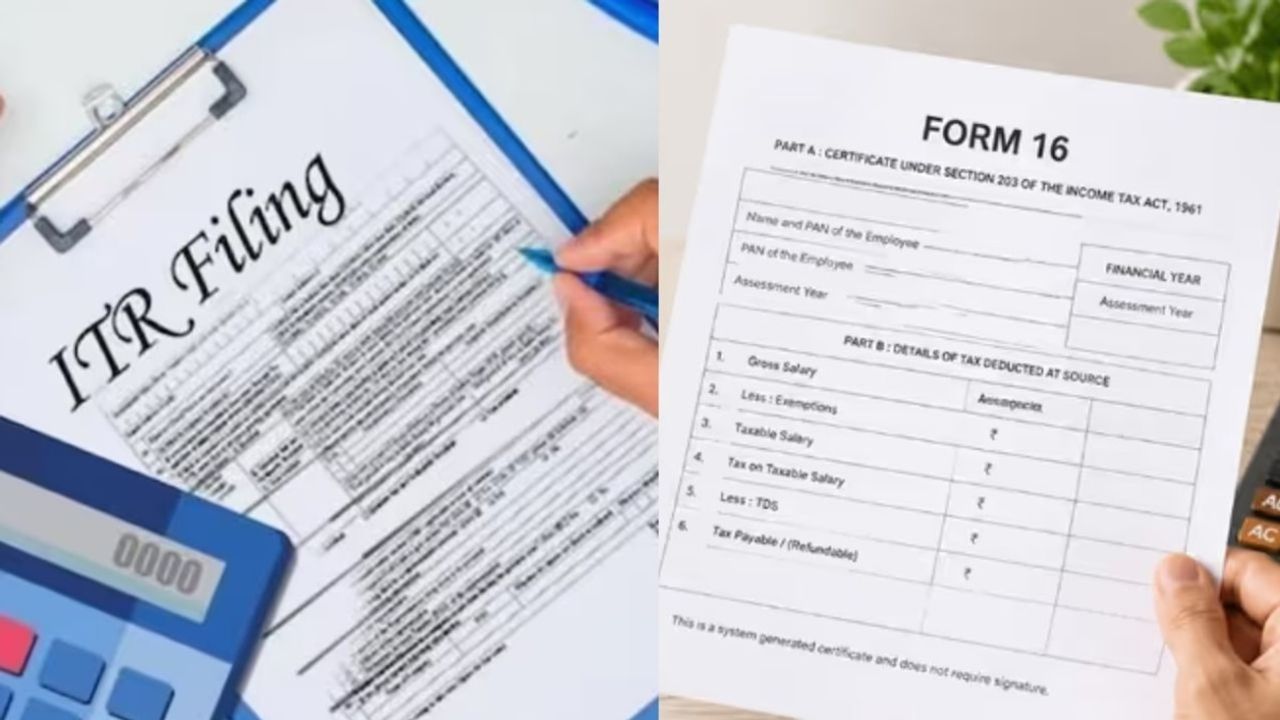
Offline filing option
Those preferring offline filing can download an offline utility from the Income Tax Department’s website, enter the information, upload the file, and complete the verification process.
Despite the initial challenges, filing your ITR is manageable with the correct documents and information. Selecting the right form, accurately entering all details, and timely e-verification are key to a smooth process, ensuring no issues with return processing or refunds.