


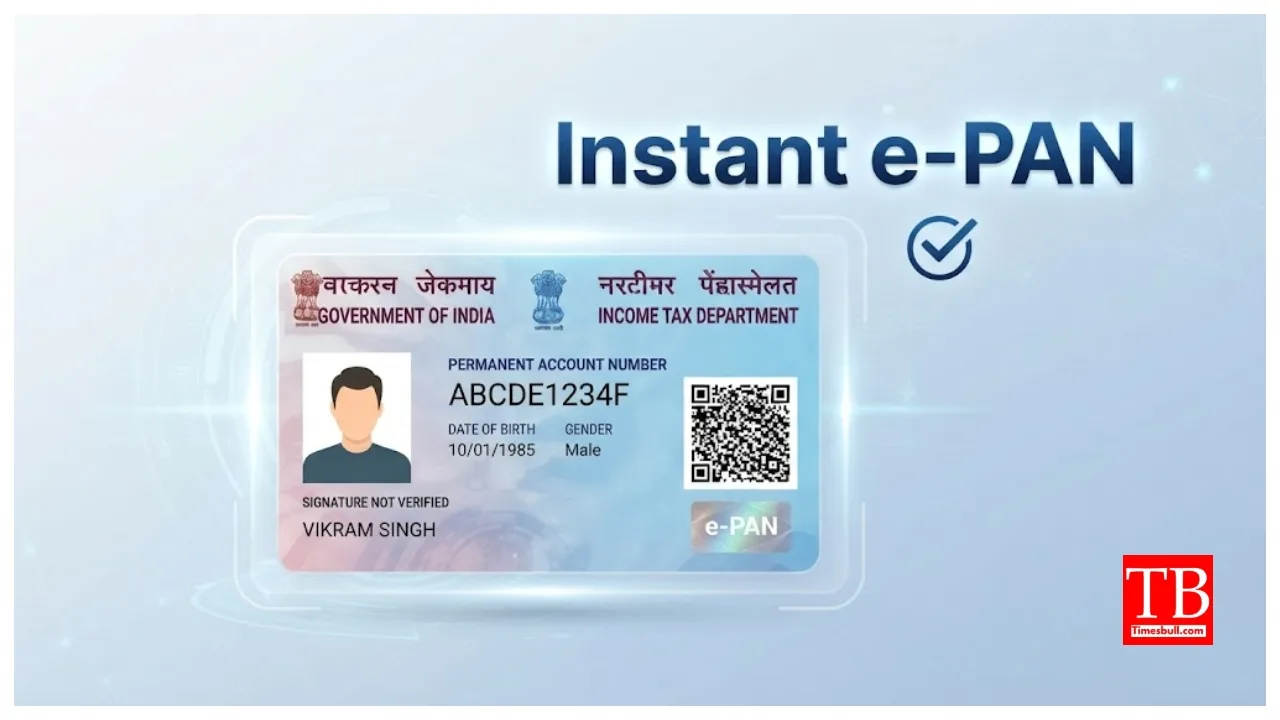
Instant e-PAN: If you are a taxpayer or frequently engage in banking transactions, a PAN card is essential for you. The Income Tax Department has launched a special facility that eliminates the need to spend money or wait a long time to get a PAN card. You can now obtain a PAN number online from the comfort of your home. A PAN card is required for various activities, such as opening a new bank account, filing income tax returns, and carrying out financial transactions exceeding ₹50,000. This facility is particularly beneficial for those who do not yet possess a PAN card.
How did it work earlier?
Previously, obtaining a PAN card involved completing an application process and waiting for the physical card to arrive by post. The Income Tax Department has now digitised the PAN card issuance process. You can now apply online for an ‘Instant e-PAN.’ There is no fee charged for this facility.
Who can apply for an Instant e-PAN?
This facility is beneficial for individuals who do not yet have a PAN card. Applicants must possess a valid 12-digit Aadhaar number and be at least 18 years of age. You must also have a mobile number linked to your Aadhaar number; identity verification during the application process is done via an OTP sent to that linked mobile number.
What is required?
To obtain an Instant e-PAN, you need certain essentials: a valid Aadhaar number, a mobile number linked to Aadhaar, and access to DigiLocker. DigiLocker verifies your date of birth and KYC details. For date of birth verification, you need a Class 10 mark sheet or a birth certificate.
How to get an Instant e-PAN from home?
First, visit the Income Tax Department’s e-filing portal.
Next, select the ‘Instant e-PAN’ option found in the ‘Quick Links’ section on the homepage.
Then, click on ‘Get New e-PAN’.
Enter your 12-digit Aadhaar number.
Check the declaration box and click ‘Continue’.
A 6-digit OTP will be sent to the mobile number linked to your Aadhaar.
Enter the OTP to proceed.
What needs to be done in DigiLocker?
After OTP verification, the system may redirect you to DigiLocker. Here, you will need to grant permission to verify details related to your date of birth and KYC. You may also need to authorise sharing documents as proof of date of birth. If an email ID is updated in your Aadhaar records, it may also be validated; however, email verification is not mandatory.
Check this before submitting the application
After verification, details such as your name, date of birth, and photograph—as recorded in the Aadhaar database—will appear on the screen. Carefully review these details before applying for the instant e-PAN. Submit the application only if the information is correct. Once the application is successfully submitted, an acknowledgement number will be generated on the screen; save this for future reference.
What is the fee for an e-PAN?
There is no charge for availing the instant e-PAN facility. This service is completely free, and eligible applicants can apply from the comfort of their homes using a smartphone or laptop.
What is an e-PAN like?
An e-PAN is a fully valid PAN, and it serves the same purpose as a physical PAN card. So, if you only need the PAN number, you don’t have to wait for the physical card to arrive.