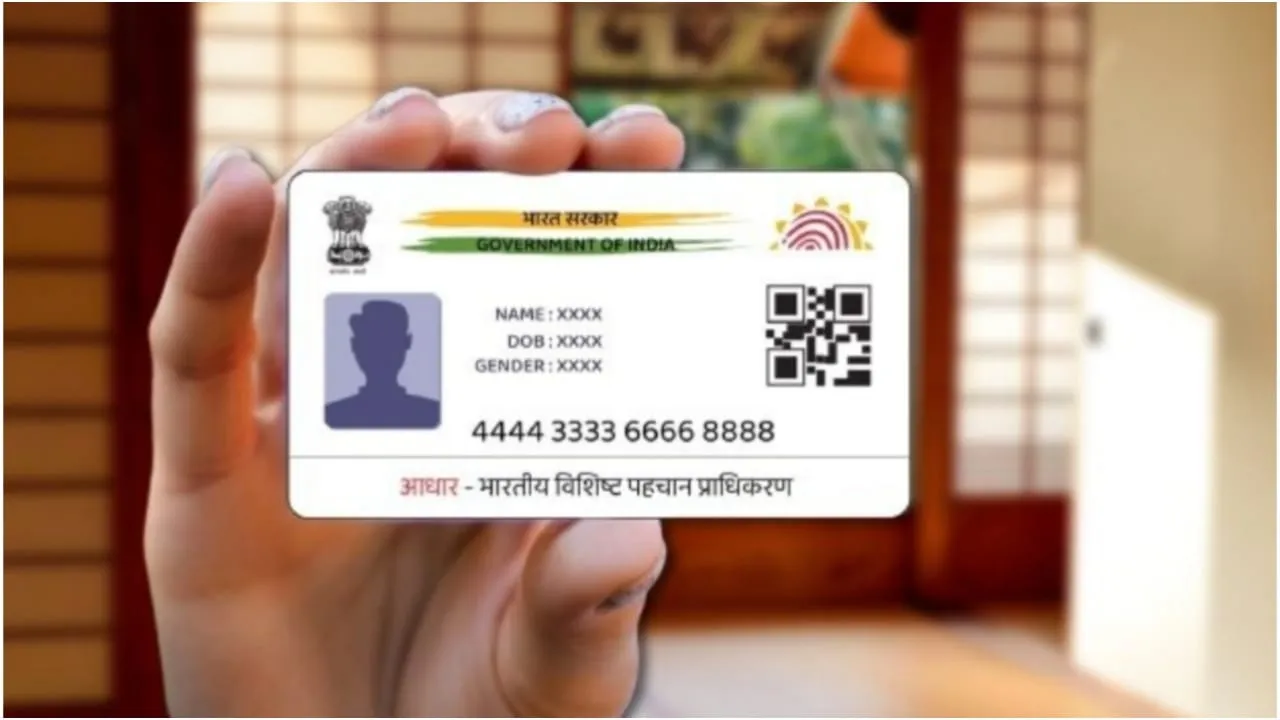
aadhaar address update – Aadhaar is one of the most essential identity documents in India, used for government services, banking procedures, mobile verification, PAN linking, and several financial services. This makes it extremely important to keep the details in your Aadhaar accurate and up to date.
If you have recently moved to a new home and your residential address has changed, you can now update the address on your Aadhaar card online—without visiting an Aadhaar Seva Kendra.
How to Update Address in Aadhaar Online?
- To update your Aadhaar address online, visit the official UIDAI portal at uidai.gov.in.
- Click on the My Aadhaar section and select Update Your Aadhaar.
- Select the “Update Aadhaar Online” option and log in with your Aadhaar number and the OTP sent to your registered mobile number.
- Once logged in, select the Address Update option.
- Please enter your new address exactly as you want it to appear on your Aadhaar.
- Next, upload a valid proof of address, such as an electricity bill, water bill, bank statement, or another accepted document. After reviewing all details, click on Submit Request to initiate the process.
Documents Required for Aadhaar Address Update
To update your address, you need to upload a valid proof of address document. Some commonly accepted options include:
- Electricity or water bill (not older than three months)
- Property tax receipt
- Passport
- Bank passbook
- Ration card
- Driving licence
- Voter ID card
How Long Does Aadhaar Address Update Take?
- Once your Request is initiated online, UIDAI first verifies all details and documents. This verification generally takes 7 to 10 days.
- After submitting your Request, you will receive an Update Request Number (URN) that you can use to track the status at any time.
- Once the Request is received, you can download your updated Aadhaar card directly from the portal.