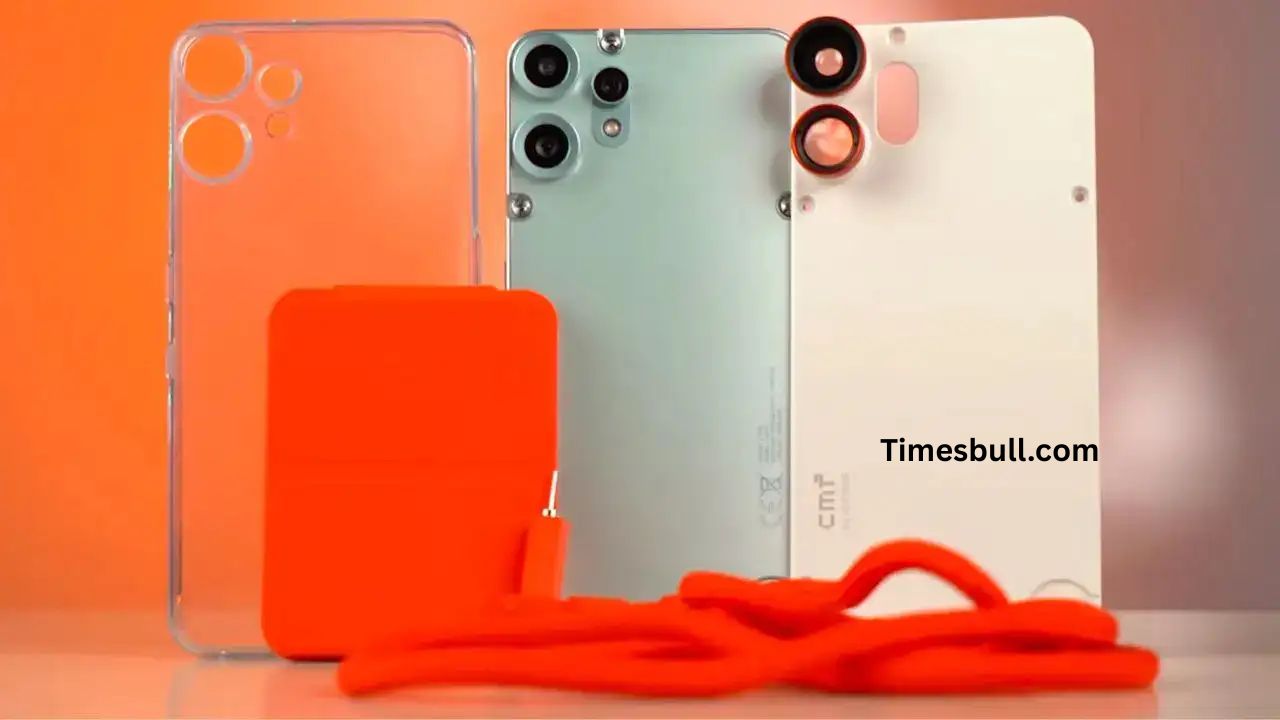
CMF Phone 2 Pro Update: Nothing has begun releasing the OS V3.2-250715-1813 update to the CMF Phone 2 Pro. Like past updates, this one is released in phases. So, not everyone will have it at first, but the rollout will grow progressively. Staged rollout ensures that Nothing can more closely track for any unforeseen bugs and maintain a stable user experience.
Read More: Motorola Edge 40 Pro vs Motorola Moto G100: Flagship vs Budget Comparison
Staged Rollout for Stability
The gradual rollout approach is intended to minimize risk and increase update reliability. It provides the development team with the opportunity to collect feedback and reverse the release if there are any major issues. Users should wait patiently because the update will automatically show up on every CMF Phone 2 Pro within a few days.
General Bug Fixes in the System
This release contains a number of fixes for issues that users have commonly reported. Notifications that were delayed in some apps have been sorted, as have uncommon display glitches that showed up while taking screenshots. Moreover, a bug that made NFC reading fail from time to time has been resolved. An issue involving fonts in Instagram, where the heart symbol failed to display correctly when the Inter font was used, has also been rectified. System stability overall has been enhanced to ensure a smoother experience for the user.
Camera Enhancements for Portrait Photography
Nothing OS V3.2 sees crucial improvements to the camera. The purple hue that was showing up on the periphery during backlit portraits is gone. Indoor portrait color accuracy has been improved by eliminating a cyan color bias. Dark blue tones were not coming through in some outdoor portrait compositions. This has now been resolved. Brightness and contrast have also been optimized in outdoor conditions for enhanced photo clarity.
Temporary Overheating and Battery Consumption to be Expected
Like with most big updates, the users will observe temporary overheating or moderate battery consumption immediately after installation. Nothing has explained that this is normal and will go back to normal levels once the update stabilizes. Users are advised not to panic unless the problem persists.
How to Update and Provide Feedback
To verify whether the update is available, users can head to Settings > System > Feedback on the device. It would be best to be on a stable Wi-Fi connection and have enough battery in the phone before installing. Feedback can also be provided in the same menu, assisting the company in making future versions better.
A Balanced and Focused Update
Overall, the Nothing OS V3.2 update improves the CMF Phone 2 Pro experience through useful bug fixes and camera improvements. Although it does not include big new features, the upgrades are aimed at making the phone more stable and refining the performance of the device.
Latest News
- PM Kisan Samman Nidhi Yojana: नहीं मिल रही 2000 रुपये की किस्त तो किसान तुरंत करवा लें यह काम

- Aadhaar Card Update Rules – How Many Times Can You Change Address, DOB & Number?

- Train Ticket: How to book a confirmed train ticket without an agent? Learn the Easy Steps

- Indian Railways– 155 Trains Express Declared High-Speed, Thousands of Railway Staff to Benefit

- Monsoon Alert – Warning Heavy to Very Heavy Rain alert & thunderstorms in 22 States Over Next 4 Days

- America-Iran War: मिडिल ईस्ट में तनाव होगा खत्म! ईरान ने होर्मुज रास्ते पर कही बड़ी बात

- PM Surya Ghar Yojana 2026: Get Up to Rs 78,000 Subsidy within 6 Easy Steps, Know Here

- Cheapest Available 5G Smartphones in India Under 10000

- UPSC Prelims Answer Key 2026 – How to Download UPSC Prelims Answer Key at upsc.gov.in

- 8th Pay Commission: एनपीएस और पुरानी पेंशन में कौन सी बेहतर, जानिए बड़ा अपडेट