
iOS 26 Update With Liquid Glass Design Sparks User Complaints
iOS 26: Apple has distributed iOS 26 to supported iPhone models, introducing a new Liquid Glass look, Visual Intelligence capabilities, a separate Games app, and Live Translation. Although the update is designed to give iOS a more contemporary appearance and aesthetic, it has prompted varying

 Join Us
 Add as a preferred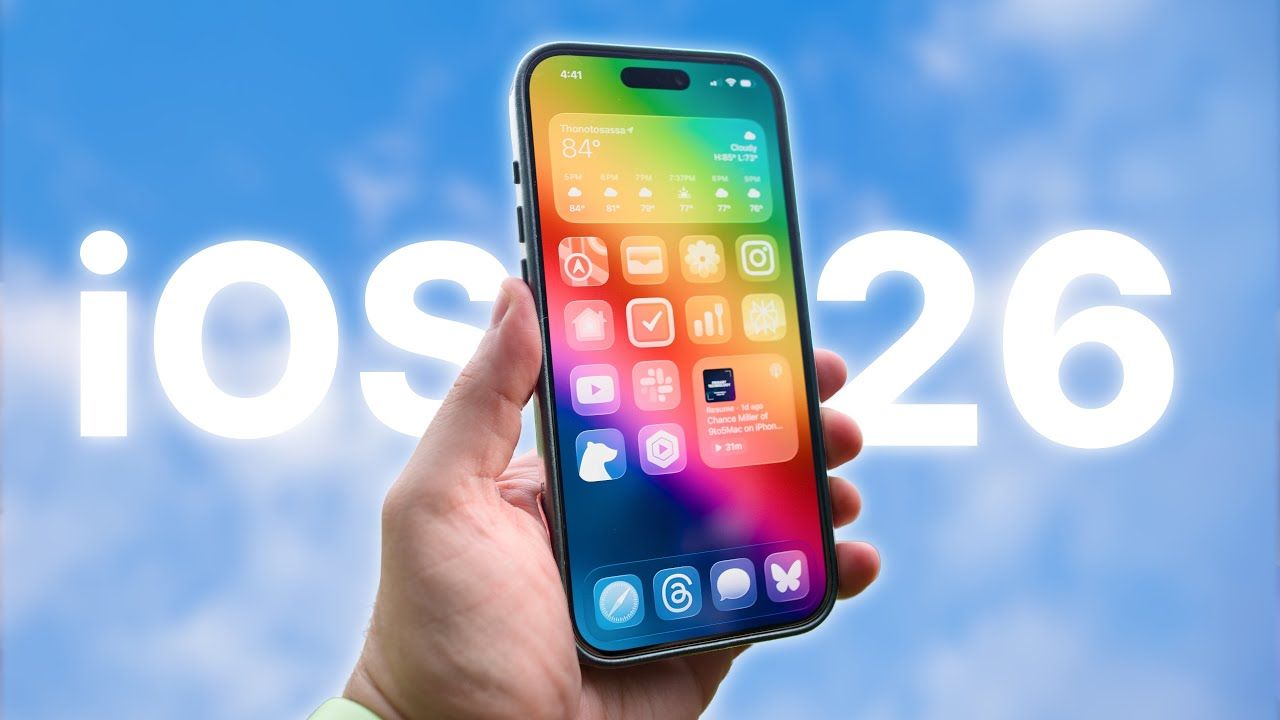
Ios 26 Design Issues
iOS 26: Apple has distributed iOS 26 to supported iPhone models, introducing a new Liquid Glass look, Visual Intelligence capabilities, a separate Games app, and Live Translation. Although the update is designed to give iOS a more contemporary appearance and aesthetic, it has prompted varying responses. Numerous iPhone owners have complained that the new design, especially in dark mode, is causing optical illusions that cause application icons to appear tilted or skewed.
Read More: OnePlus 13 vs Honor Magic 7 Pro: Premium Power Play
Liquid Glass Design Evokes Concerns
The highlight of iOS 26 is the Liquid Glass design that brings new transparency effects and glowing borders around app icons. But users on Reddit and X (formerly Twitter) have posted that the update is visually disconcerting. Some have accused the icons of appearing ever so slightly slanted, while others say the interface becomes an optical nightmare when in dark mode. The issue appears to worsen with extended screen use, resulting in eye fatigue for other users.
Tilted Icons and Blurry Effects Reports
More and more users are complaining that the glow frame on the Home Screen tilts icons or makes them uneven. Even one Reddit user commented that the distortion was distracting enough to induce mild dizziness. Blurrier app icons, overlapping photos of contacts, and too forceful animations that contribute to the disorientation have also been observed. These complaints imply that Apple might need to make the interface more polished in an upcoming patch.
Accessibility Adjustments Provide Respite
A few users have discovered ways to minimize the strain that the new UI causes. One of the most popular recommendations is to lower transparency via Settings > Accessibility > Display and Text Size. Enabling this feature tones down the glow effects and makes icons more stable-looking. Others have opted for lighter, colourful wallpapers or reverted to default icon schemes, which allegedly reduces the distortion in dark mode.
Apple Still Silent Over Complaints
Apple has not yet issued an official statement regarding these issues. Considering the number of complaints, the firm is probably going to roll out adjustments in a later version update to enhance accessibility and ease. Historically, Apple has reacted rapidly to across-the-board usability concerns, so users can expect changes in the coming months.
What else does iOS 26 offer
Released on September 15, iOS 26 supports the iPhone SE (2nd Gen) and subsequent models. It was delivered preinstalled on the latest iPhone 17 series. In addition to Liquid Glass design, iOS 26 features a few major improvements: a new Lock Screen with 3D wallpaper effects, a feature to initiate polls in group chats, an exclusive Games app, and robust Visual Intelligence features. Live Translation also arrives, further making the iPhone convenient for international users.
Verdict: A Sleek but Polarizing Overhaul
Though iOS 26 is among the boldest design overhauls Apple has launched in years, it has turned out to be divisive. The Liquid Glass look is next-generation but is causing unwarranted visual issues for others, particularly when using dark mode. Until Apple rolls out a remedy, users might have to settle on using accessibility features and customization adjustments to relieve distress.

Sushant Bhaivaw
Next Article
IPL 2026 Update: सीएसके का फिर बुरा हाल, अगले सीजन से इन खिलाड़ियों का कटेगा पत्ता!
कुछ ने बुरी तरह निराश भी करने का काम किया है. आईपीए 2027 के मिनी ऑक्शन से पहले सीएसके कुछ खिलाड़ियों का पत्ता काट सकती है. पांच ऐसे खिकाड़ी हैं जिनकी सीएसके से छुट्टी होनी तय मानी जा रही है. प्रशांत वीर का प्रदर्शन भी काफी खराब रहा है.

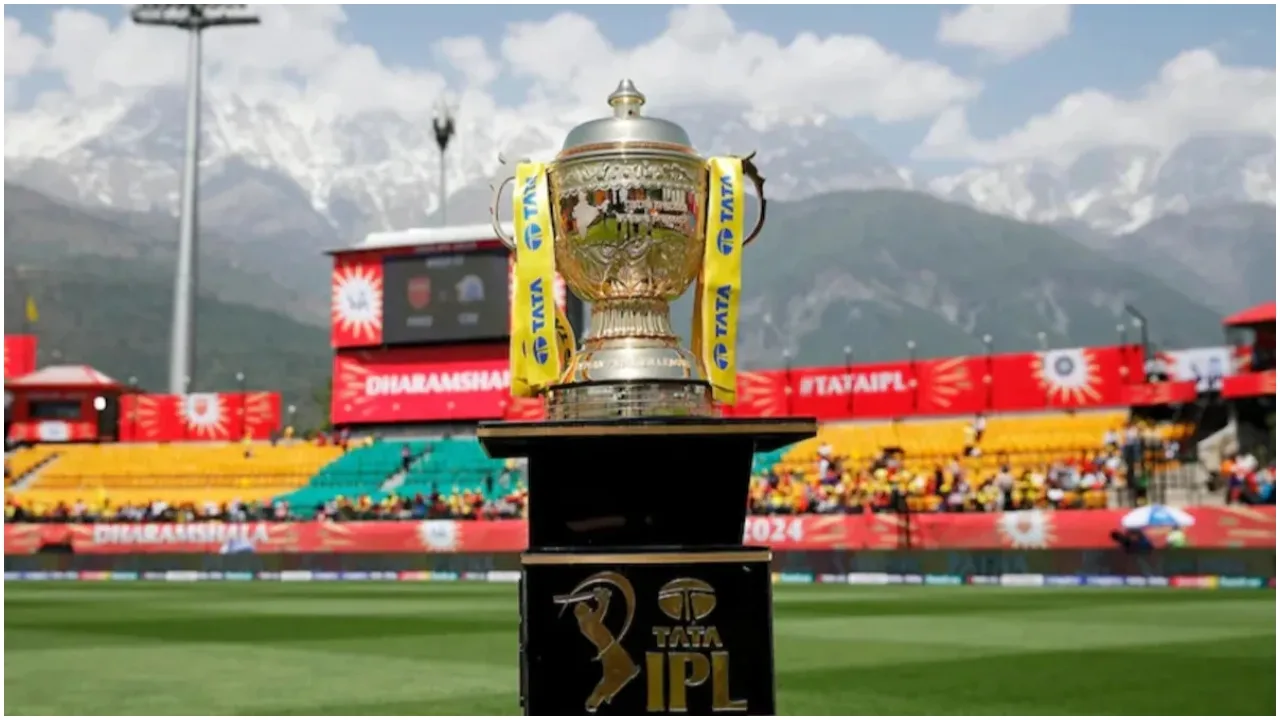
Players CSK Can Release: चेन्नई सुपर किंग्स के लिए आईपीएल 2026 सेशन भी किसी अभिशाप की तरह रहा है. अपने लीग स्टेज में भी सीएसके की टीम बाहर हो चुकी है, जिससे फैंस और खिलाड़ियों के चेहरे पर काफी निराशा देखने को मिल रही है. दूसरी तरफ सीएसके की टीम ने कुछ मैचों में काफी बढ़िया प्रदर्शन किया, जिन्होंने फैंस को प्रभावित किया है.
कुछ ने बुरी तरह निराश भी करने का काम किया है. आईपीए 2027 के मिनी ऑक्शन से पहले सीएसके कुछ खिलाड़ियों का पत्ता काट सकती है. पांच ऐसे खिकाड़ी हैं जिनकी सीएसके से छुट्टी होनी तय मानी जा रही है. प्रशांत वीर का प्रदर्शन भी काफी खराब रहा है. उन्होंने उन्हें 14.20 करोड़ रुपये में खरीदने का काम किया था. लेकिन उनके प्रदर्शन से टीम मैनेजमेंट काफी निराश है. 6 मैचों में उन्होंने मात्र 90 रन बनाए.
Write a Comment