
Dell XPS 16 (2026) Review: The Signature XPS Styling is Back, But Power Creators Might Still Crave More
Dell XPS 16 (2026): Dell’s more refined XPS 16 (2026) sorta brings back that classic look, with Intel “Panther Lake” kind of muscle, and a really nice 3.2K OLED screen. But then the whole ports situation is a bit too limited, and not having a dedicated GPU option can slow down the hardcore creative stuff, like big renders or heavy design work, you know.

 Join Us
 Add as a preferred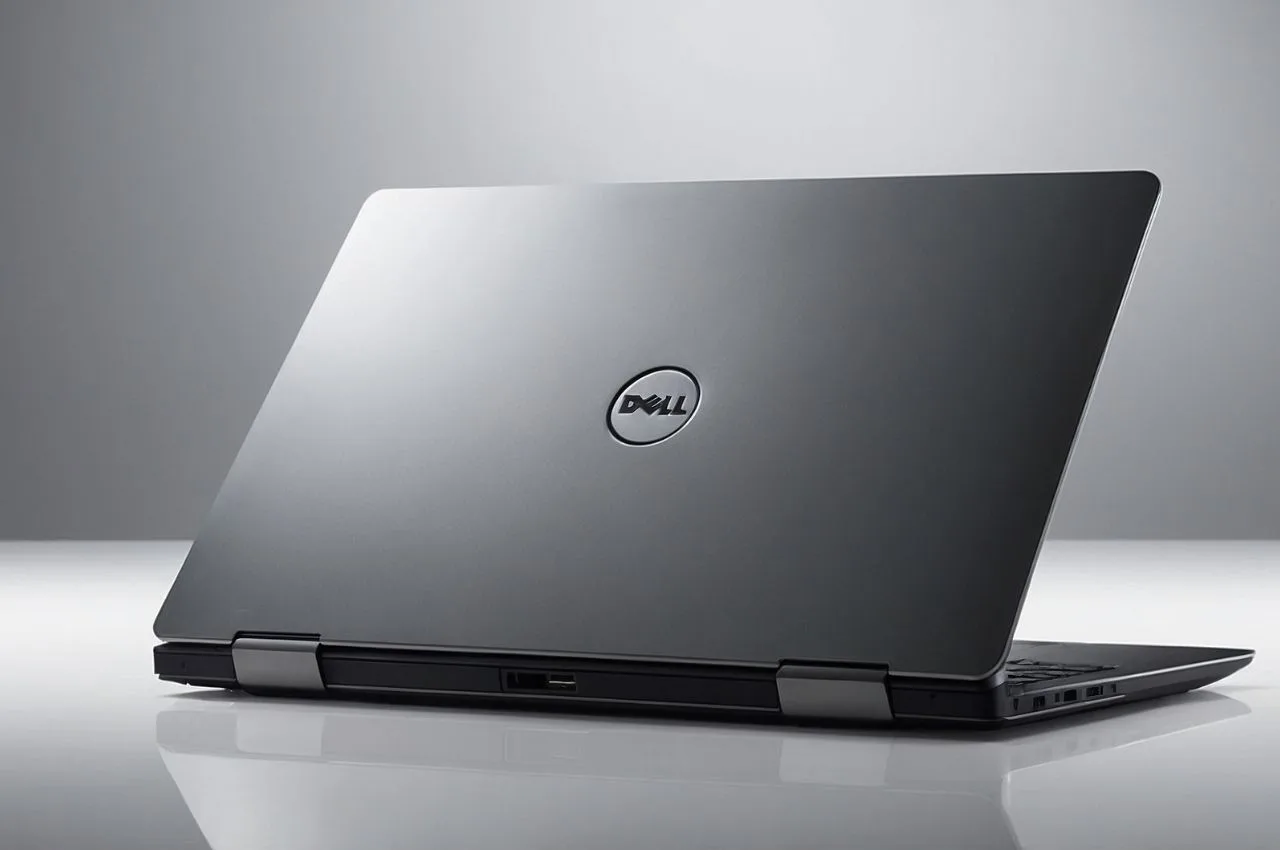
Dell Xps 16 (2026)
Dell is officially bringing back its iconic branding this year, with the Dell XPS 16 (2026) launch . After dropping the dedicated “XPS” tag on earlier versions, in favor of experimental, kind of overly futuristic form factors, Dell has clearly stopped for a moment to listen to consumer feedback. The new XPS 16 shows up as a more mature , more refined machine, it keeps that bold ultra-minimalist look , while also systematically correcting the small annoyances that showed up on last year’s models.
It sits comfortably among the best premium 16-inch Windows laptops in the market right now, and it starts at a high retail price of around ₹2,78,000 in India, for the top Graphite finish. The notebook also re-establishes Dell’s “elite” presence, but a couple of design limits could still leave the most demanding power users wanting a little more, not a lot , just enough to notice.
A Refined, Mature Design with Restored Usability
The 2026 model keeps that familiar CNC-machined aluminum chassis, and honestly it feels pretty rigid, kinda premium like, with zero body flex over its bigger 16-inch footprint. The display hinge also feels exceptionally stable while you’re interacting with the touchscreen, but it stays balanced, so opening it up is still easy with one hand.
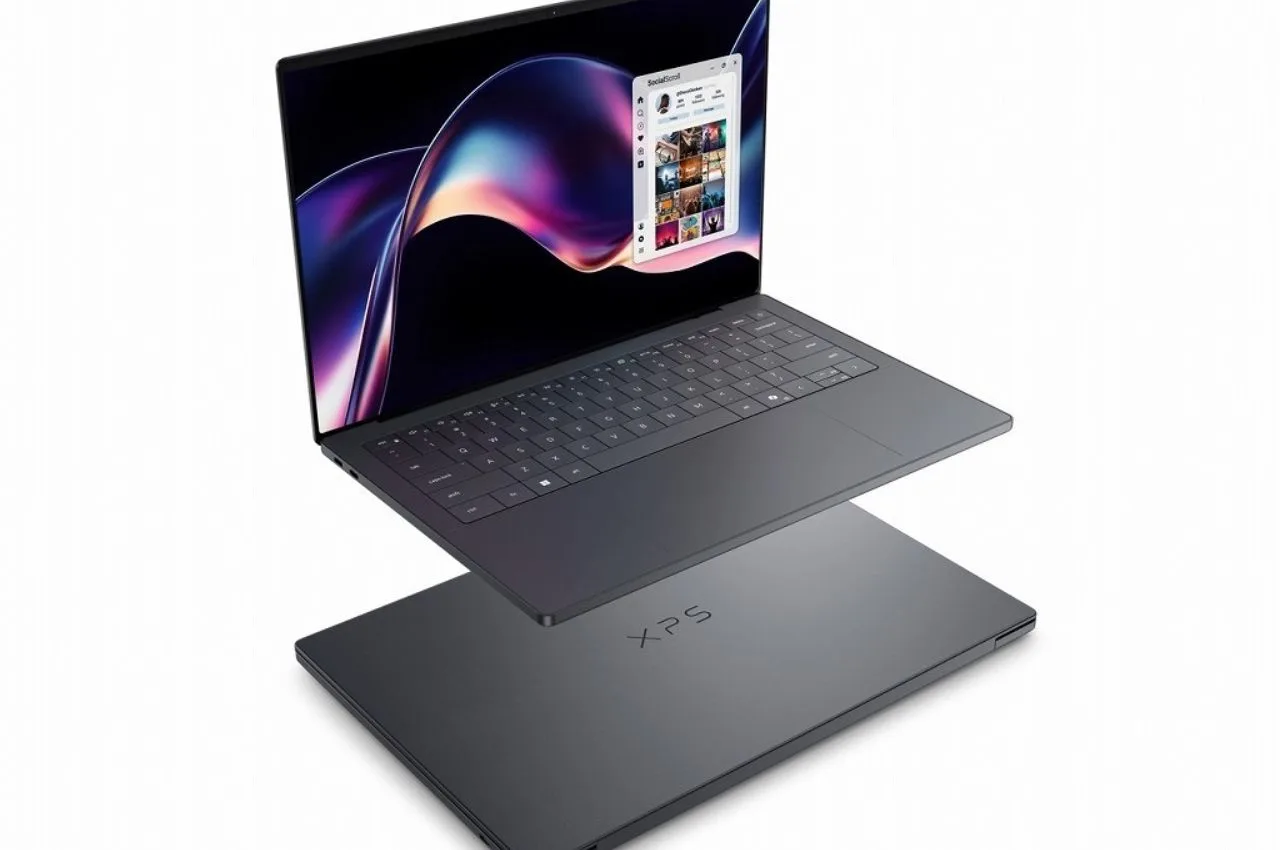
More importantly Dell kind of rolled back those questionable layout choices, they’ve put physical function keys back in place, and they’ve refined the keyboard layout too. The smooth glass wrist rest still hides the haptic trackpad completely out of sight, but Dell added these subtle etched borders around the active tracking area. It’s a small tweak, but it removes the guesswork for navigation, so precision tapping and those multi-touch gestures feel totally seamless now.
Immersive 3.2K InfinityEdge OLED Panel
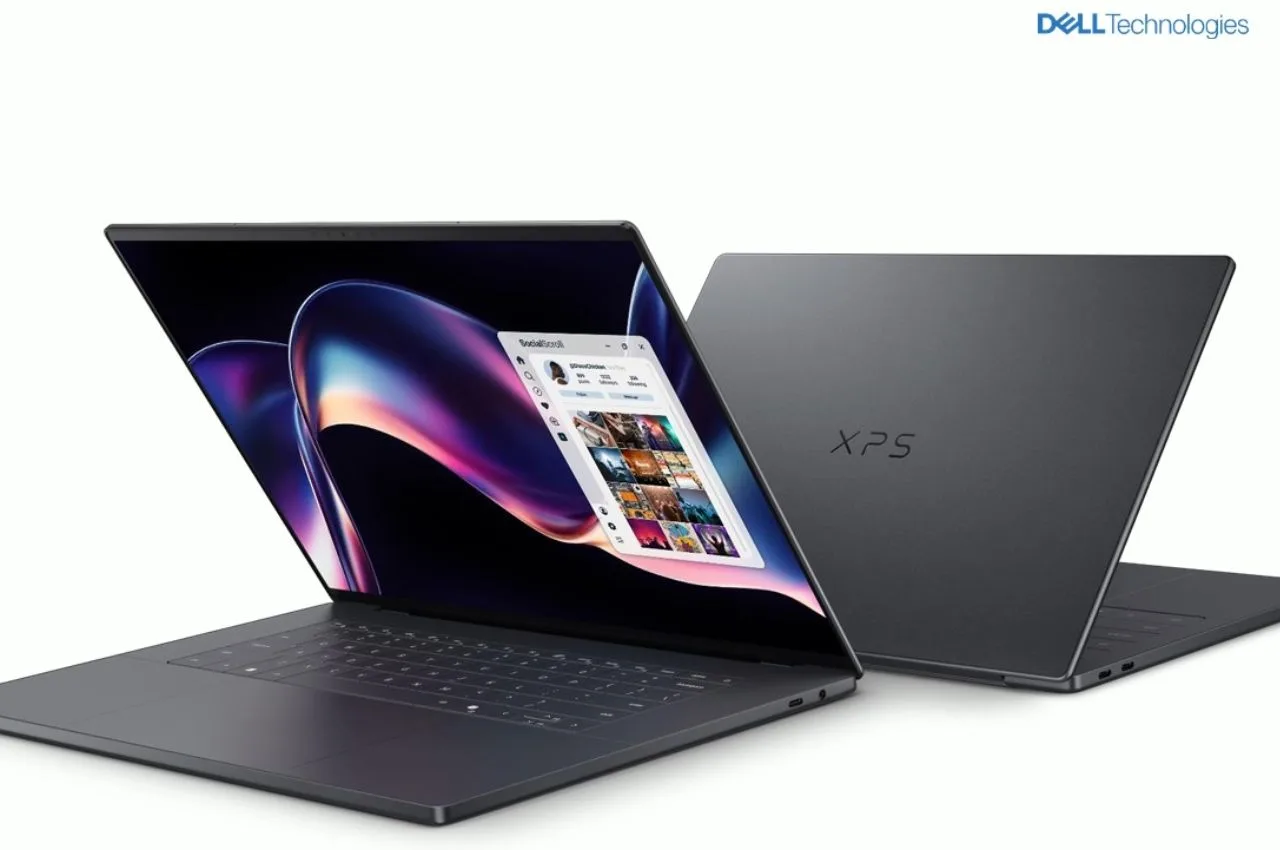
The crown jewel of the Dell XPS 16 is, undoubtedly, its super gorgeous 16-inch 3.2K InfinityEdge OLED touchscreen screen. With impossibly thin bezels on all sides , the display just about takes over the whole visual space. The panel comes with VESA DisplayHDR True Black 500 and Dolby Vision certifications, which leads to deep ink-black levels , “endless” contrast ratios, and colors that feel bright enough to pull you in right away.
For digital creative professionals, it delivers full 100% DCI-P3 color gamut coverage , so it becomes a very faithful surface for professional video editing, color grading, and high resolution photography workflows. The only small drawback is outdoors: the 400 nits of standard SDR brightness (peaking around 500 nits in HDR) is fantastic for indoor creative studios, but that glossy panel coating can stir up distracting reflections when you’re working directly under harsh daylight.
Quiet Cooling and Steady Panther Lake Performance
Under the minimalist aluminum deck, the XPS 16 gets its momentum from Intel’s so-called Panther Lake architecture, which is like cutting-edge but in a calm way. For everyday productivity it handles the usual, heavy multitasking , and those dense web workflows too, all of it seems to run without much fuss. The biggest performance dividend, kind of comes from the laptop’s expanded 16-inch physical footprint. Dell also refreshed the internal thermal envelope, using larger cooling fans and tweaking the airflow routes, so it’s less “hot spots” more steady breathing.
So yeah, when you push high workloads, it keeps going for longer without going too aggressive on thermal throttling. On top of that it stays whisper-quiet even during sustained rendering loads, which is honestly surprising for something this capable. For casual gaming and visual tasks, the integrated Intel Arc graphics engine deals with it remarkably well, and the reason is that it’s made meaningful generational leaps in driver efficiency and consistent frame delivery.
Invisible Audio and the Creator Dilemma
Honestly multimedia on this device feels like a treat, mostly because it uses a sort of unique 10-watt quad-speaker setup and it’s backed up by Dolby Atmos. Dell sort of hid the speaker arrays entirely under the clean keyboard deck, so there’s no visible grills to look at, and the result is loud too, like a surprisingly bass-heavy acoustic soundstage, which i did not expect.
Still, the XPS 16 has two big obstacles if you’re trying to target serious creative professionals, you know the ones living in heavy timelines.
- No Dedicated GPU Option: there’s no Dedicated GPU option, and that’s a real sticking point. It leans pretty heavily on integrated Intel Arc graphics, so creators who run intensive 3D modeling sessions, or those who export complex multi stream 8K video, will likely hit a bottleneck compared with laptops that include discrete graphics options.
- Highly Restrictive Ports: the ports are kinda restrictive. You only get three Thunderbolt 4 Type-C ports plus a 3.5mm headphone jack. There’s also the absolute omission of a built-in SD card slot or a dedicated HDMI port, so creative people will have to fall back on external dongles just to move camera footage, or to connect studio monitors, which is annoying.
Pros and Cons
| Pros | Cons |
| Brilliant 3.2K InfinityEdge OLED screen | Missing a dedicated GPU option |
| Rigid CNC aluminum build with no body flex | Highly limited port layout (No HDMI) |
| Etched borders on the hidden haptic trackpad | No built-in SD card slot for workflows |
| Powerful, whisper-quiet Panther Lake cooling | Premium starting price of ~₹2,78,000 |
| Immersive, invisible 10W speaker audio | Glossy screen reflections under direct sunlight |

Sachin Kumar
Next Article
PhonePe, Paytm and GPay Alerts From One Soundbox, Big Relief for Shopkeepers!
NPCI is creating an interoperable Soundbox system that will be compatible with all UPI apps. At present, most Soundboxes are tied to a specific company’s QR code and app.

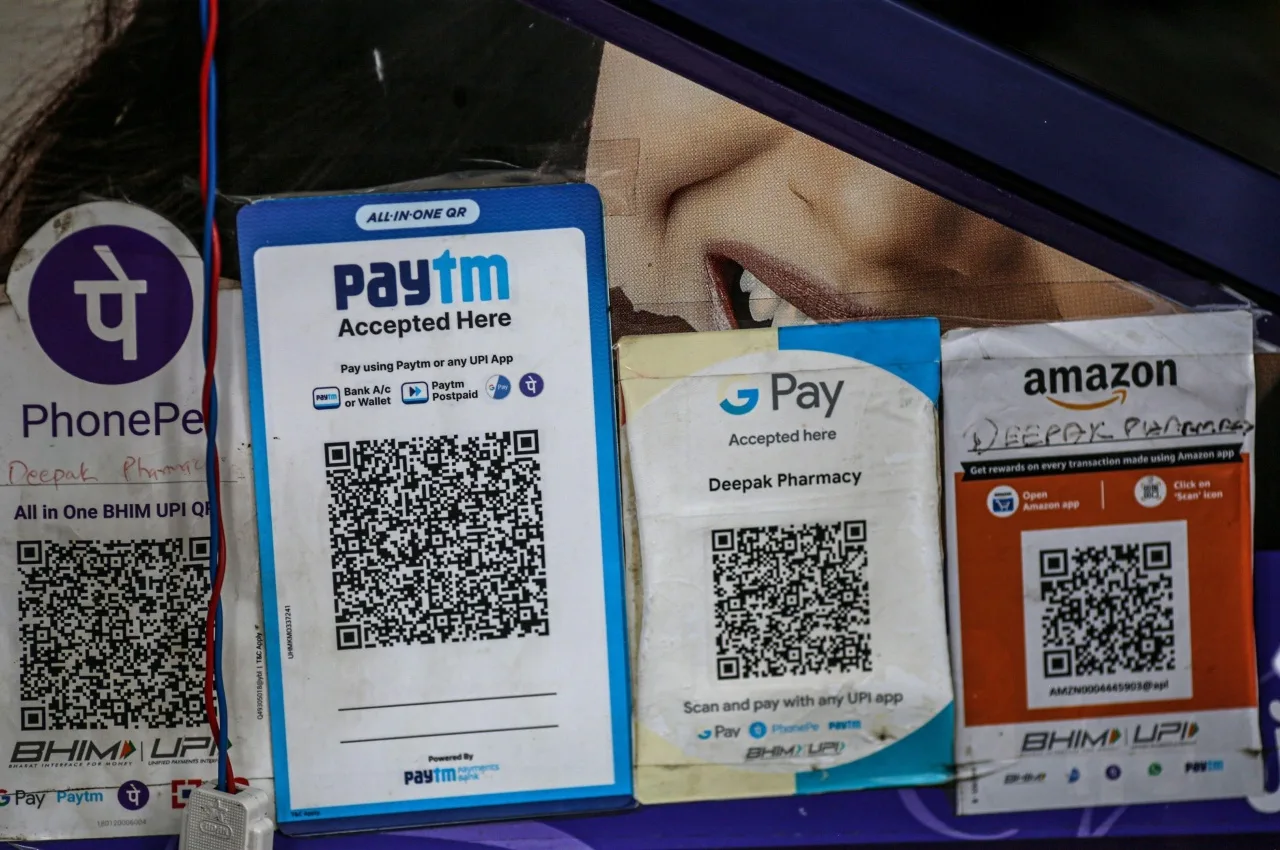
PhonePe, Paytm, GPay: Good news for small shopkeepers, as the National Payments Corporation of India (NPCI) is developing a new system that allows payment alerts from all UPI apps to be received through a single Soundbox. The adoption of digital payments is soaring in India, with UPI transactions becoming commonplace in everything from small grocery stores to larger retail outlets. However, shopkeepers face a significant challenge: they must purchase different Soundboxes and QR codes for each UPI app.
Some shopkeepers use Paytm’s Soundbox, while others opt for PhonePe or Google Pay. This situation not only raises costs for shops but also often leads to space constraints on the counter. With the new system, regardless of whether a customer pays via PhonePe, Paytm, Google Pay, or any other UPI app, the shopkeeper will receive payment notifications on a single device. This initiative by NPCI could represent a significant shift for millions of small shopkeepers across India, reducing expenses and simplifying the digital payment process.
Write a Comment