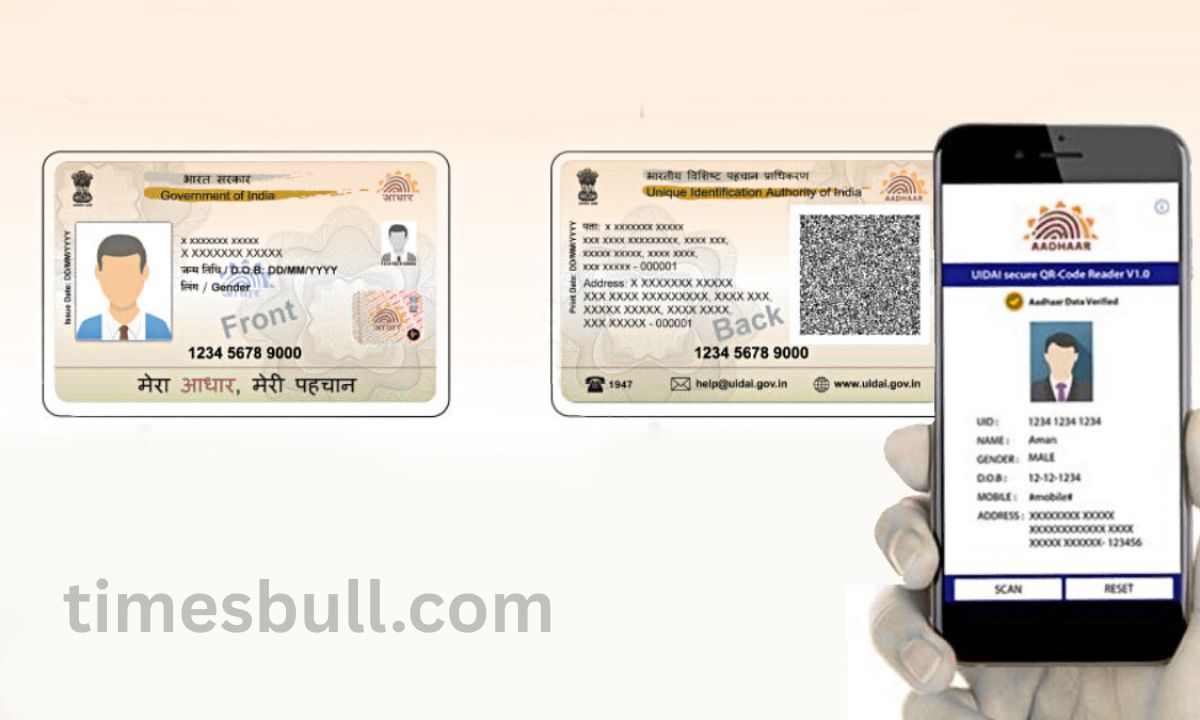
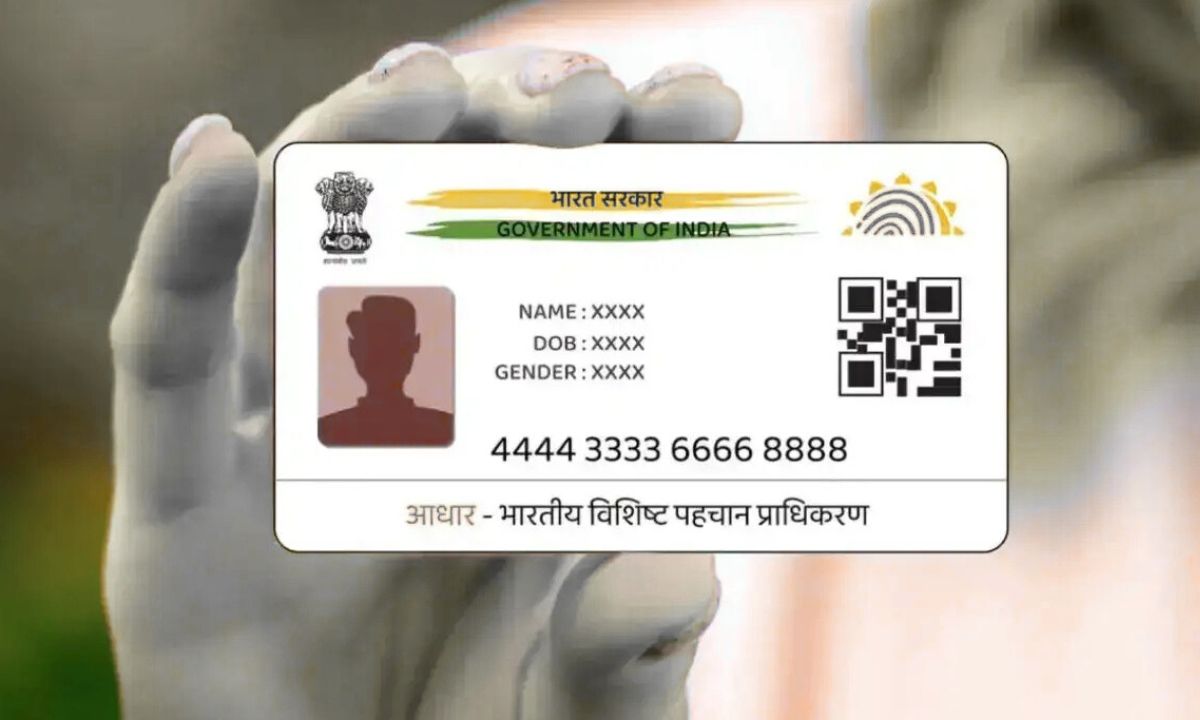
Aadhaar card: Use this mobile number to download your Aadhaar card on WhatsApp. You may swiftly obtain your Aadhaar card using WhatsApp itself if you would like. You must input your OTP and send a message to the MyGov Helpdesk chatbot in order to do this.
One of the most crucial government documents is the Aadhaar card, which is frequently required. There may be an issue if someone requests for your Aadhaar card out of the blue and you do not have a hard copy with you. We are going to give you a very helpful tip that will allow you to download your Aadhaar card on WhatsApp at any moment. Let us explain this method to you so that you can get digital Aadhaar instantly anytime you need it.
The fresh strategy is simple, and consumers can choose to employ a chatbot powered by Digilocker. There is no security concern because Digilocker allows users to download Aadhaar papers in PDF format. You will need to use the chatbot provided by MyGOV Helpdesk.
Use these steps to get
First, make sure your phone has the MyGov Helpdek number, +91-9013151515, saved.
The next step is to open WhatsApp, write “Hello” or “Namaste,” and send it to this number. The option to use various government services will be displayed to you.
The ‘Digital Aadhaar download’ option must be tapped here. – Your Aadhaar number must now be validated once you enter it.
The one-time password (OTP) that was given to the registered mobile number must be entered and verified.
The Aadhaar card will be downloaded as a PDF straight from WhatsApp after verification.
You can print it off or send it to someone at any time. Also,
The simplest benefit of this alternative, let us tell you, is that you will not have to visit the UIDAI website or endure the headache of repeatedly filling out the captcha. The special aspect is the ease with which you can download Aadhaar as often as you like.