


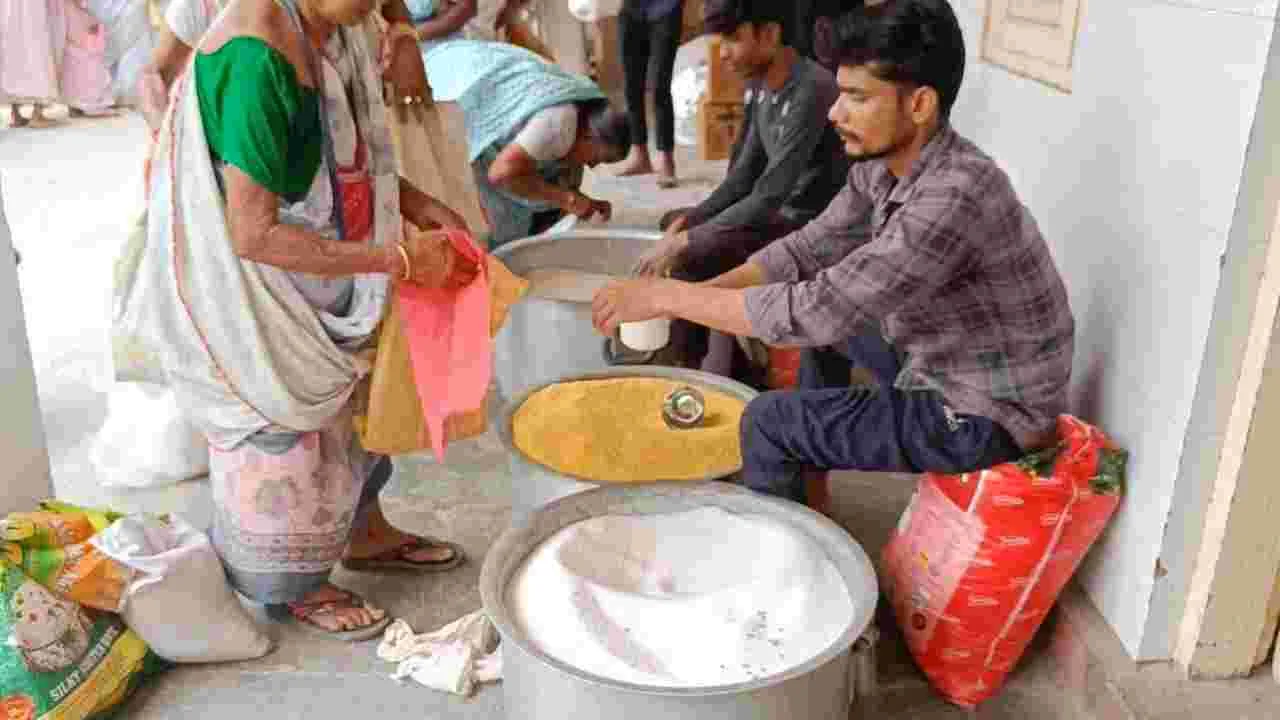
Free Ration Update: If you benefit from the free ration provided by the government, this information is important for you. Residents of Chandigarh or Dadra and Nagar Haveli can now receive their ration subsidy via their mobile wallet, but you will also need to complete your eKYC.
If you haven’t yet downloaded the specific app for government subsidies on your mobile or completed your eKYC, you might encounter difficulties in obtaining your ration.
Which app should you download for the ration subsidy?
Under the Pradhan Mantri Garib Kalyan Anna Yojana, the ration funds will be transferred to beneficiaries’ wallets using a CBDC, or Central Bank Digital Currency Wallet. This wallet is a digital platform designed for storing and transacting with the digital rupee (e₹), the official digital currency issued by the RBI.
How can you use this digital wallet on your mobile?
The CBDC wallet, or digital wallet, operates on your smartphone through the bank’s official e₹ (Digital Rupee) app. In simple terms, you need to download the e₹ (Digital Rupee) app for the bank where you hold an account. The government will then deposit your ration funds into this app. After that, you can visit the ration shop, scan the QR code using the app, make the payment, and claim your free ration.
Getting your eKYC done is now very simple.
You can accomplish many tasks from home, including completing the eKYC for your ration card. Currently, online eKYC may not be available in all states. If this service is available in your state, you can finish your eKYC from the comfort of your home.
How to complete eKYC?
To complete your eKYC, follow these straightforward steps. First, install the Mera eKYC and Aadhar Face RD apps on your mobile. Next, open the Mera eKYC app and select your state. Then, provide the required information. After that, enter your Aadhar number. An OTP will be sent to the number linked with your Aadhaar; enter that to proceed.
After verification, click on the Face e-KYC option.
Then place your face in front of the camera.
After this, e-KYC will be completed after the face is successfully matched.
Note, if the online option is not working in your state, then you can go to your nearest ration shop and get biometric eKYC done for free.
What to do if you face any problem in online eKYC?
If you face any problem in doing eKYC on your mobile or your face is not getting scanned, then you can complete this process by visiting the nearest ration dealer shop.