


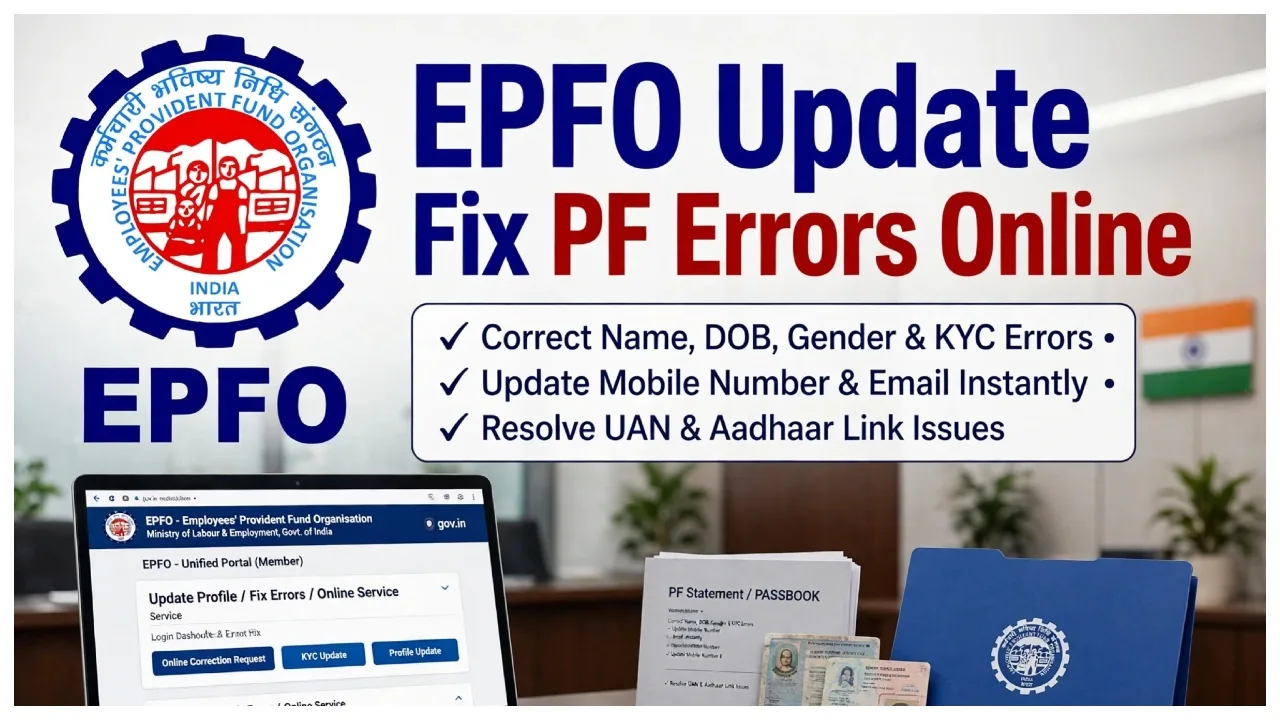
EPFO Update: If there are errors in your PF account—such as the spelling of your name, your date of birth, or details related to your employment—you no longer need to make multiple trips to a government office to have them corrected. The Employees’ Provident Fund Organization (EPFO) has introduced an ‘Online Joint Declaration’ facility for its members. Incorrect information can often lead to issues, such as the rejection of a PF claim or difficulties when transferring funds from one account to another.
Therefore, it is advisable to rectify these errors as soon as possible. Through the online joint declaration facility, you can apply to correct inaccurate details in your PF account from the comfort of your home. The EPFO has also recently provided guidance on how to use this facility. Let’s look at which details you can correct from home.
Using the online joint declaration facility, members can apply from home to correct various details recorded in their PF accounts. It is important to note that you must provide the correct information and submit the necessary supporting documents to facilitate these corrections.
Member’s name
Date of birth
Father’s or spouse’s name
Correct date of joining employment
Correct date of leaving employment
Other employment-related details

How to apply for corrections in 5 steps:
Step 1: Log in to the EPFO Member Portal.
Visit the official EPFO member portal. Log in by entering your Universal Account Number (UAN), password, and the CAPTCHA code displayed on the screen.
Step 2: Select the ‘Joint Declaration’ option.
From the menu, select the ‘Joint Declaration Facility’ option. You can then begin the process of correcting the inaccurate information in your account.
Step 3: Select the details to be corrected.
The details associated with your account will appear on the screen. Select the specific information that requires correction. For example: name, date of birth, etc.
Step 4: Enter accurate information and upload documents.
Enter the correct details as required. Carefully verify information such as the spelling of your name and your date of birth. Next, upload the supporting documents requested by the portal—for instance, an Aadhaar card, PAN card, or passport.
Step 5: Submit the application
In the final step, thoroughly review the information you have entered and the documents you have uploaded. Once everything is confirmed to be correct, click the ‘Submit’ button. Your application will then be forwarded for further processing and verification by your employer and the EPFO.