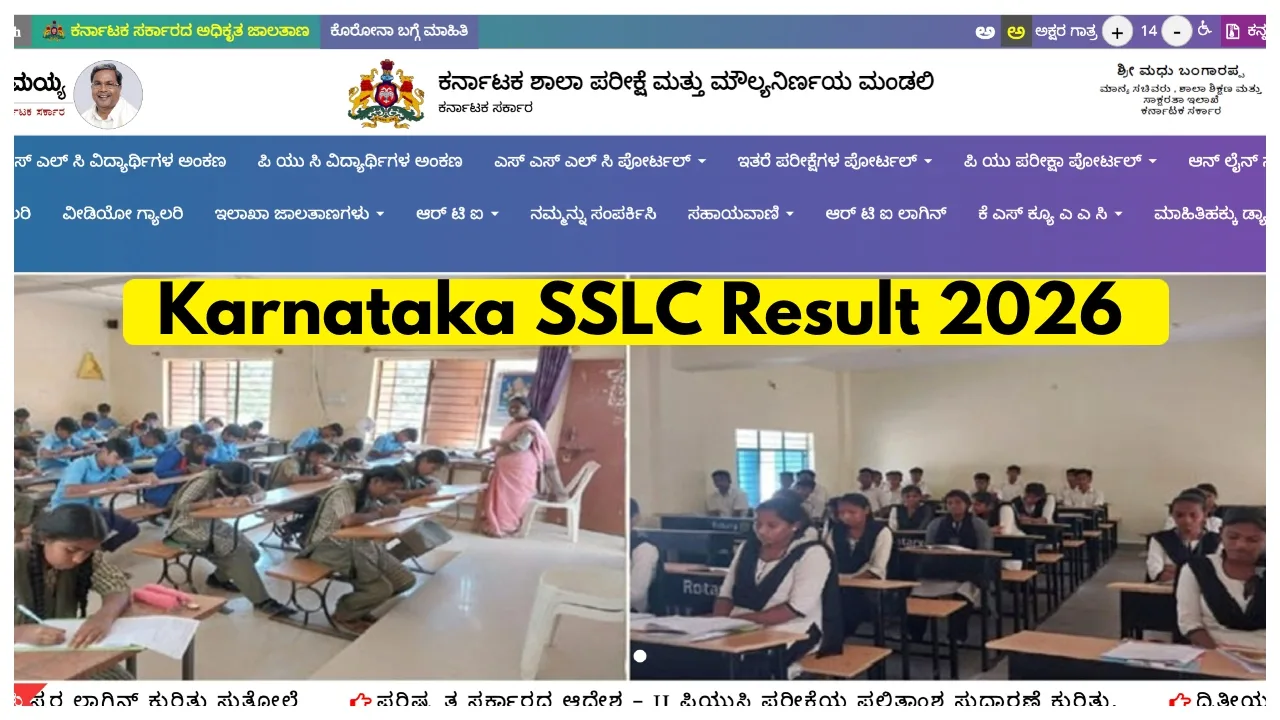
Karnataka sslc result 2026: The Karnataka School Examination and Assessment Board (SSLC) is set to announce the results for the Class 10 Board Examinations very soon. The Karnataka Board will shortly declare the High School Board Examination results on its official website, karresults.nic.in. To check their results, students will need to enter their roll numbers and other required details. Once the results are released, the marksheet will be made available for download on the official website.
When will the Karnataka Class 10 Result be released?
The Karnataka Class 10 Board Examination results are expected to be announced in May 2026. However, no official announcement regarding the exact time and date of the result declaration has been made yet. Nevertheless, based on past trends, the results are estimated to be released in May. The evaluation process is currently being completed on an expedited basis.
Result Overview
Current Status
How to Check via KarnatakaOne App
Details Required
Where to check the SSLC 10th Result 2026?
karresults.nic.in
How to download the Karnataka SSLC Result 2026 Online
Step 1: Once the result is released, visit the official website at karresults.nic.in.
Step 2: Now, click on the ‘Karnataka SSLC Result 2026’ link.
Step 3: Enter your registration number and date of birth.
Step 4: Click on the ‘Submit’ button.
Step 5: The Karnataka SSLC marks memo will appear on the screen.
Step 6: Download and save the Karnataka SSLC Result 2026, and take a printout for future reference.
How to download the KSEAB 10th marksheet 2026 via DigiLocker and the KarnatakaOne App?
In addition to the official website, Class 10 students can also check their SSLC results using their login credentials on DigiLocker or the KarnatakaOne App. To view your scorecard on DigiLocker, visit results.digilocker.gov.in; to obtain your marks memo via the KarnatakaOne application, visit the Google Play Store or the official website of the Government of Karnataka.
How to check Karnataka SSLC Result 2026 using SMS
Step 1: First, open the messaging app on your phone.
Step 2: Type: KSEEB10 (Registration Number)
Step 3: Send it to 56263.