

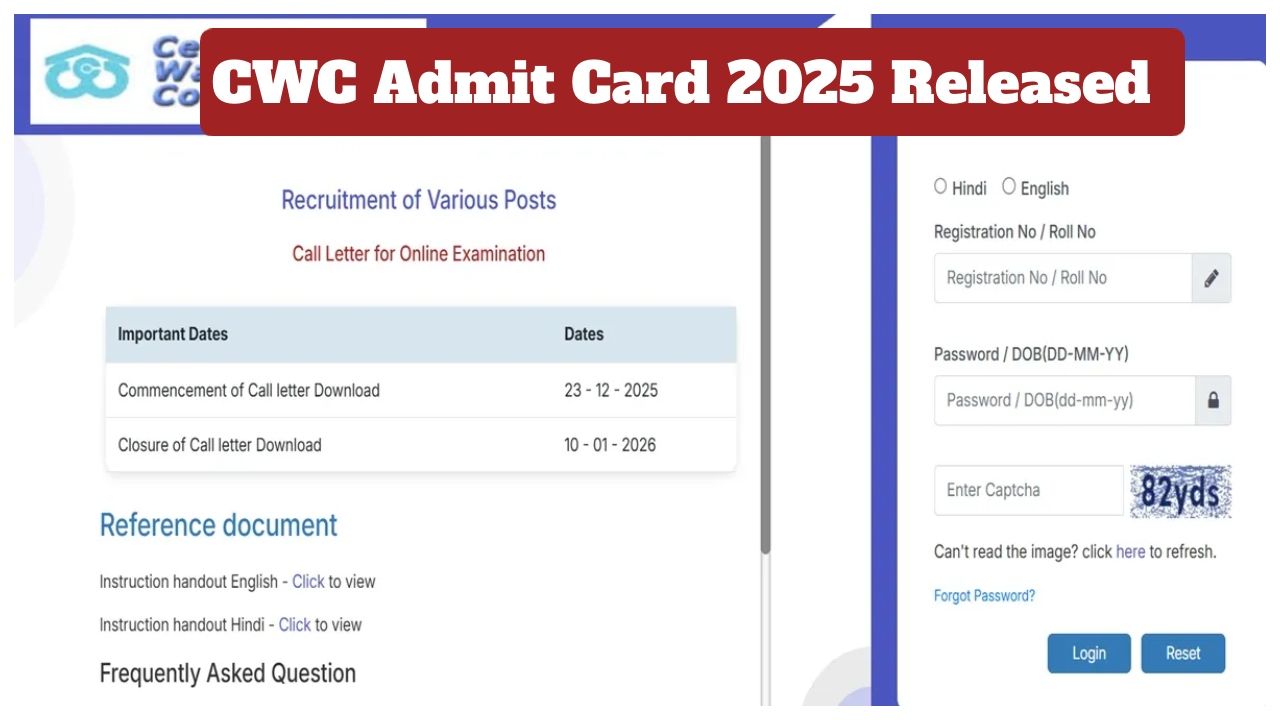
CWC Admit Card 2025: The Central Warehousing Corporation has released the admit cards for the Management Trainee, Accountant, Superintendent, and Junior Technical Assistant examinations. Candidates appearing for these exams can now download their hall tickets through the official website ibpsonline.ibps.in. To download the admit card, candidates will need to use their registration number, password, and captcha code. Here’s how you can download your admit card from home:
How to Download the Admit Card:
First, visit the official website ibpsonline.ibps.in
Click the admit card link on the website’s homepage.
Enter your login credentials, such as registration number, password, and captcha code.
After entering your login credentials, the admit card will appear on your screen.
Finally, be sure to print it.
Number of Vacancies:
A total of 179 candidates will be recruited through this recruitment examination. This includes 40 posts for Management Trainee MT (General), 13 posts for Management Trainee MT (Technical), 9 posts for Accountant, 22 posts for Superintendent General, 2 posts for Superintendent General (SRD), 81 posts for Junior Technical Assistant, 10 posts for Junior Technical Assistant (SRD), and 2 posts for Junior Technical Assistant (SRD) UT Ladakh.
Admit cards have been released for various examinations. All candidates are advised to carefully check the information given on the admit card after downloading it, such as roll number, exam name, exam centre name, and exam date. Also, carefully read the instructions given on the admit card for appearing in the examination.
Remember to carry your admit card to the examination centre, as you will not be allowed to sit for the exam without it.
Latest News
- Tata Tiago Facelift Launching Soon – Aggressive Design And High-Tech Cabin Revealed

- LPG Gas Connection Transfer Made Easy, Learn the Complete Process

- New Honda City Facelift 2026 Launched – Sporty Coupe Look And ADAS Safety Revealed

- 8th Pay Commission: केंद्रीय कर्मचारियों की बढ़ेगी बंपर सैलरी! आयोग ने उठाया यह बड़ा कदम

- China: चीन के कोयला खदान में भयंकर विस्फोट, 90 लोगों की गई जान, पीएम मोदी ने भी जताया दुख

- Weather warning – Heavy Rain, thunderstorms, lightning Alerts for 13 States Over Next 3 Days

- UP TGT Exam City Slip 2026 Released – Download at upessc.up.gov.in, Exam June 3-4

- ATM Alert: एटीएम में फंस जाए डेबिट कार्ड तो घबराएं नहीं, फटाफट यह काम करने से होगा समाधान

- Post Office Scheme – 7.5% Interest Rate, ₹5 Lakh Becomes ₹7,24,974 in 5 Years, Start with Just ₹1,000

- Best AI Video Editing Laptops Under 60,000 INR: Top Picks Her

