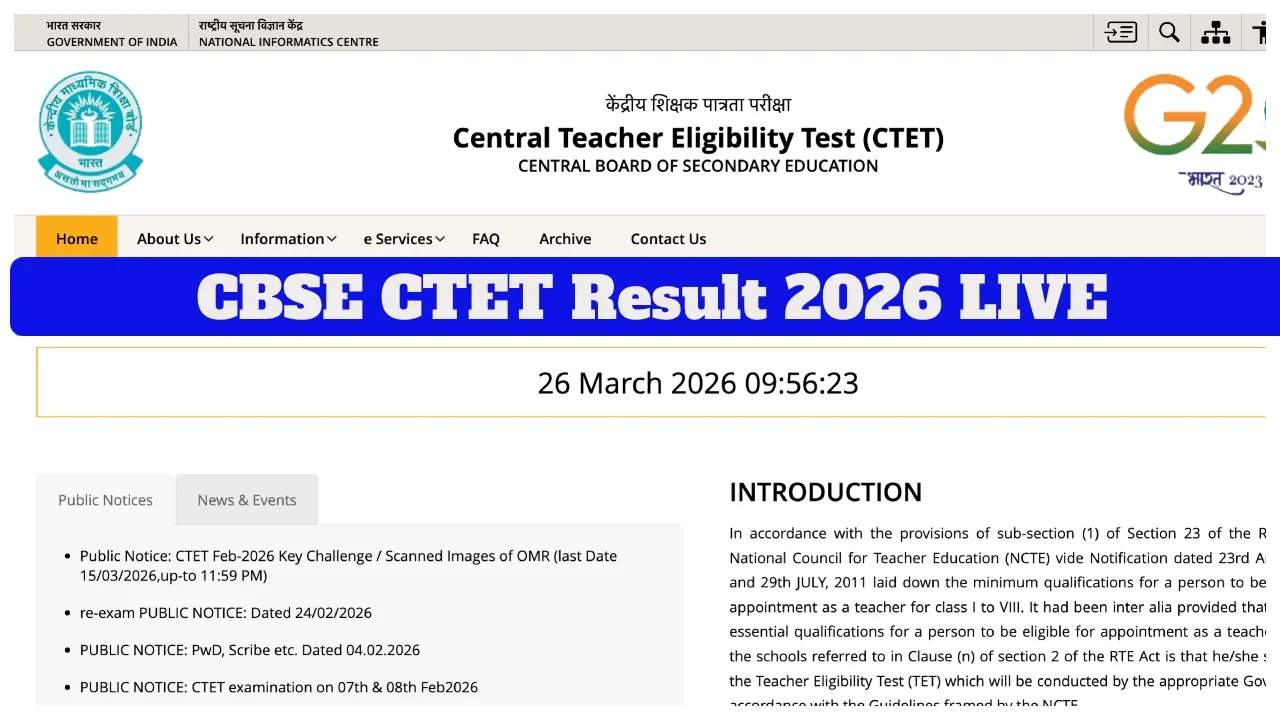
CBSE CTET Result 2026 LIVE: The Central Board of Secondary Education (CBSE) is likely to release the results for the CTET examination today, March 26, 2026. Once the results are published, candidates can visit the official website—ctet.nic.in—to check their scores. To access their results, candidates will need to provide their Roll Number and Date of Birth (DoB).
According to the latest reports, CBSE has nearly completed the evaluation process and the resolution of objections to the answer keys; consequently, the results could be announced at any moment. Candidates who appeared for this examination can download their scorecards via the official CBSE website, ctet.nic.in. However, no official information regarding the exact result date has been shared yet.
The Board released the scanned OMR sheets and provisional answer keys on March 12, 2026. Following this, candidates were given the opportunity to submit objections until March 15, 2026.
Passing Marks?
In the CTET 2026 examination, candidates in the General Category must secure a minimum of 90 marks out of 150, while SC and ST candidates must secure 82 marks to qualify.
Mark Sheets Available on DigiLocker
A few days after the results are declared, CBSE will also upload the digital mark sheets and eligibility certificates of successful candidates to DigiLocker. Candidates can download these documents using their registered mobile numbers.
How to Check CTET Result 2026 Using These Steps:
Step 1 – Visit the official website: ctet.nic.in
Step 2 – Click on the ‘CTET Feb Result 2026’ link available on the homepage.
Step 3 – Now, enter your Roll Number. Step 4 – The CTET result will appear on the screen.
Step 5- Download the result and take a printout of it.
How to Download CTET Certificate and Marksheet on DigiLocker App:-
Step 1: First, download and install the ‘DigiLocker app‘ on your smartphone.
Step 2: Click on the ‘Sign Up’ link on the home page.
Step 3: Enter your name, date of birth, category, valid mobile number, email ID, Aadhaar number, and a 6-digit security PIN.
Step 4: After filling in all details, set a username.
Step 5: Once your account is created, click on the ‘Central Board of Secondary Education, Delhi’ link.
Step 6: Now, select the ‘Teacher Eligibility Test Certificate’ option.
Step 7: Enter your Roll Number and Registered Mobile Number.
Step 8: Your CTET marksheet and certificate will appear on the screen.
Latest News
- Motorola Edge 60 Fusion Review: Mid-Range King or Outdated?

- FD Update– Breaking Your FD Early? Know the consequences

- Bank Holiday–RBI Announces Closure of SBI, HDFC and All Banks Next Week, Save the Dates

- Samsung Galaxy S26 Ultra Amazon Deal – Get ₹23,509+ Discount with Bank Offers and Exchange Benefits

- Best Scooters For College Girls 2026 – Perfect Mix Of Mileage, Style And Lightweight Design

- Kodak Matrix QLED Google TV 2026 Series Launched in India Just Under 10,999

- Senior Citizen FD Rates: सीनियर सिटीजन को यहां से मिल रहा बंपर ब्याज, जल्द करें निवेश

- UGC NET 2026 – How to Apply for UGC NET June 2026? Last Date May 24 Till 11:50 PM at ugcnet.nta.nic.in

- Mahindra Thar New Version Leaked – Powerful Engine And Advanced Features Coming

- Jio 5G Unexpected Speed Drop: Network Slowdowns Frustrate Users