


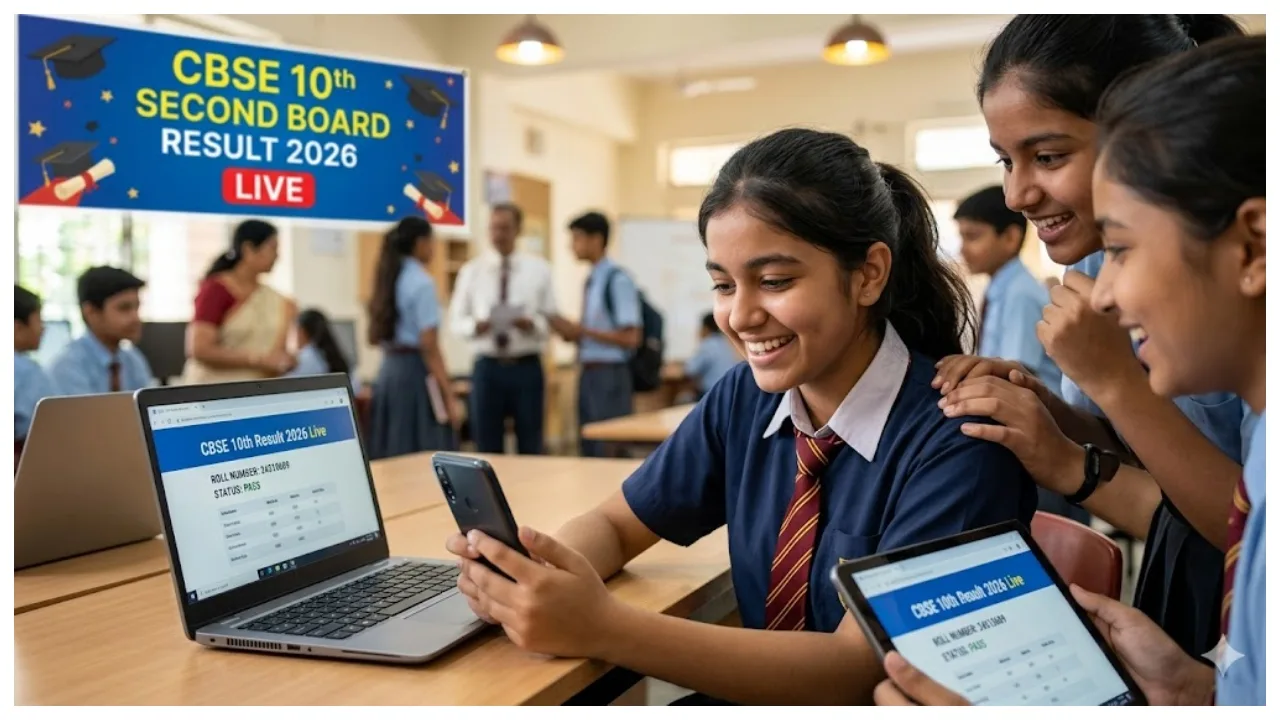
CBSE Class 10 Second Exam Result 2026: Students who have appeared for the CBSE Board Class 10th Board Second Exam Examination are waiting for their results. According to media reports, the CBSE Class 10 results can be released at any time. However, the board has not provided any official confirmation of the date and time of the results. A total of 6,68,854 students have appeared in the second board examination, and results are awaited.
The Central Board of Secondary Education can release the result of the 10th secondary examination at any time. The scorecard will be made available for download on the official website of the board, cbse.gov.in, cbseresults.nic.in after the results are released. Students will have to enter their roll number and date of birth to check the result. Students can check their results and download the scorecard.
Check Results on These Websites:
How to Check The CBSE Class 10 Second Exam Result?
Go to the official website of CBSE at cbse.gov.in
Go to the homepage and click on the CBSE Class 10th Second Exam Result 2026 link.
Enter your Roll Number and DOB and click the submit button.
The result will be displayed on your screen.
Download the marksheet to your desktop and to take a printout for future use.
When was the exam?
The second board examination was held between May 15 and May 21, 2026. A total of 6,68,854 students have appeared for the second board exam. About 5.25 lakh students had applied to improve their marks, while more than 85 thousand students had applied for the compartmental examination.
How to Check The Result Via SMS?
Students can also get the results of the CBSE Class 10 Second Board Examination via SMS or IVRS after they are released.
Students should first send their roll number, DOB and school number to 7738299899. You will get the score information immediately after that.
Where can you check
Online Official Website
Via SMS
via IVRS or call
DigiLocker CBSE Result
How to Check CBSE Class 12 Results 2026 on DigiLocker
Step 1: Open the DigiLocker app or visit the website and log in to your account.
Step 2: Navigate to the “Education” section.
Step 3: Select the CBSE Board option.
Step 4: Enter the required details and click the submit button.
Step 5: Download your digital marksheet.