

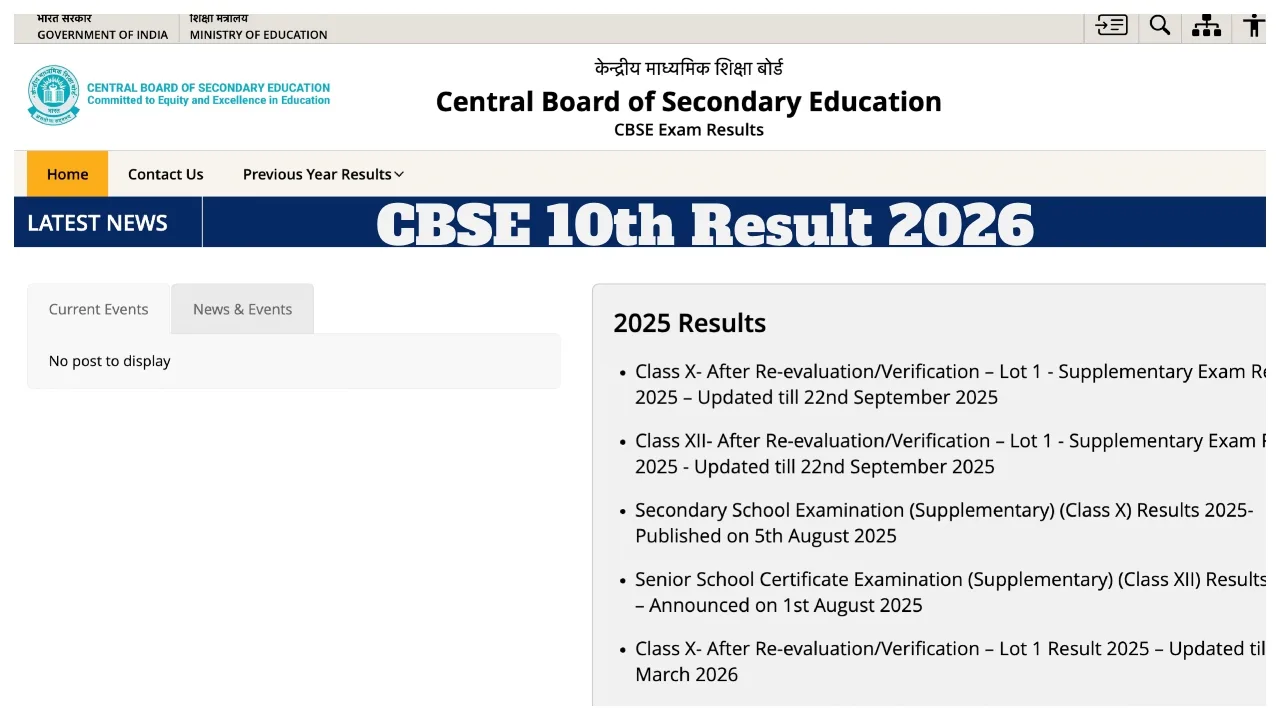
CBSE 10th Result 2026 Date Update: Students who appeared for the CBSE Class 10 examinations are eagerly awaiting their results. The Central Board of Secondary Education (CBSE) is expected to release the Class 10 results shortly. Once released, students will be able to access their scores via the official websites: cbse.gov.in and cbseresults.nic.in
To check their results, students must use their login credentials. However, no official information has been shared yet regarding the exact date and time of the results’ release. Therefore, students are advised to keep a close watch on the official websites for the latest updates regarding the results.
Websites to Check CBSE Board Results:
cbse.gov.in
cbseresults.nic.in
digilocker.gov.in
umang.gov.in
Passing Marks:
To pass the examination, students must secure a minimum of 33% in each subject out of 100. It is mandatory to pass both the theory and practical components separately. If a student scores less than 33% in any subject, they become eligible to appear for the compartment examination.
How to check the results
Once the CBSE Class 10 results are released, students can check their results on the official CBSE website, via the DigiLocker app and portal, or by SMS.
How to check results without the internet?
Often, immediately after the results are released, heavy web traffic can cause servers to go down; alternatively, you may simply not have internet access. In such instances, there is no need to panic. The Board has also provided offline methods:
Via SMS: Type in your mobile’s message box and send it to 7738299899. You will receive your result as a text message.
Via IVRS (Call): Students in Delhi can check their results by calling 24300699, while students in the rest of the country can do so by calling 011-24300699.
How to Check CBSE Class 10 Results 2026 via Website?
Step 1: Visit the official CBSE website at cbse.gov.in
Step 2: Click on the ‘CBSE Result’ link located on the website’s homepage.
Step 3: Log in by entering your CBSE Class 10 roll number, school code, and date of birth.
Step 4: Your CBSE marksheet will be displayed on your screen.
Step 5: Download the online marksheet for future reference.