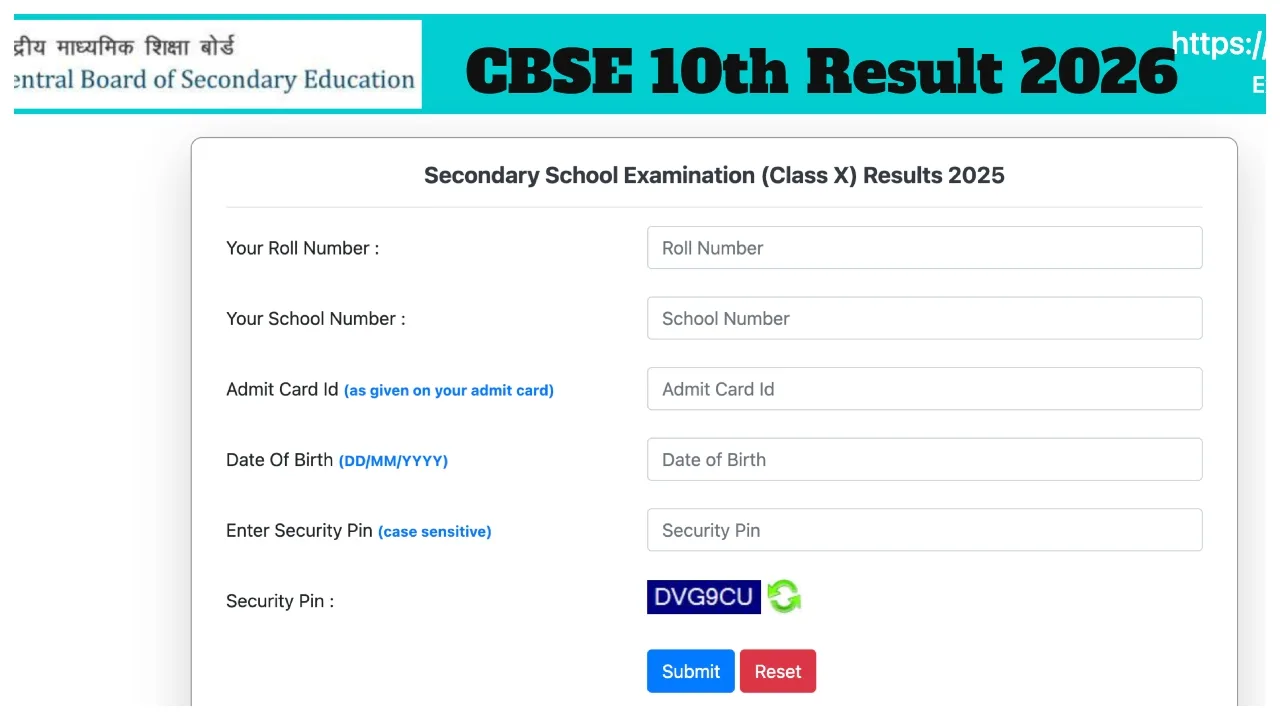
CBSE 10th Result 2026: The Central Board of Secondary Education conducted the board examinations for the Secondary (10th) class between February 17 and March 11, 2026. With the Class 10 examinations now concluded, students are eagerly awaiting their results.
It is worth noting that this time, the CBSE Class 10 Board Results for 2026 may be released by the Board much earlier than usual. Typically, board results are released in May. All updates regarding the CBSE Board Examinations 2026 can be checked via cbse.gov.in.
Will the Results Be Released in April?
Every year, CBSE releases its results in May. However, this year, the Class 10 board examinations are being conducted in two phases. The Phase 2 examinations are scheduled to commence in May. Consequently, the results for the first phase are expected to be declared as early as next month, in April.
How to Check the Results
Once the CBSE Class 10 results are released, students will be able to access their scores through various channels, including the official CBSE website, the DigiLocker app and portal, SMS services, and the UMANG app.
Phase 2 Examination Details
Following the release of the Phase 1 results, students who did not pass the examination—or those who wish to improve their scores—will have the opportunity to retake the examination for up to three subjects. The Phase 2 examinations will be conducted in May, and the results will be released in June. Therefore, students are advised to continue preparing for the subjects they intend to retake.
How to Check CBSE Class 10 Results 2026 Online?
Step 1: Visit the official CBSE website at cbse.gov.in
Step 2: Click on the ‘CBSE Result’ link located on the website’s homepage.
Step 3: Log in by entering your CBSE Class 10 roll number, school code, and date of birth.
Step 4: Your CBSE marksheet will be displayed on your screen. Step 5: Download the online marksheet for future reference.
You can check your results on the following official websites:
cbse.gov.in
results.nic.in
results.digilocker.gov.in
umang.gov.in
How to Check CBSE Board Results via DigiLocker?
Log in to digilocker.gov.in or access the DigiLocker mobile app.
Select the ‘CBSE’ section and click on either the ‘Class 10 Marksheet’ or ‘Class 12 Marksheet’ option.
Enter your roll number and provide any other required information.
Enter the One-Time Password (OTP) sent to your registered mobile number to complete the verification process. You will see your marksheet on the screen.
How to check class 10 and 12 results via SMS
Step 1: Open the messaging app.
Step-2: Type: cbse10/ cbse12
Step-3: Send to 7738299899 Number
Step 4: Get your result via SMS.